
Sonos Roam Speakers for iPhone Users: Bluetooth, AirPlay and Wi-Fi

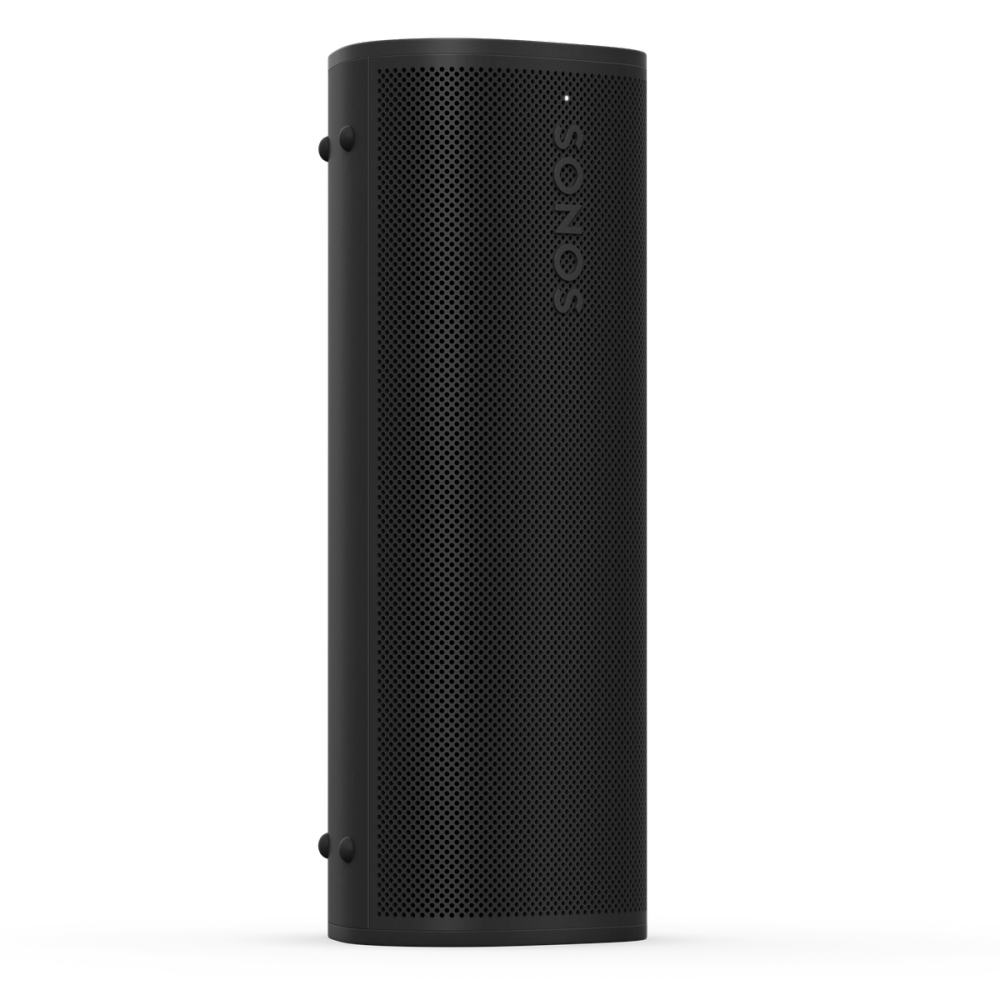
Choose the right playback mode on an iPhone and understand when Wi-Fi setup is required.
Bluetooth and AirPlay are different connections
Compatible Sonos Roam models can receive Bluetooth audio directly from an iPhone. Apple AirPlay 2 on supported Sonos speakers instead uses a compatible network. Confirm support for your exact speaker model using Sonos documentation and distinguish AirPlay playback from speaker grouping inside the Sonos app. Do not assume every Bluetooth speaker supports AirPlay.
Choose the listening scenario
| Scenario | Connection to investigate |
|---|---|
| Outdoor trip | Bluetooth, after required setup |
| Home listening | AirPlay or compatible Sonos app playback |
| Guest accommodation | Bluetooth if the Wi-Fi network isolates devices |
Set up without unnecessary resets
Charge the speaker, follow model-specific setup instructions, check iOS app permissions and choose the correct audio output. If AirPlay cannot discover a supported speaker, check network connectivity and isolation first. If Bluetooth fails, inspect pairing state and disconnect any other active source where appropriate. Do not factory-reset the speaker before checking these simpler causes.
Compare the options
Explore Roam 2 and Roam SL. Microphone presence, generation-specific setup and voice features differ. Verify Apple ecosystem requirements before choosing a model, particularly when buying for someone else.
FAQs
Do I need mobile data for Bluetooth?
Not for locally stored audio; streaming apps may need internet.
Does AirPlay work away from Wi-Fi?
Do not rely on it without the required supported network arrangement.
See Sonos AirPlay guidance and Wi-Fi vs Bluetooth guide.
Infinite Tech, Rehema House, Standard Street, Nairobi CBD. Call 0720450148 to confirm stock and package details. Research-based guidance, not independent testing.
