
Ray-Ban Meta Gen 2 Video Transfer and Storage: Import Clips Before Travelling

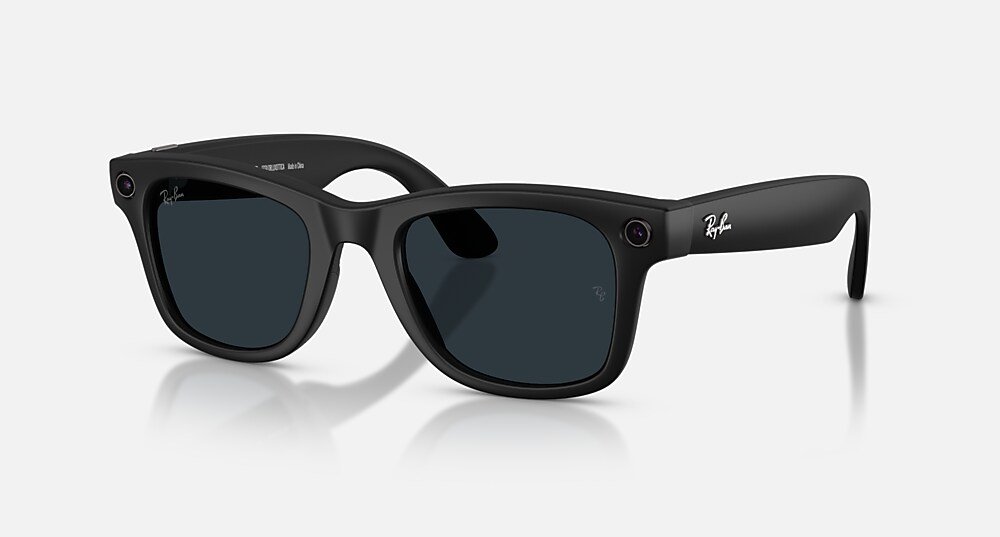
Keep captured smart-glasses clips organized and backed up before clearing onboard storage.
Import a test recording
Make a brief consented recording and follow the official app import instructions. Check that the clip plays on the phone with sound, then verify the destination folder. App and connectivity requirements can vary.
Archive the originals
Sort files by date and event; copy valuable clips to another storage location before deletion. Keep enough space on both devices. Export edited videos separately so original footage remains available.
Respect privacy
Obtain consent where appropriate and do not share private footage casually. Use account-protected storage and remove recordings that people have reasonably asked you not to retain.
Frequently asked question
Is importing a clip the same as backing it up?
No. Create a separate verified copy if the recording is important.
Compare Ray-Ban Meta Gen 2. See manufacturer support and contact Infinite Tech in Nairobi for current price, exact configuration and warranty.
