
Pixel 11 Android Data Transfer: Moving From Samsung Without Losing Files

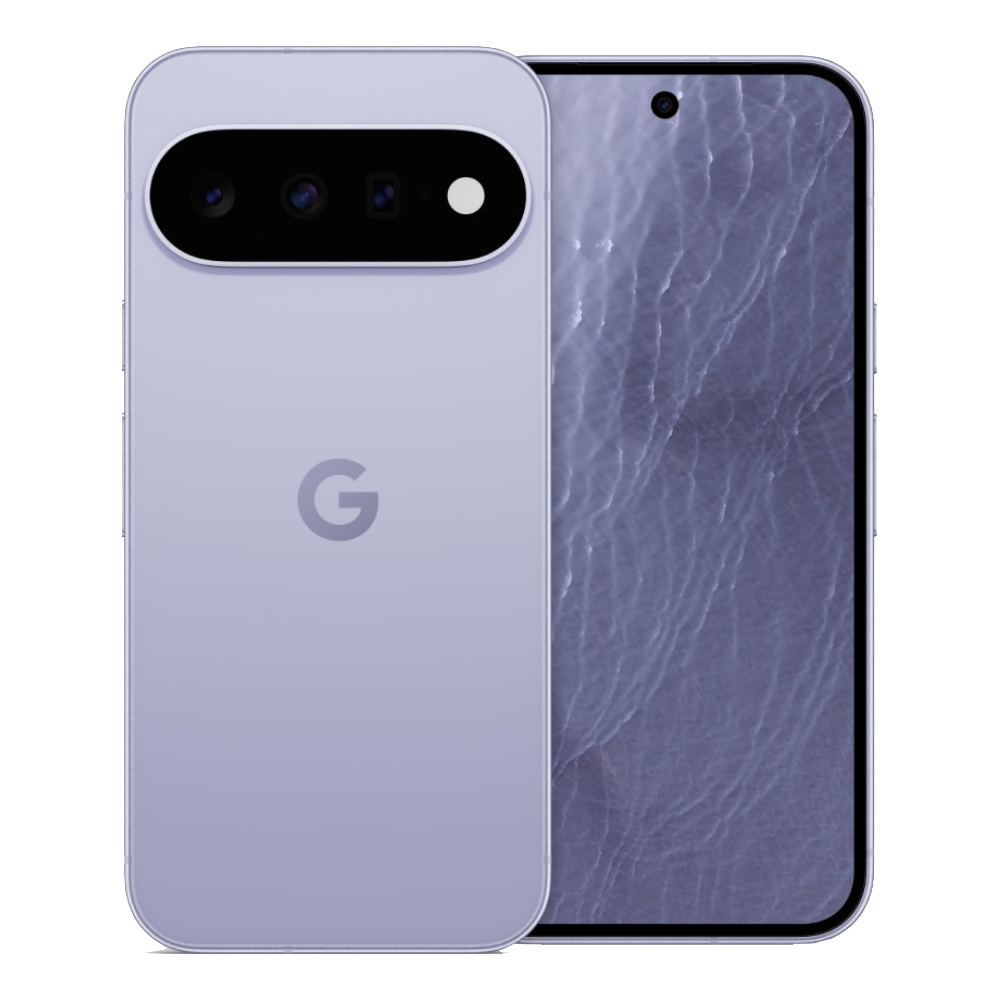
Move contacts, photos and messages to Pixel 11 while protecting backups and account access.
Before you begin
Before transferring, sync contacts, back up photos and list apps requiring separate migration, including authenticators and banking apps. Samsung-specific notes, secure folders and health records may require export rather than standard Android copying.
Practical checks
During setup choose cable or wireless transfer according to the prompts. Keep both phones charged and connected; large video libraries may take longer. Do not erase the old handset while the copy is running.
Make the right decision
Check contacts, recent photographs, text history and access to payment apps on the new phone. Keep the old device until backups and account recovery are verified.
Frequently asked question
Will every app transfer its login?
No. Some services need fresh authentication or their own migration process.
Compare Pixel 11, Pixel 11 Pro at Infinite Tech. Read the official manufacturer support information and contact our Nairobi shop for current availability and warranty.
