
Pixel 11 Pro XL for Reading PDFs and Ebooks: Display and Battery Considerations

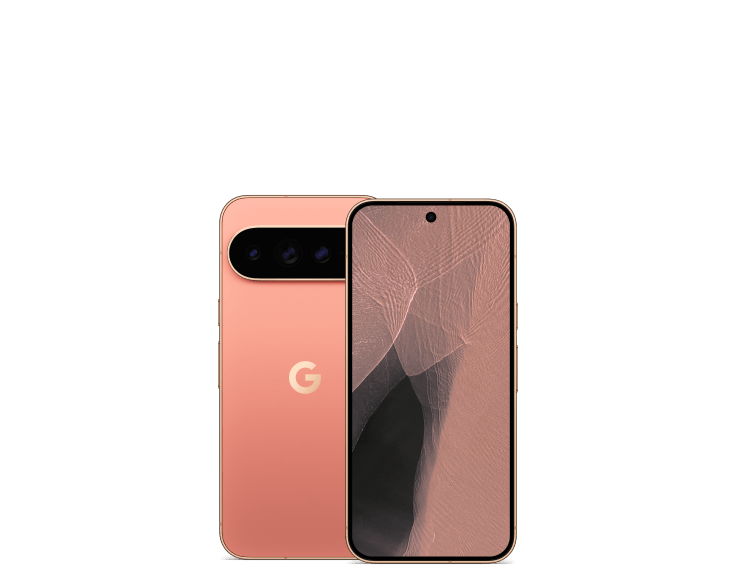
Assess the large-screen Pixel as a pocket reading tool for reports, textbooks and ebooks.
Read your own documents
Open an actual multi-column PDF and a typical ebook before purchase. Try landscape orientation, text reflow where available and zooming diagrams. A large phone still has less working area than most tablets.
Prepare offline access
Download authorized course documents before a trip and create folders for different subjects or clients. Test opening a file without mobile data. Enable suitable backup and avoid retaining sensitive documents on an unsecured device.
Comfort over a long session
Adjust brightness and text size to the room. Hold the phone at a comfortable distance and take breaks during prolonged reading. Check weight with the case fitted and compare with a dedicated tablet if reading is your main task.
Frequently asked question
Will a large phone replace a tablet for every PDF?
No. Complex technical drawings and multi-column documents may still benefit from a larger screen.
Shop Pixel 11 Pro XL, Pixel 11 Pro. Check manufacturer information, then contact Infinite Tech Nairobi for current prices, configuration and warranty.
