
Pixel 11 Pro XL for Mobile Video Editing: Storage and Export Checklist

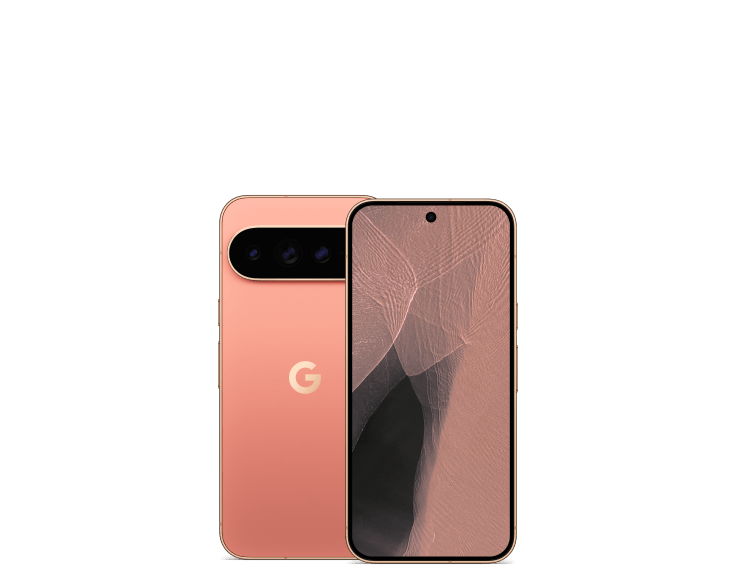
Evaluate the Pixel 11 Pro XL as a mobile editing device using practical clip, storage and export tests.
Before you begin
Create a short project containing several clips, captions and audio before deciding whether the phone fits your work. Check timeline responsiveness and export time using your preferred editor.
Practical checks
High-resolution footage consumes storage quickly, especially when an editor creates copies and previews. Reserve space for exports and keep source files backed up outside the editing app.
Make the right decision
Review a finished export on another device to check aspect ratio, sound and color. Long editing and charging sessions may create heat; let the phone cool if it warns about temperature.
Frequently asked question
Does a larger screen automatically make exports faster?
No. Processing, app support, project settings and thermal conditions matter.
Compare Pixel 11 Pro XL, Pixel 11 Pro at Infinite Tech. Read the official manufacturer support information and contact our Nairobi shop for current availability and warranty.
