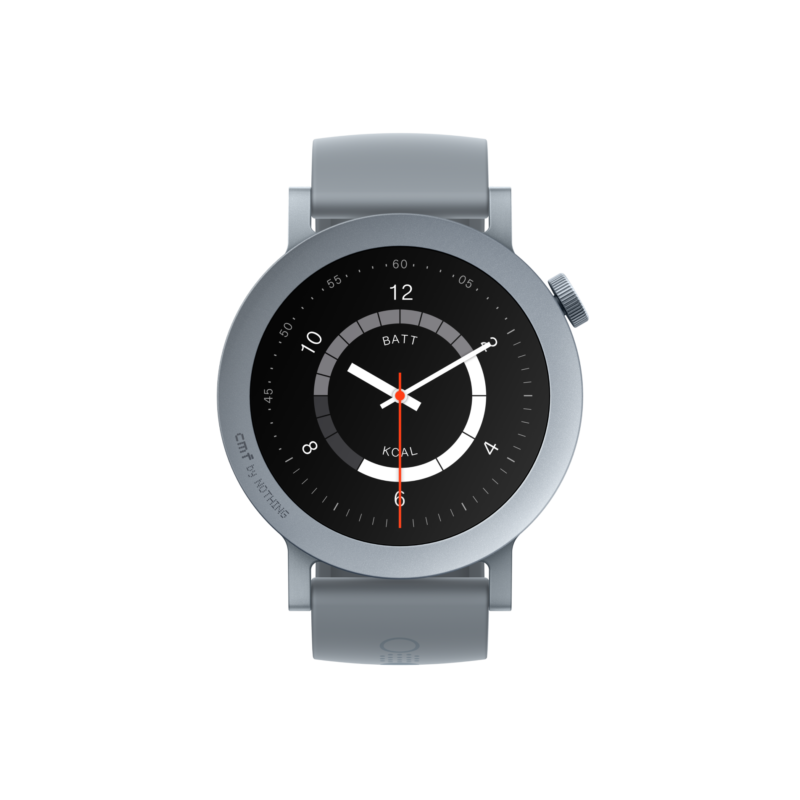
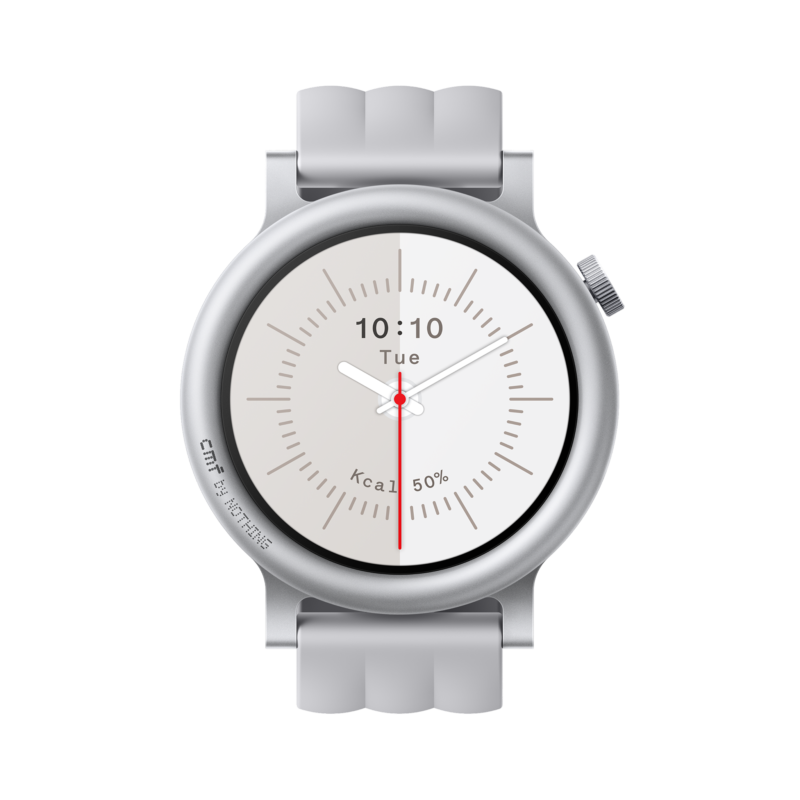
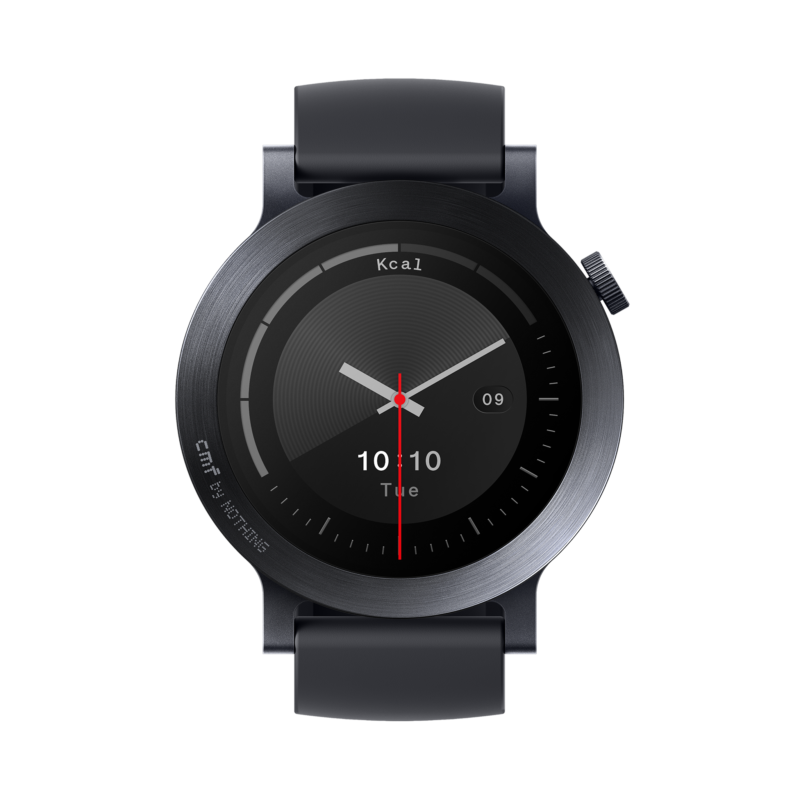
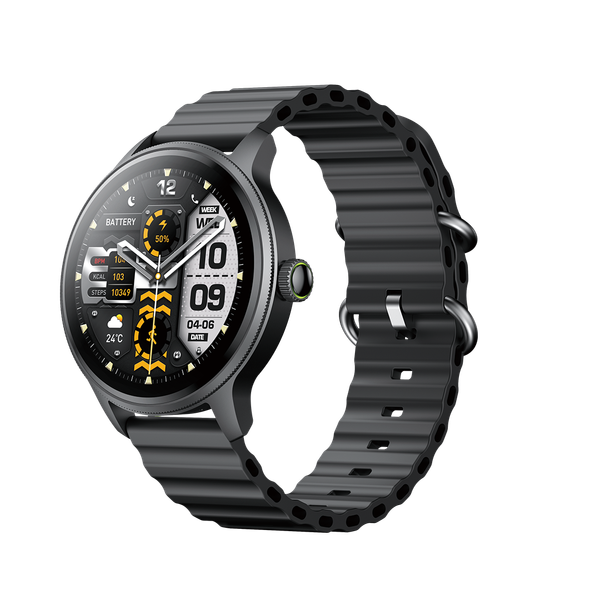
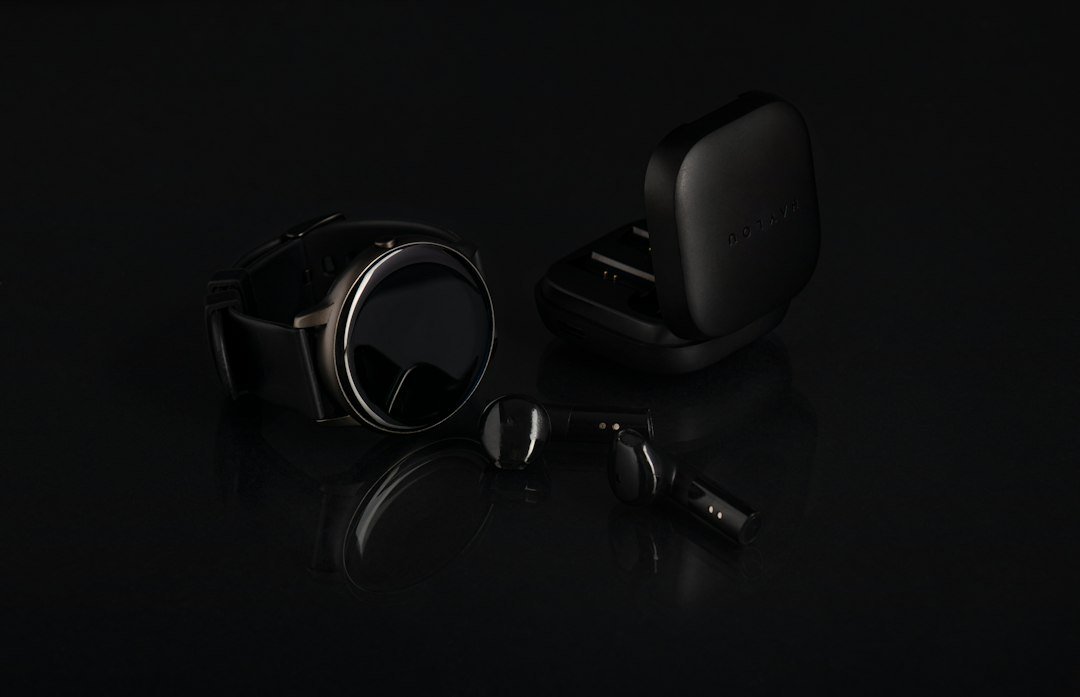
How to Pair CMF Watch 3 Pro and Watch Pro 2 With Android or iPhone

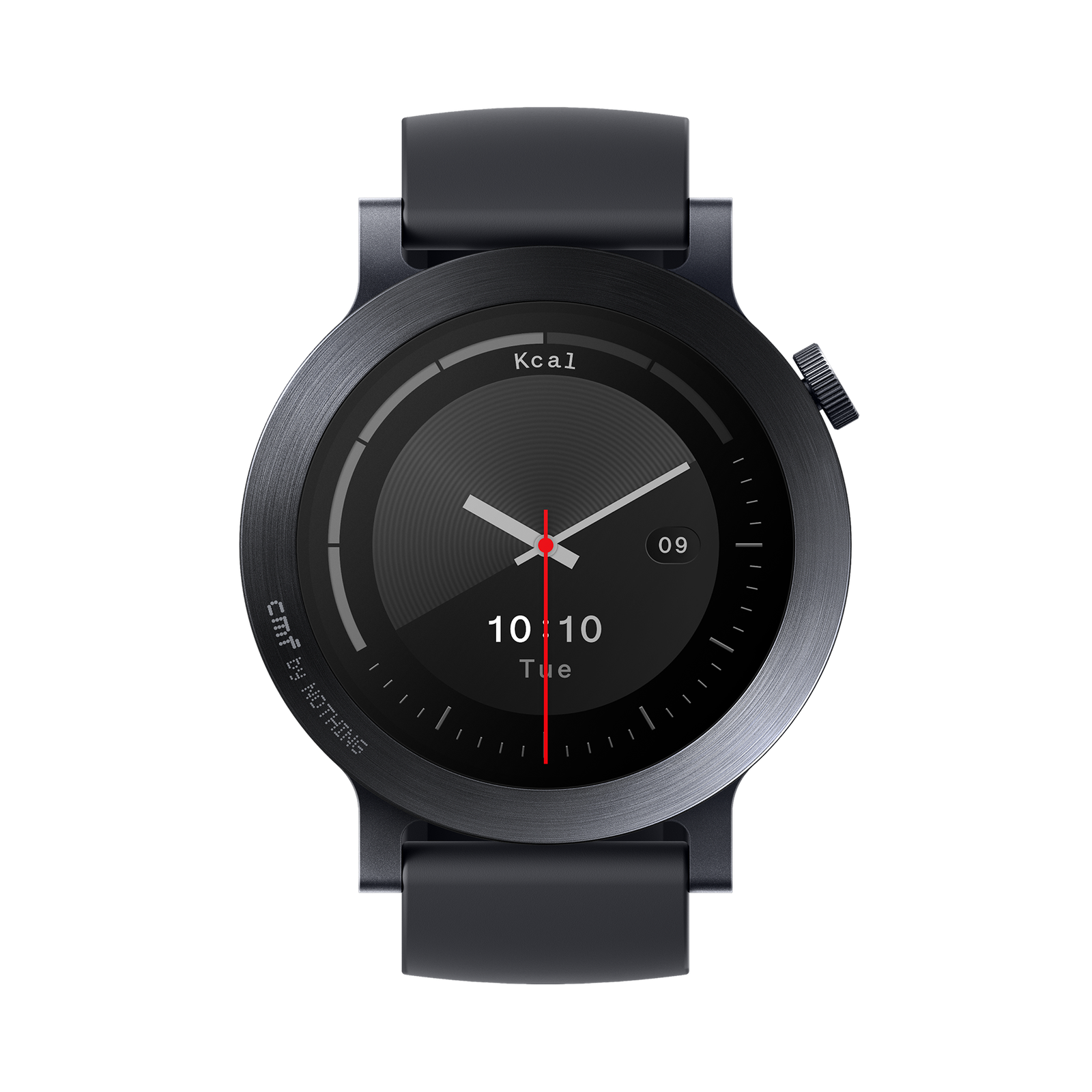
The two CMF watch generations have similar-looking circular screens, but the first setup decision is critical: CMF Watch 3 Pro pairs through Nothing X, while CMF Watch Pro 2 uses the CMF Watch app. Using the wrong app can waste time, and some Android power-saving settings can later interrupt notifications even after a successful connection.
Before you begin: check your exact watch model
Inspect the box and on-watch device information. “CMF Watch Pro 3” is commonly used online but the manufacturer calls the newer watch CMF Watch 3 Pro. The previous generation is CMF Watch Pro 2. Keep both watch and phone charged, enable Bluetooth, and ensure the watch isn’t already bound to another phone. Use the appropriate official app from Google Play or Apple’s App Store.
Pairing CMF Watch 3 Pro through Nothing X
- Install or update Nothing X from your phone’s official app store.
- Turn on the Watch 3 Pro and keep it near the phone with Bluetooth enabled.
- Open Nothing X, follow the Add Device / My Devices flow and choose the matching watch when displayed. Confirm any pairing prompt on the phone and watch.
- Allow the permissions you want for notifications, calls and Bluetooth. If desired, sync contacts using the relevant device settings.
- Open the connected watch in Nothing X and check My Devices → About → Firmware update for manufacturer firmware updates.
Pairing Watch Pro 2 through CMF Watch
- Install the official CMF Watch companion app and enable Bluetooth.
- Switch on Watch Pro 2, place it near the phone, open the app and follow its new-device pairing instructions.
- Confirm the matching watch and authorise needed permissions, especially notifications and Bluetooth access.
- Review watch-face, health-data and notification settings in the CMF Watch app. Check whether any firmware update is offered.
The exact labels can vary between app versions and phone brands. Follow the device prompts if they differ from these general instructions.
Watch connected but WhatsApp notifications missing?
First verify that WhatsApp messages actually appear as notifications on the phone. Next check the app’s notification permissions for the watch, plus the phone’s notification settings. Android battery optimisation may close the companion app in the background; allow appropriate background operation where necessary. Do Not Disturb on the watch can also suppress alerts. On iPhone with Watch 3 Pro, Nothing recommends checking the Bluetooth setting Share System Notifications for the watch.
Why are Bluetooth calls not working?
A watch and phone may be connected for data but still need call-related permissions or the phone’s Bluetooth call profile. Turn on call reminders in the relevant companion app. Nothing’s Watch 3 Pro help directs users to My Devices → Notifications → Call reminder. Confirm phone audio permissions and try a test call nearby. Neither model should be assumed to have independent LTE calling.
When the watch is not detected
Check whether the watch is still paired to an older phone, restart both devices, update the app and retry. For Watch 3 Pro, Nothing recommends the watch’s Settings → System Menu → Restart workflow, checking firmware, and using Reset only after other troubleshooting; resetting can remove local settings and data. Do not factory reset a watch before checking what will be lost.
Which one should you purchase?
If you already use Nothing X products, the newer Watch 3 Pro costs KSh 8,495 at Infinite Tech. The Watch Pro 2 costs KSh 7,495 and uses its own CMF Watch app. Read our specification comparison to decide between them.
Quick answers
Can Watch Pro 2 use Nothing X instead of CMF Watch?
Use the manufacturer-recommended CMF Watch app for Watch Pro 2 rather than assuming all CMF generations share the same application.
Will both watches show WhatsApp messages?
With a supported paired phone and correct notification permissions, message alerts can be relayed. Specific reply functionality differs by OS and app version.
Sources: Nothing X installation, Watch 3 Pro iPhone notifications, and Watch Pro 2 official app details. Infinite Tech support and stock enquiries: 0720450148.