
OnePlus Pad Lite for Kids: Parental Controls and Setup Kenya

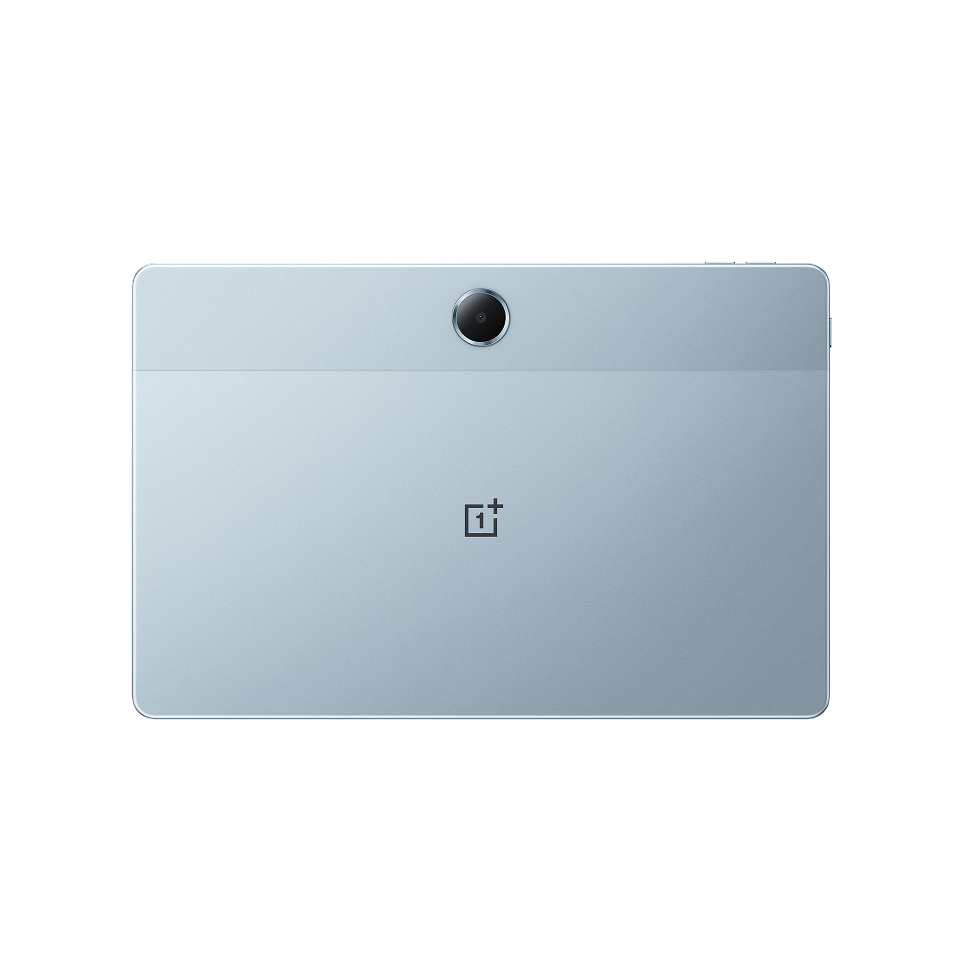
oneplus pad lite parental controls: The OnePlus Pad Lite’s 11-inch screen and Android-based OxygenOS interface may suit supervised schoolwork and entertainment, but buying a tablet for a child needs a safety plan. Child accounts, app restrictions, screen-time limits and content filters work differently across device region and software version. Here is what Kenyan parents should check before handing over the Pad Lite 8GB/128GB LTE tablet listed at KSh 30,500.
The Infinite Tech product page shows the actual WooCommerce selling price and stock status for the cited configuration. Product options differ by region, and no hands-on test or customer outcome is invented in this guide.
Buyer comparison or setup facts
| Topic | Details |
|---|---|
| Device | OnePlus Pad Lite 11-inch LTE 8GB/128GB |
| System | OxygenOS 15.0.1 in the referenced specification |
| Screen | 11-inch 1920×1200 LCD with up to 90Hz |
| Parental control | Check available OxygenOS Kids Mode and Google’s Family Link compatibility |
| Risk area | In-app purchases, messaging, location, unmanaged accounts |
Create the child’s account before installing games
A supervised child account is often easier to manage if it is established before the device fills with apps and personal data. Review the current Google Family Link eligibility and age rules applicable in Kenya, then add the child’s account using official Android setup. Do not share a parent’s Gmail or mobile-payment password simply to install apps. If OnePlus includes Kids Mode on the exact regional software, inspect its time and app controls. These features can change with firmware, so confirm them in Settings rather than assuming every screenshot applies.
Set content and spending boundaries
Choose appropriate app-store age limits and require authorisation for purchases. Disable unnecessary payment methods from the child’s account and consider whether web browsing should be filtered. No automatic content filter can guarantee that every harmful item is blocked, especially on third-party websites or messaging platforms. Review what apps are allowed, who can contact the child and whether camera/microphone access is necessary. Explain the rules calmly and update them as the child’s schoolwork and maturity change.
Design a realistic routine for learning
An 11-inch tablet is useful for reading picture books, watching lessons and practicing typing, but a large screen is not a guarantee of educational progress. Pick a small number of suitable apps that match the child’s learning tasks. Build breaks into study sessions and avoid leaving uninterrupted video autoplay active. Keep the display at a comfortable brightness and set device-free times for sleep. If using mobile data, consider whether an LTE SIM is necessary or whether a safer home Wi-Fi-only setup meets the needs.
Secure the hardware and accounts
Use a durable case, identify a safe charging area and avoid loose charging cables near very young children. Keep emergency contact and backup arrangements in place. The Pad Lite’s 9340mAh typical battery is not a reason to leave it charging under bedding. Confirm whether the imported package contains a compatible charger and get replacement screen pricing before purchase. Protect the parent’s account with two-factor authentication and keep a record of recovery options. Supervisory tools are aids, not a replacement for periodic adult involvement.
Practical pre-purchase checks
- Confirm the exact model code and regional hardware rather than relying on an overseas advertisement.
- Review the product’s current retail price, actual RAM/storage and the included charger.
- Test your two most important apps or camera modes on a real unit before spending.
- Check wireless connectivity, SIM support where applicable, backups and safety settings.
- Obtain local warranty, returns and repair information in writing and retain the purchase receipt.
Frequently asked questions
Does OnePlus Pad Lite support parental controls?
Android offers supervised-account options, and compatible OnePlus software may provide Kids Mode. Check the exact regional build.
Is the LTE version safer than Wi-Fi only?
Not intrinsically. LTE provides another route online; controls and supervision remain necessary.
Is the tablet a substitute for teaching or supervision?
No. Select appropriate content and review online activity and screen time regularly.
More reading and official specifications
- Inspect and buy the featured product at Infinite Tech
- Pad Lite university study guide
- Pad Lite vs Lenovo Tab M11
- Manufacturer technical source for regional specifications
Infinite Tech: Rehema House, Standard Street off Kimathi Street, behind Sarova Stanley, 1st Floor Shop 2, Nairobi CBD. Call 0720450148 to confirm exact stock and delivery arrangements.