
MacBook Air M5 Migration From Windows: Files, Applications and Keyboard Adjustments

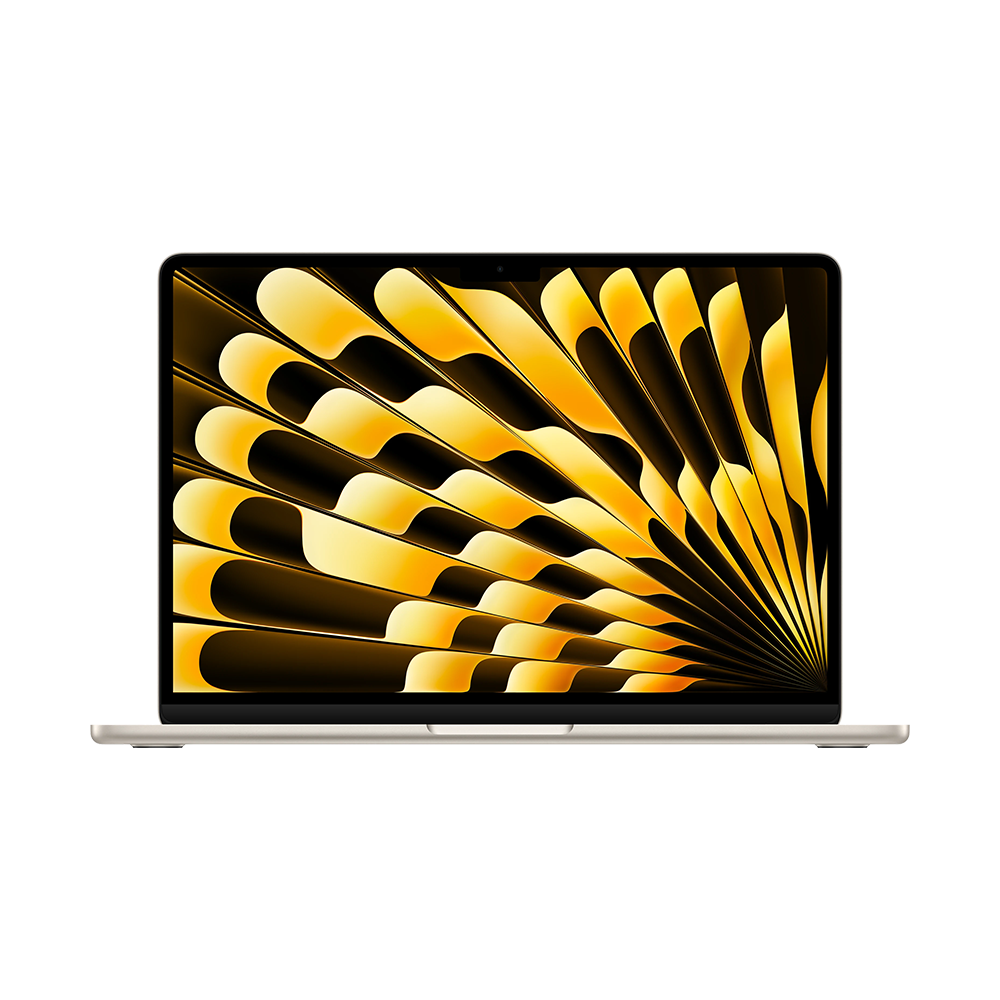
Prepare a Windows-to-Mac transition without losing important files or buying incompatible software.
Inventory applications and data
List the Windows applications you cannot work without and locate their Mac, web or supported alternatives. Export data in compatible formats where necessary. Back up the original PC before starting a migration.
Transfer and verify files
Use Apple’s documented migration procedure or a trusted external drive with suitable filesystem support. Verify representative documents, photographs and spreadsheets before retiring the old device. Keep access to licensed software information and recovery credentials.
Adapt the workflow
Learn relevant keyboard shortcuts, window management and file locations. Test printers and external devices early. For Windows-only workloads, assess a validated remote or virtualization solution rather than assuming full compatibility.
Frequently asked question
Will Migration Assistant install all Windows apps on a Mac?
No. Windows applications generally require separate compatible versions or alternatives.
Compare MacBook Air 13-inch M5, MacBook Air 15-inch M5. Consult manufacturer guidance and contact Infinite Tech Nairobi for current stock and warranty.
