

Lexar NS100 vs RUITEK 512GB SATA SSD: Budget Upgrade Comparison

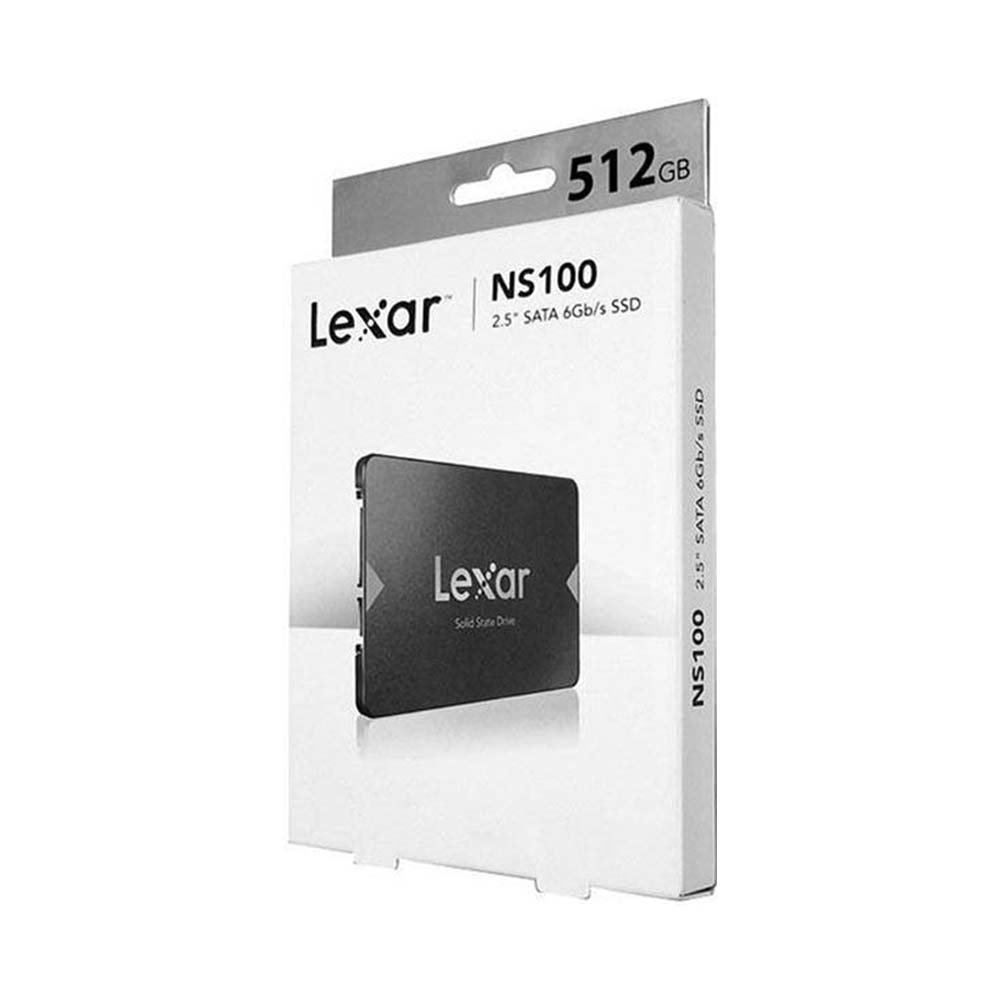
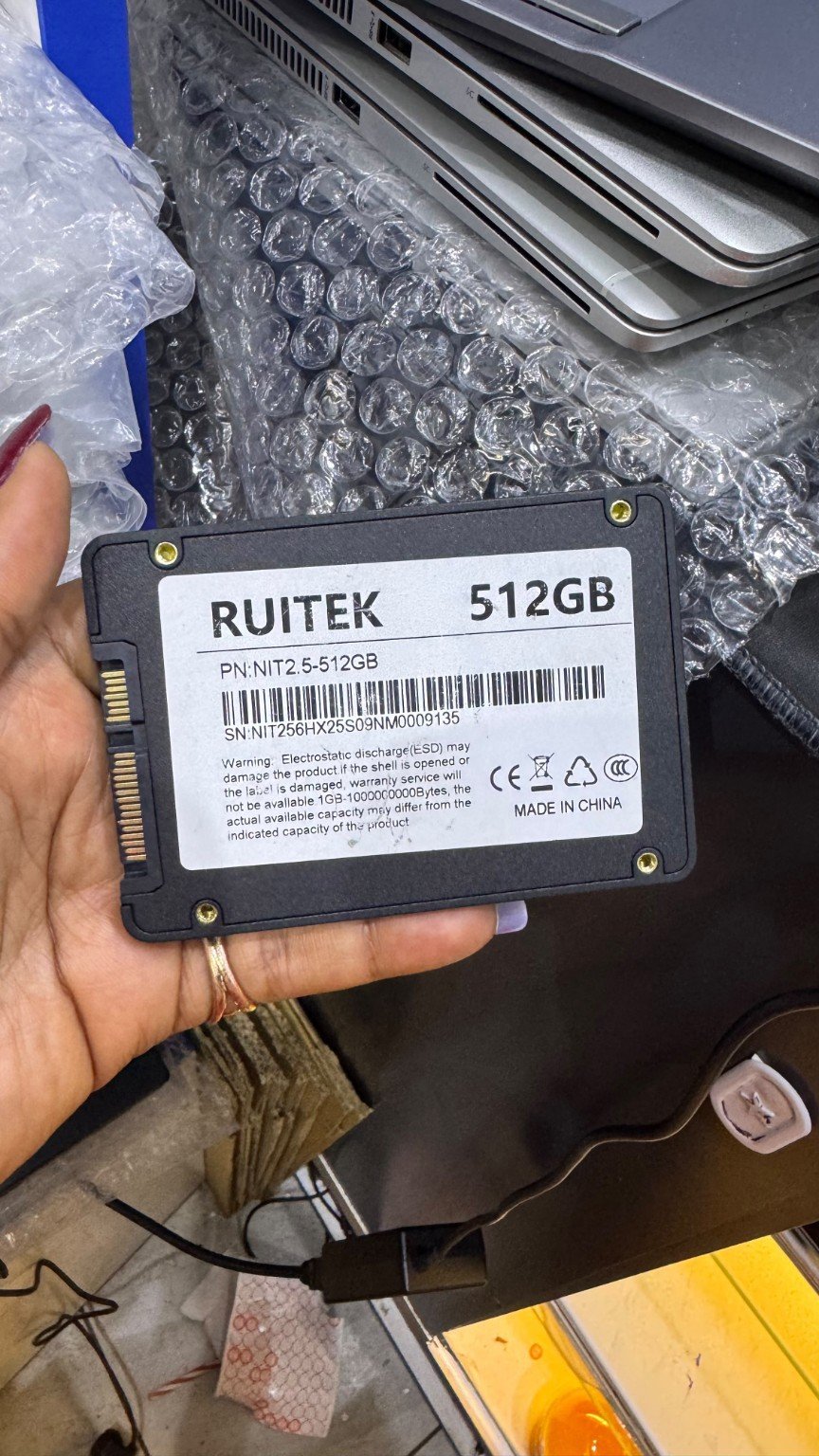
Lexar NS100 vs RUITEK 512GB: The Lexar NS100 and RUITEK models in the catalogue are 2.5-inch SATA SSDs. They suit the same broad class of storage bay, but manufacturer documentation and after-sales warranty evidence must be verified separately.
Technical comparison and key compatibility points
Choosing storage correctly requires verifying interface, form factor, manufacturer part number and the destination computer. An internal SATA SSD, an M.2 NVMe laptop SSD and an M.2 expansion drive for PlayStation 5 do not automatically serve the same equipment.
- Both are marketed as 512GB SATA internal drives; confirm 7mm housing, connectors and exact supplier labels.
- Lexar publishes model-specific documentation for NS100; the RUITEK’s supplier SKU should be checked against its actual unit.
- A single sequential read figure says little about long-term endurance, cache behaviour or local warranty.
- For a laptop moving from a mechanical HDD, compatibility and successful data migration usually matter more than peak speed.
- Do not assume either retail box includes mounting caddy, a SATA cable or cloning software.
Products to inspect and current prices in Kenya
The following prices were listed in Infinite Tech WooCommerce on 13 November 2026. They are shown for practical comparison and may change. Open the individual product pages to verify today’s price, available stock, manufacturer warranty and specification.
| SSD product and direct link | Listing price |
|---|---|
| Lexar NS100 512GB SATA | KSh 14,000 |
| RUITEK 512GB SATA | KSh 8,995 |
| Lexar NS100 1TB SATA | KSh 19,000 |
Buying decision: five steps
- Check the exact device: note the laptop serial/service tag, motherboard type or console model before ordering an SSD.
- Confirm the slot: compare PCIe NVMe, M.2 SATA and 2.5-inch SATA requirements using official technical documentation.
- Check space and purpose: weigh 500GB/512GB, 1TB or 2TB capacity against actual file and game-library needs.
- Review costs: compare prices, warranty terms and any required heatsink, screws, caddy or adapter.
- Protect your data: maintain a backup before cloning or installing Windows, and verify the new drive after installation.
Common questions
Will either fit an M.2 NVMe-only laptop?
No. Both are 2.5-inch SATA models requiring a suitable SATA drive bay.
Which has better warranty coverage?
Request the exact warranty terms and serial documentation for the individual units before comparing.
Important: No comparative benchmark was performed for this article. Manufacturer-rated throughput is a maximum under particular test conditions, not a promise of the same speed on every PC. The safest recommendation is the one that fits the exact device and required usage.
SSD shopping and further guidance
Shop SSDs at Infinite Tech · SSD buying-guide hub · Check laptop SSD compatibility · SATA versus NVMe · SSD health guide.
Visit Infinite Tech at Rehema House, Standard Street, Nairobi CBD, First Floor Shop 2. Call 0720450148 or WhatsApp your computer model for a compatibility check. Product availability and any installation service must be confirmed before paying.
Reviewed 13 November 2026. This comparison is based on listed products and published technical information, not a hands-on laboratory test.

