
JBL Boombox 3 Wi-Fi for Shared Offices: Network Access and Playback Control

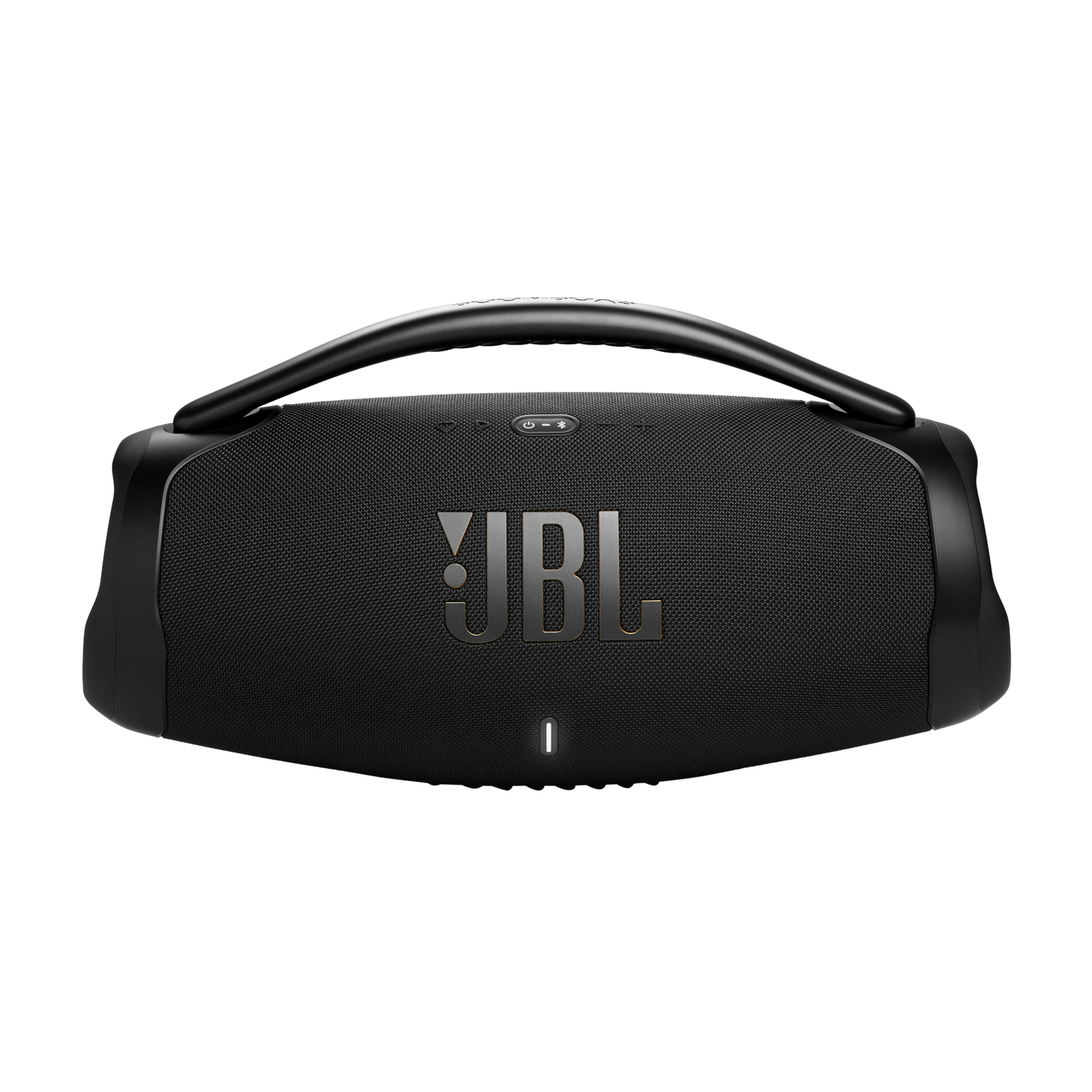
Plan shared speaker access in an office without exposing a private network or disrupting meetings.
Coordinate with IT
Ask whether network-connected audio devices are permitted. Guest or managed networks may block discovery between devices. Do not bypass network restrictions or connect equipment without authorization.
Set playback expectations
Choose approved music sources and agree on reasonable volume and quiet hours. Test from a staff device and identify who is responsible for managing the connection and firmware.
Keep a fallback
If the office network cannot support the required discovery protocol, compare an approved Bluetooth-only workflow or use a separate speaker arrangement. Avoid collecting unnecessary account details from colleagues.
Frequently asked question
Can guest Wi-Fi always discover a speaker?
No. Network isolation is common and may intentionally prevent discovery.
Compare JBL Boombox 3 Wi-Fi, JBL Boombox 4. See manufacturer support and contact Infinite Tech in Nairobi for current price, exact configuration and warranty.
