
Setting Up Calls and SMS on a Triple-SIM itel 2160

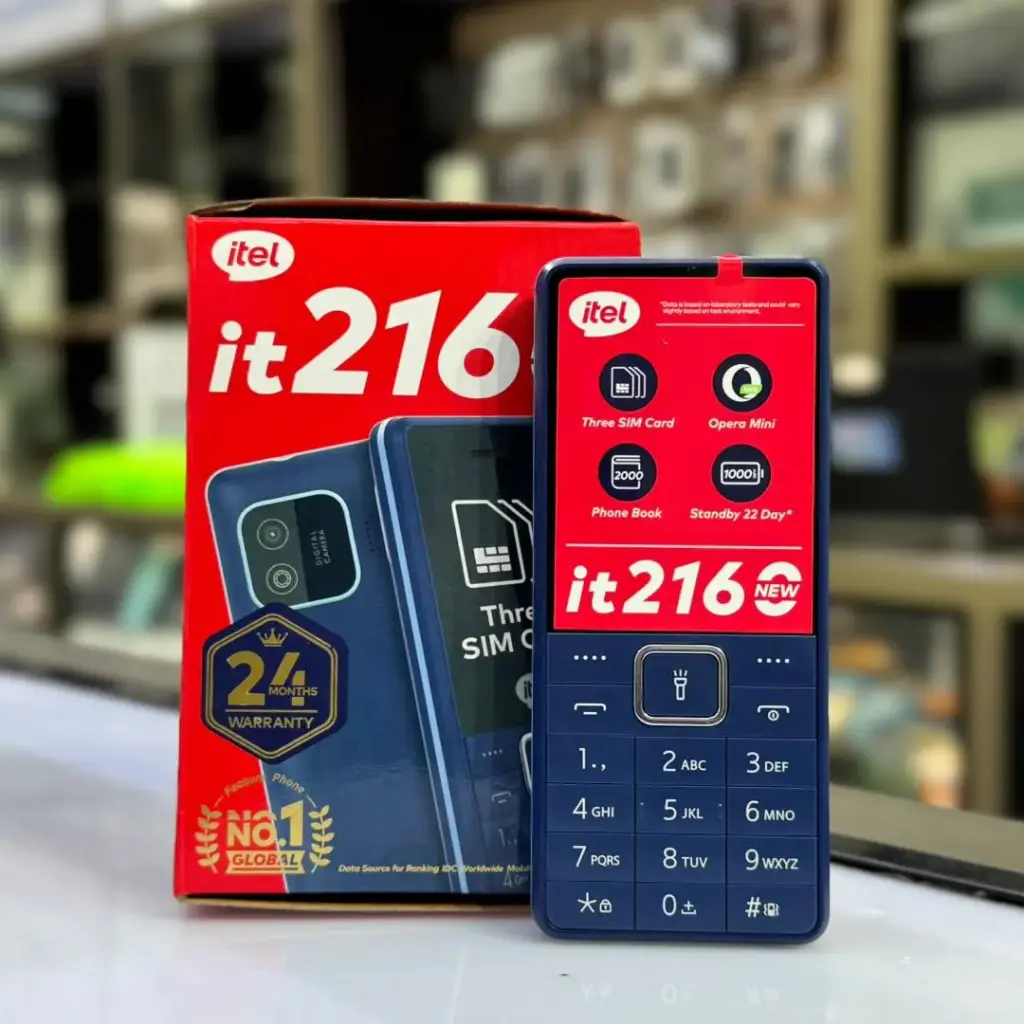
If your particular itel 2160 has been physically verified to accept three active SIM cards, the next task is using the correct number for every call and text. Menu options can differ across firmware versions. The steps below explain what to look for rather than pretending that every it2160 has identical settings screens.
Prepare the cards without damage
Switch off the handset before inserting or removing any SIM. With staff assistance, check the physical SIM1, SIM2 and SIM3 markings, where present. A microSD slot is not SIM3. Check the card size and avoid forcing an unsuitable adapter into a contact assembly.
Verify that each line registers
Power the handset on and look for a network indicator for every intended card. If one number is not shown, confirm its activation and PIN status. Test the same SIM in another compatible phone, then reseat it safely if required. Poor reception or a network-generation mismatch can also cause registration failures.
Choose an outgoing call line
Look for call settings, SIM management or a similar menu. If supported, choose a default number for outgoing calls. Phone a trusted contact and check the displayed caller ID. This is particularly important when one line is used for customer enquiries and another is personal.
Send test SMS from each number
Open the messaging function and check whether it asks you to select a SIM. Send one test SMS from each available line and confirm that replies arrive correctly. If a default SMS SIM is available, set it intentionally; messages sent from the wrong number can confuse contacts.
Understand shared-radio limitations
A phone with several SIM slots may make another line temporarily unreachable during a call. Test this behaviour rather than assuming that all numbers can receive independent simultaneous calls. Use operator missed-call services if available and appropriate.
Keep line information secure
Keep a private record of the SIM numbers and the operator support channels. Do not store SIM PINs in an open note inside the handset. If the device is stolen, ask the relevant operators to suspend the affected SIMs promptly.
Frequently asked questions
Where is the SIM manager?
Look in settings or call settings; labels differ by firmware. Ask Infinite Tech staff to demonstrate it on the exact unit.
Why is one SIM not receiving calls?
Check signal, registration, slot seating and whether another SIM is on an active call.
Related buying guides
- verify itel 2160 three sim slots
- itel 2160 three numbers small business kenya
- itel 2160 mobile money ussd safety
Shop Infinite Tech: itel 2160 Triple SIM product listing and current price. Request an inspection of the exact model at Rehema House, Standard Street, Nairobi CBD, or call 0720450148 before ordering.