
iPhone 17e Genuine Stock Verification: Serial Numbers, Activation and Receipt Checks

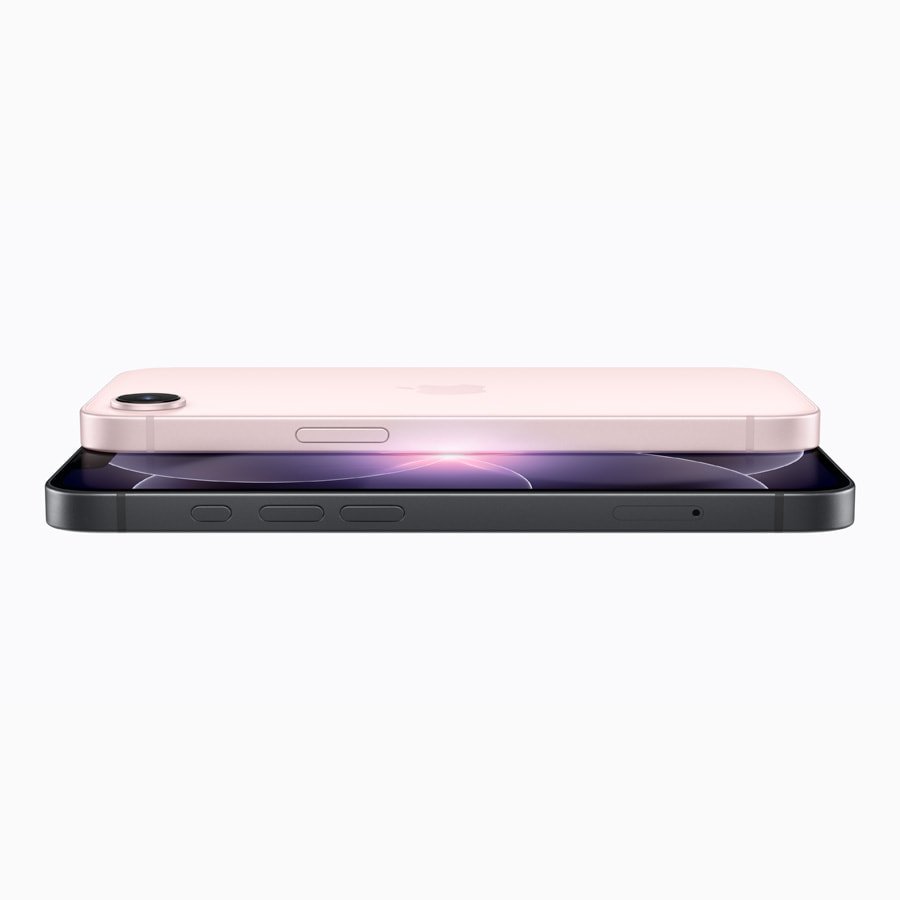
Verify an iPhone 17e before paying by checking model details, activation status and seller documentation.
Inspect identification
Match the storage and model information shown in Settings with the box and invoice. A printed serial number alone is not proof of authenticity because numbers can be copied. Use Apple’s official coverage tools as an additional check.
Confirm account and network status
The device should be ready for legitimate setup under your own account. Check carrier-lock status and the promised SIM configuration. Do not accept a device that requires someone else’s account credentials to activate.
Keep written purchase terms
Request an itemized receipt with the precise configuration and applicable warranty. Test display, buttons, camera, charging and calls where permitted. Avoid sharing account passwords with a seller and retain documentation securely.
Frequently asked question
Does a sealed box guarantee authenticity?
No. Verify the device itself and the seller’s purchase terms.
Compare iPhone 17e. Consult manufacturer guidance and contact Infinite Tech Nairobi for current stock and warranty.
