
iPhone 17e Face ID and Passcode Setup: A Secure First-Day Checklist

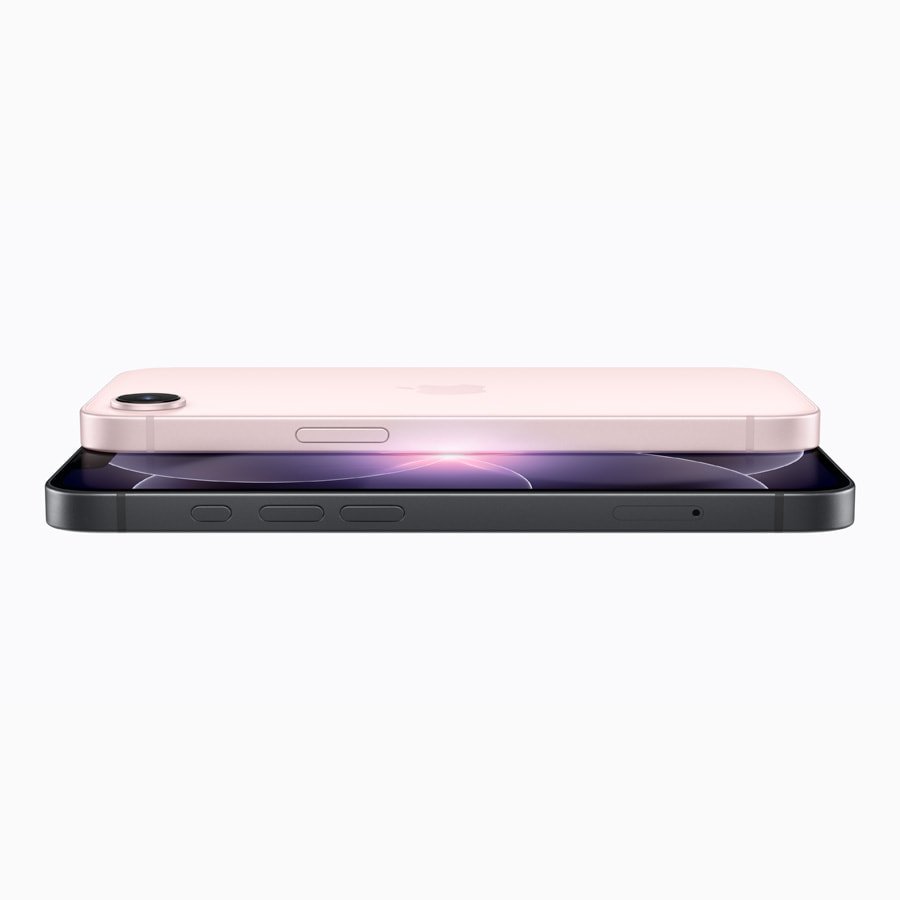
Set up secure access on a newly purchased iPhone 17e without surrendering control of your Apple account.
Start with your own account
Complete setup privately, choose a strong passcode and check the account email and recovery methods. Do not share your passcode or verification codes with a shop assistant.
Configure biometrics
Follow the Face ID enrollment prompts and verify unlock behavior. Keep the device’s sensor area unobstructed. Understand that your passcode remains important even when biometric access works.
Prepare for loss
Enable supported device-location and account-protection features and review how backups are protected. Make sure recovery information is accessible if the phone is lost. Keep purchase documentation securely.
Frequently asked question
Does Face ID replace the passcode entirely?
No. The passcode is required for some operations and remains a core security control.
Compare iPhone 17e. See manufacturer support and contact Infinite Tech in Nairobi for current price, exact configuration and warranty.
