

Physical SIM vs eSIM iPhones in Kenya: iPhone 17 and 18 Buying Checklist

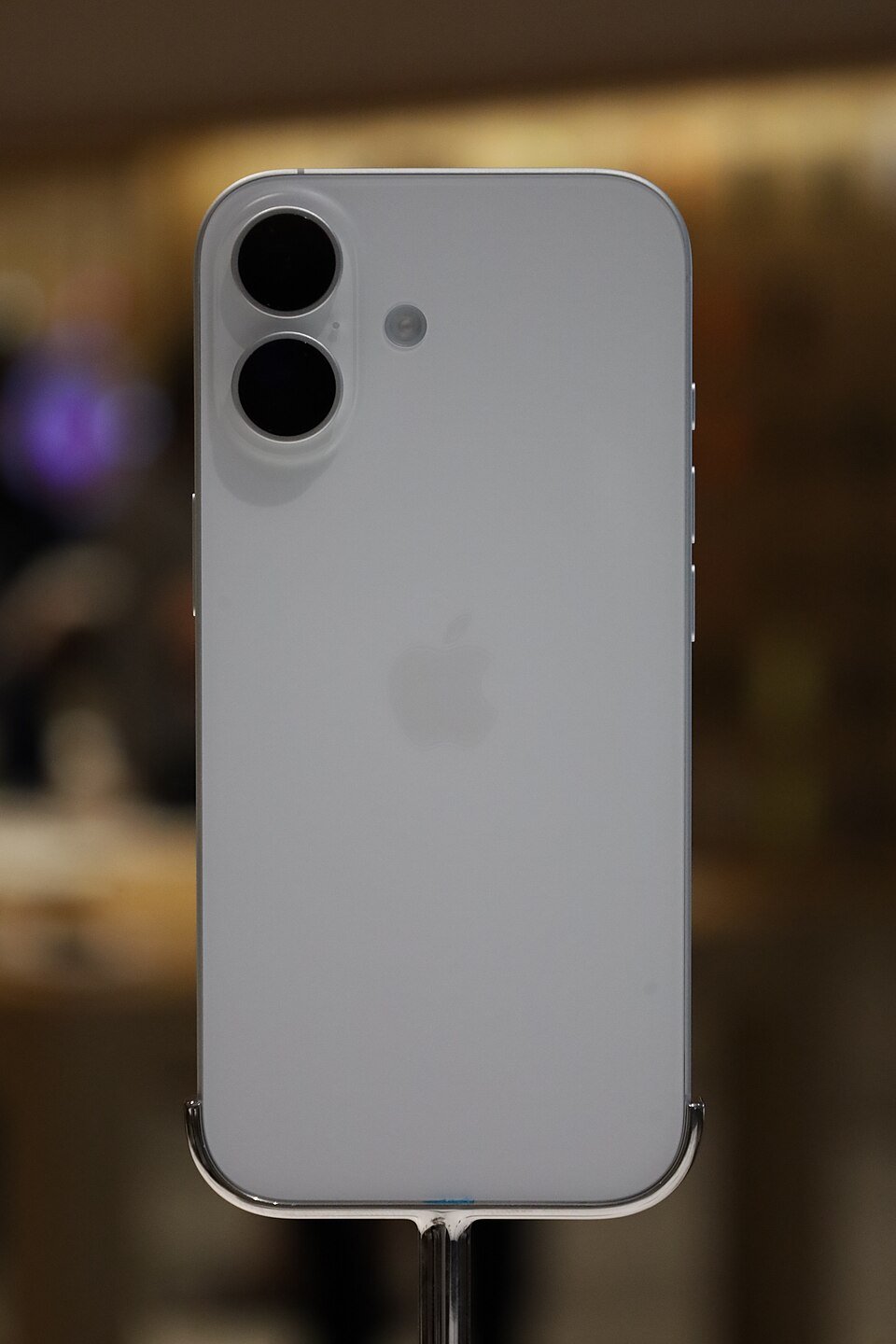
Kenya buying guide — November 2026. A supplier may list the same iPhone model with physical SIM, eSIM, East Africa, Dubai or non-active variants. These terms affect purchase decisions but do not always mean a different phone is needed. This guide explains what Kenyan buyers should verify before ordering an iPhone 17 or 18 variant.
Quick buying checklist
- Identify the manufacturer model number and hardware configuration.
- Check compatibility with your primary devices and daily applications.
- Compare the total package, including any required accessories.
- Use the live Infinite Tech product price and ask about warranty terms.
What is eSIM?
An eSIM is a digital cellular profile managed through supported phone software and a mobile network. A physical nano-SIM is a removable card. Some iPhone regions support both, while other variants are eSIM-only. The exact model number and purchase region are more reliable than the colour or an abbreviated price-list label.
Check Kenyan carrier support before payment
Safaricom and other carriers may support eSIM activation on eligible accounts, with procedures and availability changing over time. Contact your current carrier to confirm eSIM provisioning, transfers between devices, replacement if a phone is lost, and any business-line requirements. Do not assume every foreign-bought eSIM variant will be activated immediately without checks.
Region, warranty and band considerations
For an imported iPhone, verify the manufacturer model number, cellular band support, regulatory compatibility and warranty service process. The phrase ‘Dubai stock’ does not identify every technical detail. Two similarly named products can differ in SIM configuration even when their storage and colour match.
What does ‘non-active’ mean?
In supplier communications, ‘non-active’ may refer to activation state or selling condition. It is not a substitute for a manufacturer specification or a guarantee that the unit is unused, genuine or warranty-valid. Ask for IMEI and serial-number verification procedures through legitimate Apple channels, a sealed-box inspection policy and a proper invoice.
Buying storage and colours
Storage options such as 256GB, 512GB and 1TB should be represented within a correct variable-product family, not multiple duplicate product pages when only storage changes. Check colour, SIM variant, warranty, stock and price using the live product’s selections before checkout.
Recommendation for Kenyan shoppers
If you frequently swap a SIM between devices, the practical convenience of a physical SIM might matter. If you travel, use multiple lines or prefer not to handle a card, eSIM can be convenient after carrier confirmation. Choose based on your account’s real connectivity needs, not assumptions about resale value.
Compare related products on Infinite Tech
Use the live product links for current Kenyan selling prices, gallery pictures and enquiries. Availability and regional variations may change.
Frequently asked questions
Does an eSIM iPhone work in Kenya?
It can where the model and your carrier’s provisioning support eSIM; confirm eligibility before buying.
Are physical SIM and eSIM versions always the same price?
No. Supplier prices and regional variants can differ. Compare exact SKUs and live WooCommerce prices.
physical SIM vs eSIM iPhone Kenya: practical buying checks
Ask about activation before opening the box. A regional iPhone label does not by itself establish the SIM arrangement, lock status or local carrier support. Plan how the current number will move to the new device and what happens when the phone is replaced. For frequent travel, compare supported visitor plans and keep a record of carrier instructions rather than assuming a SIM tray is always required.
- Identify the exact regional model and SIM arrangement.
- Confirm unlock status and carrier activation steps.
- Plan number transfer and travel connectivity.
Can I assume every regional iPhone has the same SIM hardware?
No. Check the exact model and region against Apple and carrier documentation before purchasing.
Related buying guides
iPad Pro M5 Wi-Fi vs Cellular · EarPods Lightning vs USB-C · Apple Watch Ultra 4 vs Series 12 vs SE 3 · Samsung East Africa vs Dubai phones
Manufacturer reference: Apple official documentation. Check the exact model and supported configuration.
Visit Infinite Tech in Nairobi
Visit Rehema House, Standard Street, Nairobi CBD, 1st Floor Shop 2, or call 0720 450 148 to confirm the exact model, bundled accessories and current availability. Comparisons describe specifications and buying factors rather than claimed hands-on benchmark testing.
