
Huawei FreeClip 2 Charging Case Troubleshooting: Contacts and Battery Checks

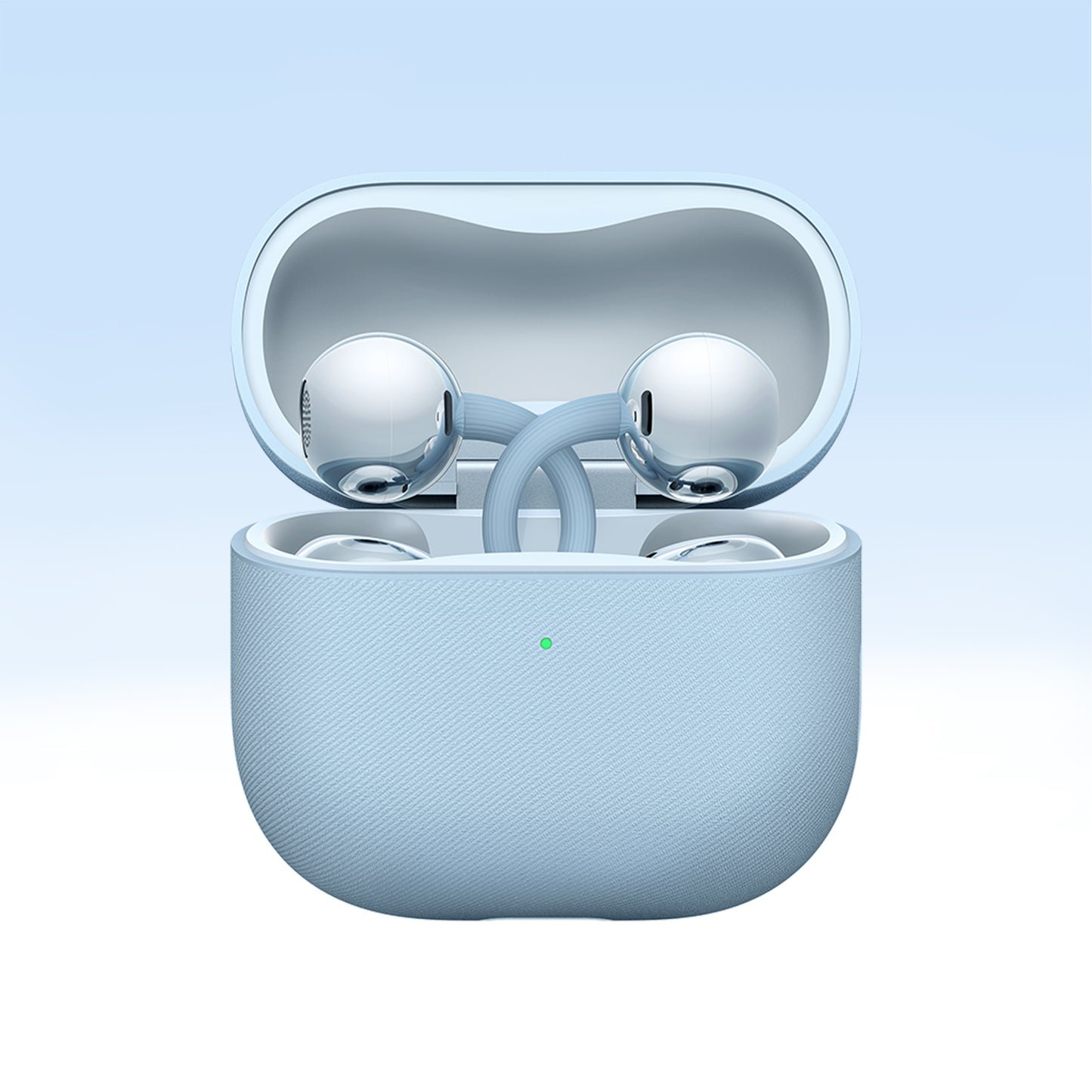
Troubleshoot an earbud case that does not charge consistently by checking power and physical seating first.
Test the power source
Use a compatible charging cable and adapter; check the case’s status indicator according to Huawei instructions. Try a known-good power source before concluding the battery has failed.
Inspect earbud seating
Make sure both earbuds sit properly and charging contacts are clean and dry. Avoid metal tools and do not charge a wet or visibly damaged device.
Separate the symptoms
Determine whether the case itself fails to charge or one earbud fails to receive power. Note any warnings or unusual heat. Stop charging if the device is swollen, leaking or excessively hot and seek qualified service.
Frequently asked question
Should I dismantle the case to inspect the battery?
No. Use authorized service for internal battery or electrical faults.
Compare Huawei FreeClip 2. See manufacturer support and contact Infinite Tech in Nairobi for current price, exact configuration and warranty.
