

HP EliteBook SSD Upgrade Guide Kenya: SATA and NVMe by Model

HP EliteBook SSD upgrade is a useful starting point, but buying the correct SSD requires checking connector, drive size and intended use. An HP EliteBook SSD upgrade needs a generation-specific compatibility check. EliteBook configurations differ in storage bays, M.2 connector support and mounting hardware; a recommendation for one EliteBook should not be copied to the entire family.
HP EliteBook SSD Upgrade Guide Kenya: what matters most
Infinite Tech’s currently listed internal drives include 2.5-inch SATA models, M.2 NVMe models and specialist PlayStation 5 drives. These are different product categories and should not be treated as interchangeable. Use the specific technical distinctions below to choose a compatible model before paying.
- First identify the full series and generation, such as 840 G5 versus 840 G10, using HP’s product number and maintenance guide.
- Inspect the installed storage type and any spare slot before assuming a second SSD can be added.
- A 2.5-inch SATA option is relevant only if that exact unit includes a usable SATA drive bay and mounting equipment.
- An NVMe drive can be considered only where the specific EliteBook exposes a supported PCIe NVMe M.2 socket.
- After changing the drive, check BIOS boot order and Windows activation; keep a verified backup of important files.
Compare relevant SSD products and Kenyan prices
These are product catalogue prices checked on 13 November 2026 and are not guaranteed for future orders. Open a listing to see the current WooCommerce price and contact the store to confirm physical stock, manufacturer warranty and compatibility. The table compares actual products, not a synthetic benchmark ranking.
| SSD model | Listed price | Product link |
|---|---|---|
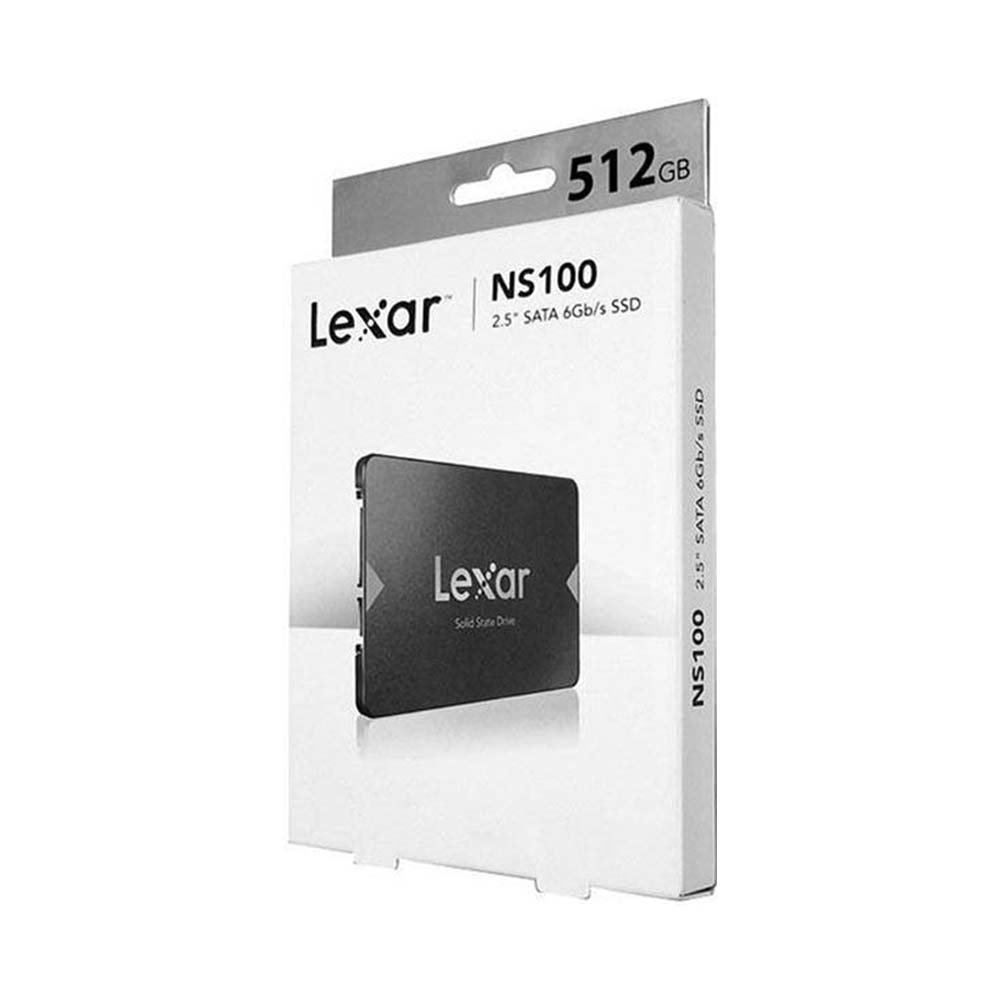
| Lexar NS100 512GB SATA | KSh 14,000 | View current product details |
| KLEVV CRAS C710 512GB M.2 NVMe | KSh 7,500 | View current product details |
| Lexar NM620 512GB NVMe | KSh 15,000 | View current product details |
| Lexar NM620 1TB NVMe | KSh 20,000 | View current product details |
Visual compatibility reference
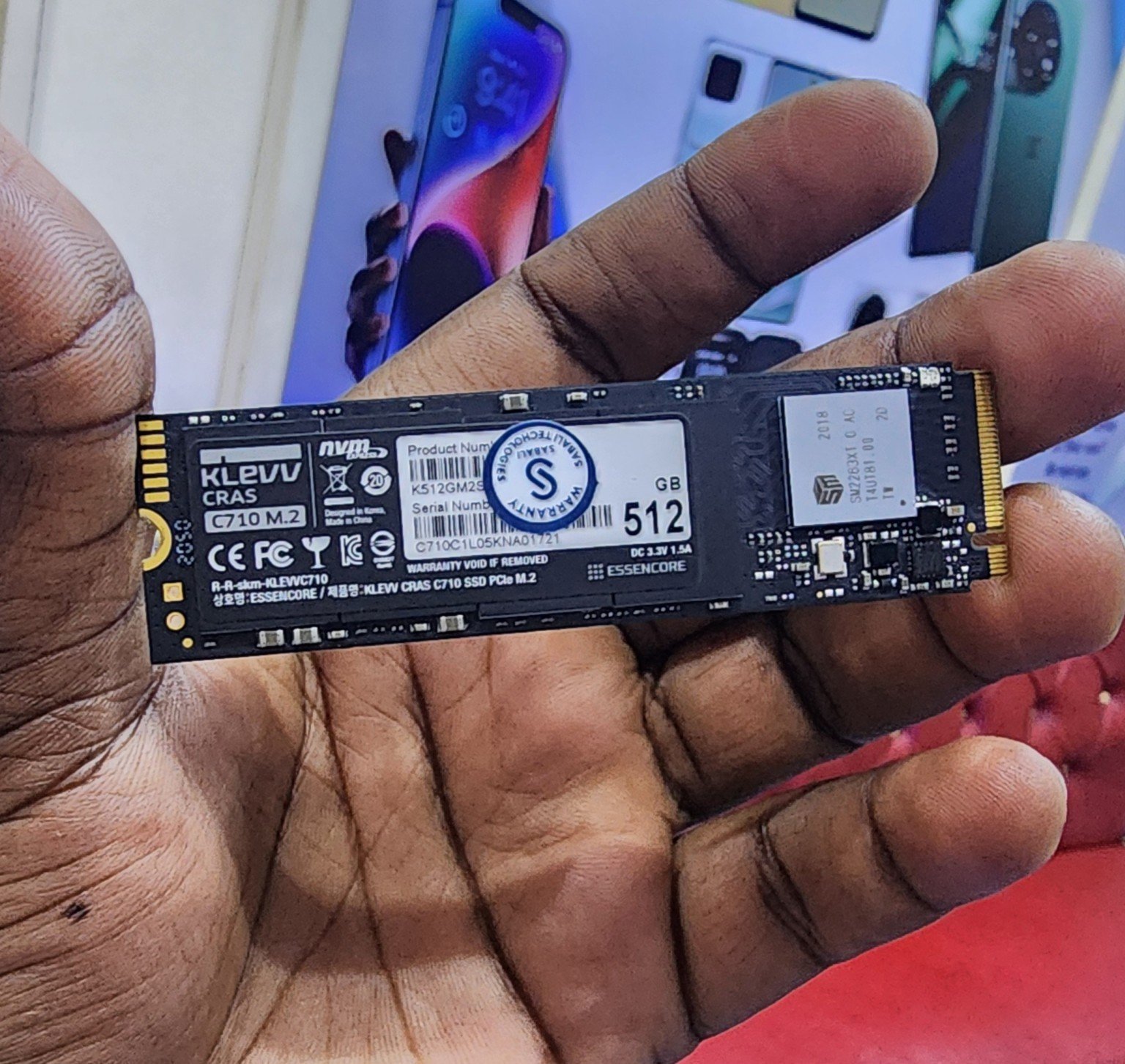
SATA vs NVMe: a 2.5-inch SATA drive connects to a compatible SATA bay, whereas most retail M.2 NVMe models require a PCIe/NVMe-capable M.2 slot. The words “M.2” alone do not prove compatibility. A PS5 expansion has its own stricter official Sony SSD requirements: PCIe Gen4x4 NVMe and appropriate heatsink dimensions.
Practical purchase checklist
- Identify: record the complete laptop, desktop motherboard or console model number.
- Match: verify the interface, M.2 physical length or 2.5-inch bay, and firmware support in official documentation.
- Compare: check capacity, rated endurance, warranty, storage use and current SSD listings.
- Protect data: back up your files before installing, formatting or cloning any drive.
- Order confidently: ask Infinite Tech to check the target device rather than assuming a drive will fit based on capacity alone.
Frequently asked questions
Will the Lexar NM620 fit every EliteBook?
No. Confirm the exact EliteBook model, slot length and NVMe support.
Is an EliteBook SSD upgrade better than buying a new laptop?
If CPU, RAM and battery still meet your needs, a compatible SSD can extend useful life; an upgrade cannot fix all performance bottlenecks.
Can I upgrade without reinstalling Windows?
Cloning can work when properly planned, but a verified backup is still essential.
Further reading and recommended products
How to Check SSD Health Before Buying Used Laptops · ThinkPad RAM and SSD Upgrade Guide
Best 512GB SSDs in Kenya: Lexar, KLEVV and RUITEK Compared · SSD Upgrade in Nairobi: Laptop Compatibility, Installation and Cost Checklist · How to Check if Your Laptop Supports SATA or M.2 NVMe SSD
Browse all SSD buying guides or shop internal SSDs at Infinite Tech. For fitting questions, call 0720450148 or send the exact laptop or PC model by WhatsApp. Visit Rehema House, Standard Street, Nairobi CBD, First Floor Shop 2.
Editorial accuracy: manufacturer specifications, actual usable capacity and performance vary by model and workload. This guide does not claim to have physically tested these drives; confirm the individual part number before purchasing.

