

HP EliteBook 840 G3 vs G6: Is Upgrading Worth It?

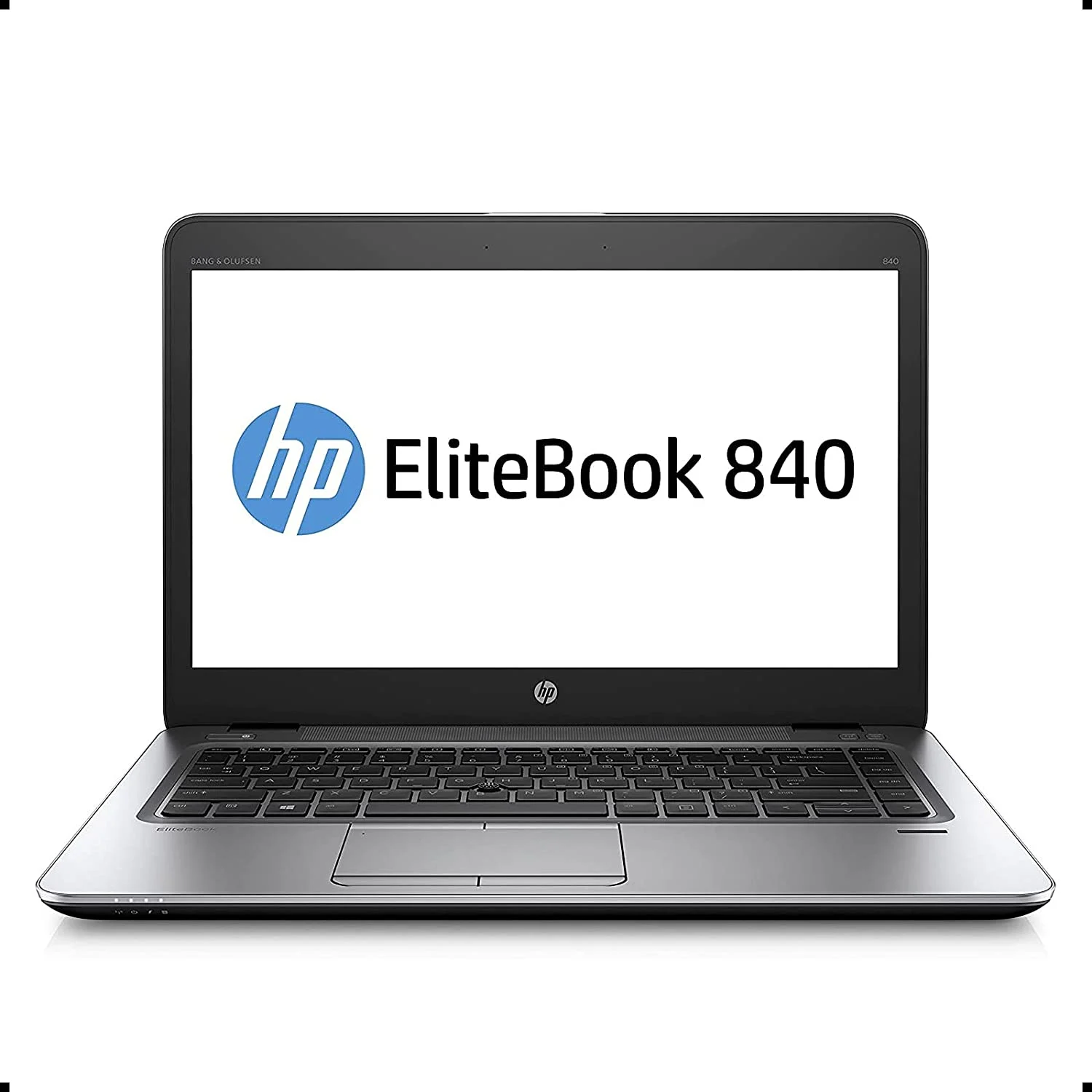
HP EliteBook 840 G3 vs G6: This Kenya-specific guide compares HP 840 G3 / HP 840 G6 using identifiable configurations and manufacturer documentation. It distinguishes possible model-family options from unverified details of an individual refurbished laptop. The purpose is to help Kenyan buyers make an informed decision, not to claim fictional testing or guaranteed performance.
What are the key differences?
HP EliteBook 840 G3 is commonly associated with 6th-generation Intel Core-era platforms, while 840 G6 business configurations typically use newer 8th-generation Intel processors. Confirm CPU suffix in the actual machines.
Performance and real Kenyan workloads
Modern browser multitasking, demanding spreadsheets and collaboration tools can benefit from more cores and platform improvements, but the overall result depends heavily on RAM, SSD and thermal condition.
Display, graphics, compatibility and upgrades
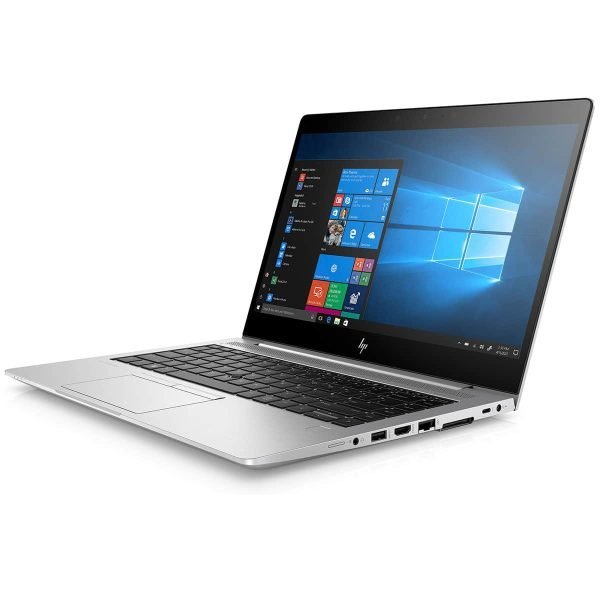
A buyer should compare original screen resolution and panel brightness, ports, Windows compatibility and battery health. An older laptop with failing batteries may cost more over time than its price suggests.
Buying recommendation and important trade-offs
A G3 might still be adequate for offline typing, training labs or simple data entry if its software support is acceptable. For long-term daily business use, check security and OS support before choosing.
Which is suitable for students, professionals and businesses?
| Buyer | Decision criterion | Verification |
|---|---|---|
| University student | Choose sufficient RAM, a healthy battery and comfortable keyboard over marketing labels. | Test charger, Wi-Fi, webcam and installed SSD. |
| Office professional | Check Excel, conferencing, USB-C docking and external monitor requirements. | Inspect ports, display output and software compatibility. |
| Engineer / creator | Match RAM, CPU and actual GPU with the precise software version and project size. | Request CPU/GPU identifiers and check vendor system requirements. |
Before ordering: 7 inspection steps
- Confirm the exact CPU suffix in BIOS, not simply a sticker.
- Read installed RAM and its configuration; check whether future upgrades are supported.
- Inspect SSD capacity and health instead of trusting an advert.
- Check panel resolution, touchscreen function and visible damage.
- Check battery condition, charger wattage and port operation.
- Verify Windows 11 or other required OS compatibility and correct licences.
- Obtain the written warranty and confirm exact supplier stock before paying.
Compare current Infinite Tech prices and related guidance
All price figures should be checked on the linked product pages because WooCommerce prices and individual supplier stock change. Infinite Tech is at Rehema House, Standard Street, Nairobi CBD, first floor Shop No. 2. Call 0720450148 to confirm stock and physical-unit specifications.
Frequently asked questions
Is one generation automatically faster?
No. Exact CPU, RAM, SSD, cooling and application matter; manufacturer model-family options should not be interpreted as measured benchmarks.
Can I upgrade RAM or storage later?
Only if the particular model’s board, slots and firmware support the change. Confirm upgrade paths before purchase.
How should I check the advertised graphics?
Request the precise GPU model and distinguish integrated shared memory from dedicated GPU memory; a 4GB graphics claim alone is not sufficient.
What does ex-UK or refurbished condition mean?
It does not guarantee a specific battery health, cosmetic grade or warranty. Ask the seller for test evidence and written terms.
Manufacturer reference
Manufacturer model and support documentation. Last reviewed 31 October 2026. This is an editorial buying guide; no original benchmark or physical-unit test is claimed.
