

How to Activate WHOOP 5.0 or MG in Kenya

Updated 31 October 2026. Before opening a new WHOOP device, confirm you received the correct sensor generation and know whether an included membership is supposed to activate. The safest setup is through WHOOP’s own mobile app and account, not a reseller’s third-party login.
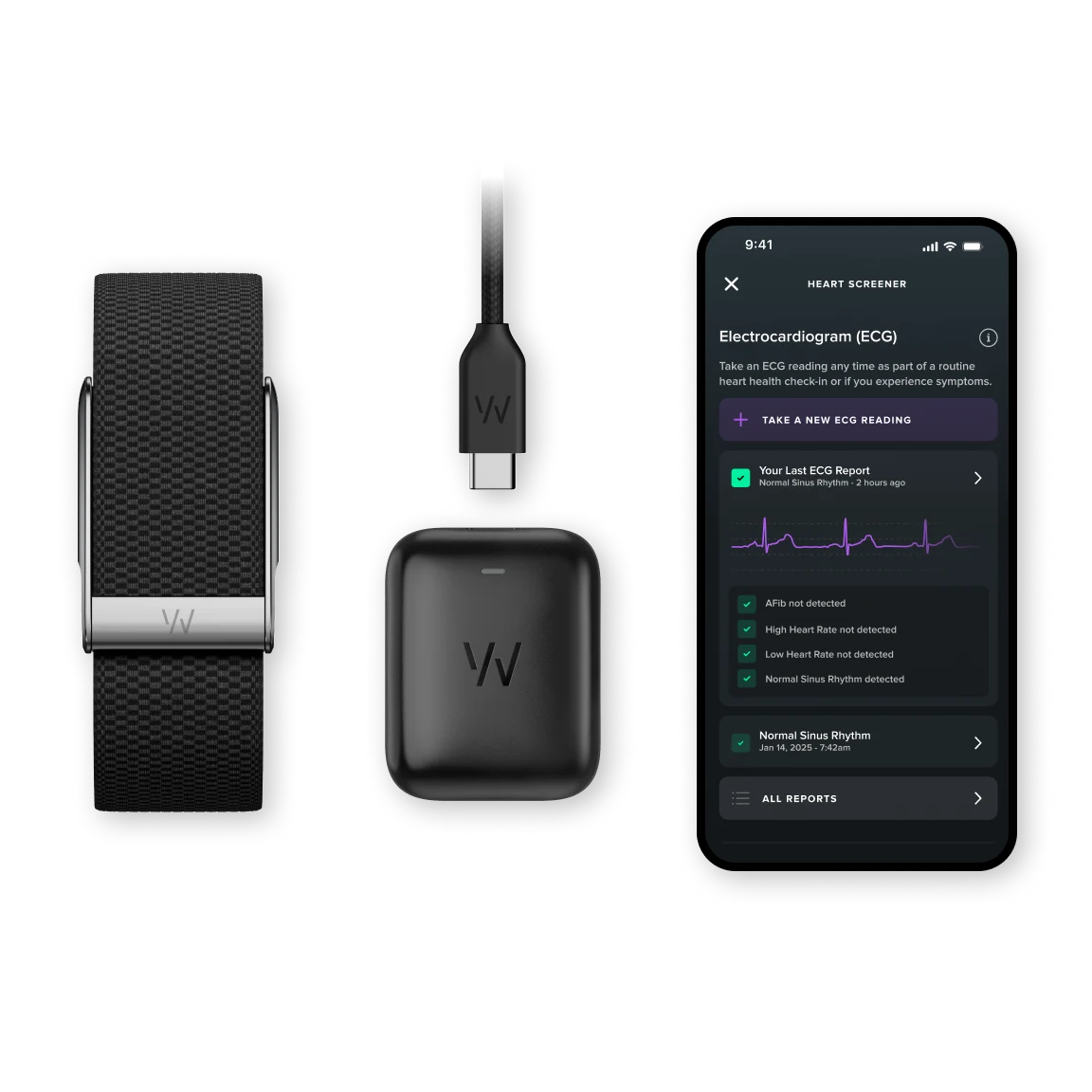
Before pairing: check device, phone and charging
Confirm that your package says WHOOP 5.0 or WHOOP MG as ordered. Charge the device with a compatible charger. WHOOP’s August 2026 guidance recommends Android 11 or newer for WHOOP 5.0 and requires Android 11 or newer for MG; it recommends newer iOS versions on iPhones. Check the current minimum OS and Bluetooth specifications on WHOOP support before buying older phones.
Do not try to fit a WHOOP 4.0 band or battery pack onto a 5.0 or MG device: the accessories are not cross-compatible.
Step-by-step activation
- Install the official WHOOP mobile application from your phone’s app store.
- Create an account or sign in to your existing WHOOP account.
- Enable Bluetooth and follow the app’s pairing instructions for your exact sensor.
- Keep the sensor close to the phone and complete any prompted firmware updates.
- Open membership/account settings and confirm the tier and expiry date.
- Check that daily sleep, strain and recovery data begins populating after the necessary wear and setup time.
WHOOP’s retailer support guide says that eligible new retail devices normally activate their included membership when paired. If the expected time does not appear, contact WHOOP Support with proof of purchase rather than purchasing another plan blindly.
Common setup problems and fixes
If pairing fails, first check charging, phone Bluetooth permission, app version and whether another phone is still associated with the device. Restart the app and use WHOOP’s official pairing guide. If you bought a used device, ask the seller about prior account association before trying again.
If your app is missing ECG or irregular-heart-rhythm functions, that is not necessarily a failed activation: those medically regulated features are not listed for Kenya in WHOOP’s October 2026 regional documentation. Hardware alone will not create eligibility.
What to inspect after successful setup
- Correct WHOOP device type in account information.
- Correct One, Peak or Life plan and membership expiry date.
- Sensor firmware and app updates complete.
- Heart-rate and sleep data appear after suitable wear.
- Membership and purchase records saved for future support.
Frequently asked questions
Does WHOOP need a SIM card?
No. It connects to a compatible smartphone app; phone internet access is needed for syncing and account services.
Does a retail WHOOP include membership?
Eligible new authorized retail purchases normally include a term; verify this particular package and its activation status.
Is ECG missing because the sensor is faulty?
Not necessarily. The ECG feature is not officially listed for Kenya even with WHOOP MG.
Shop WHOOP at Infinite Tech
Compare the WHOOP Peak 5.0 listing and WHOOP Life MG listing, or see the WHOOP range. Contact Infinite Tech on 0720450148 to confirm stock, included membership term, device authenticity and delivery in Kenya.
Related guides: Subscription buying guide · Kenyan feature restrictions
Manufacturer references: WHOOP retailer activation; Phone requirements; Regions. Feature availability, plans and included kit contents can change; manufacturer sources take precedence over reseller summaries.

2 thoughts on “How to Activate WHOOP 5.0 or MG in Kenya”
Comments are closed.