
HomePod mini and Matter Smart Plugs: A Safe Apple Home Automation Checklist

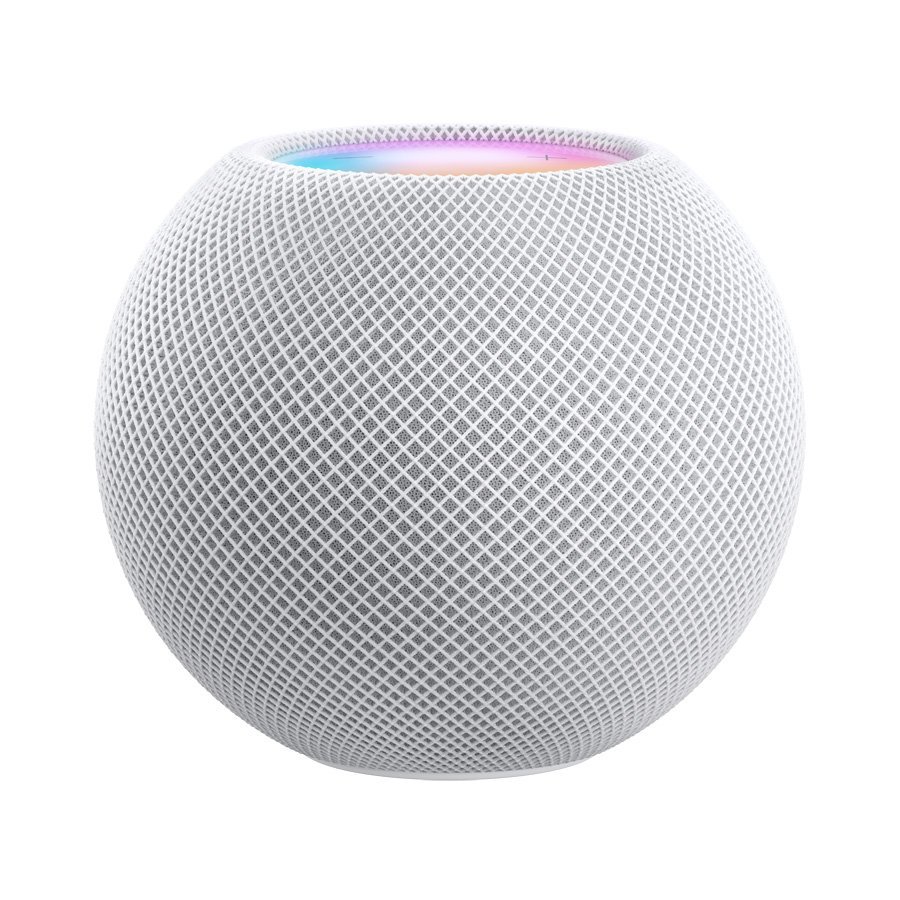
Choose a compatible smart plug for Apple Home and verify its electrical rating before automating ordinary household equipment.
Check compatibility and electrical limits
Confirm the exact smart plug is supported by Apple Home or the relevant Matter setup. Check the socket type, maximum electrical rating and manufacturer’s approved load types. Do not use an unsuitable plug for high-power or safety-critical equipment.
Set up and test manually
Follow the official pairing instructions and confirm that the plug appears in the intended home. Test a low-risk permitted device such as a compatible lamp. Check whether local and remote control behave as expected.
Create a simple automation
Set an ordinary lighting schedule, test the action and review household permissions. Keep a physical control available and understand how the device behaves after a power or internet outage. Do not automate heaters or hazardous appliances unless explicitly designed and approved for that use.
Frequently asked question
Does Matter compatibility guarantee every appliance is safe on a smart plug?
No. Electrical rating and appliance suitability are separate requirements.
Compare HomePod mini. Consult manufacturer guidance and contact Infinite Tech Nairobi for current stock and warranty.
