
HomePod mini Handoff: Transfer Audio Between iPhone and Speaker

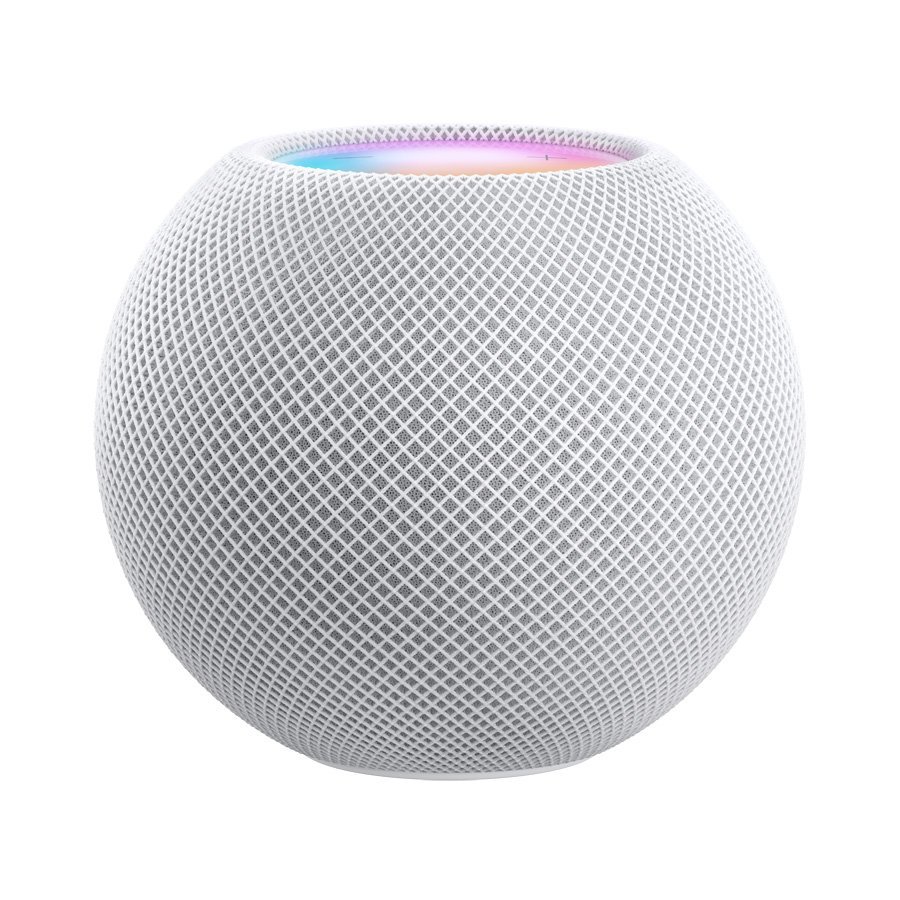
Check compatible devices and settings before using proximity-based audio transfer with a HomePod mini.
Confirm compatibility
Apple’s HomePod documentation explains supported iPhone models, software and settings for Handoff. Make sure both devices are updated and signed into an appropriate Home setup.
Try with supported audio
Start a compatible audio session and follow Apple’s transfer instructions. If the prompt does not appear, check connectivity and Handoff settings rather than repeatedly restarting the speaker.
Use a manual fallback
When proximity transfer is unavailable, select HomePod as the audio output through supported AirPlay controls. Keep the phone and speaker on the intended network. Understand that some apps may behave differently.
Frequently asked question
Does every iPhone support every proximity feature?
No. Compatibility varies by hardware, software and feature.
Compare HomePod mini. See manufacturer support and contact Infinite Tech in Nairobi for current price, exact configuration and warranty.
