
Hisense TV Picture Settings for Movies, Daylight and Night Viewing

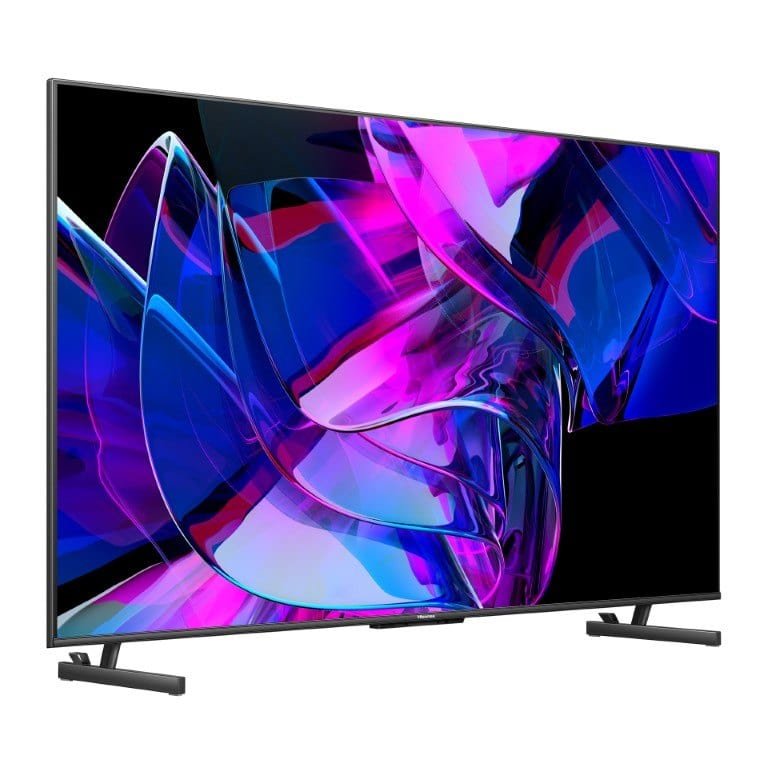
There is no single picture-setting recipe for every Hisense television. Panel technology, firmware, room light and source format change the correct adjustment. Use the settings menu and manual for your exact model, and record the original values before experimenting.
Start with a suitable picture mode
For cinema, try the most neutral film-oriented mode available rather than a vivid showroom mode. For daylight, consider a mode that provides enough screen brightness without making faces look unnatural. HDR content may have its own separate modes; do not copy SDR settings blindly.
Brightness and shadow detail
Use a familiar film scene with dark textures and a bright outdoor shot. Adjust the appropriate backlight or panel-brightness control for comfort. Brightness and black-level controls may serve different purposes on different models. Avoid crushing shadow detail or washing out blacks.
Colour and motion
Use natural-looking skin tones as a basic reference. Excessive sharpness can create artificial edges. Try motion processing at different supported levels for film and sport; choose a setting that avoids distracting artifacts. Do not enter service menus or apply calibration values intended for a different panel.
Compare upgrade options
If reflections or contrast remain unsuitable, settings cannot overcome every hardware limitation. Compare the 55Q6QKEN and 55U7K in your preferred viewing conditions. For a related technical buying guide read HDR format and picture performance. Professional calibration may be worthwhile for a dedicated cinema room.
Explore the Hisense Knowledge Centre for additional buyer resources. Confirm the exact regional SKU, live price, physical stock and warranty before ordering. This independent retail guide does not claim hands-on testing.
