
DJI Osmo Mobile 8P Subject Tracking: Occlusion, Crowds and Manual Recovery

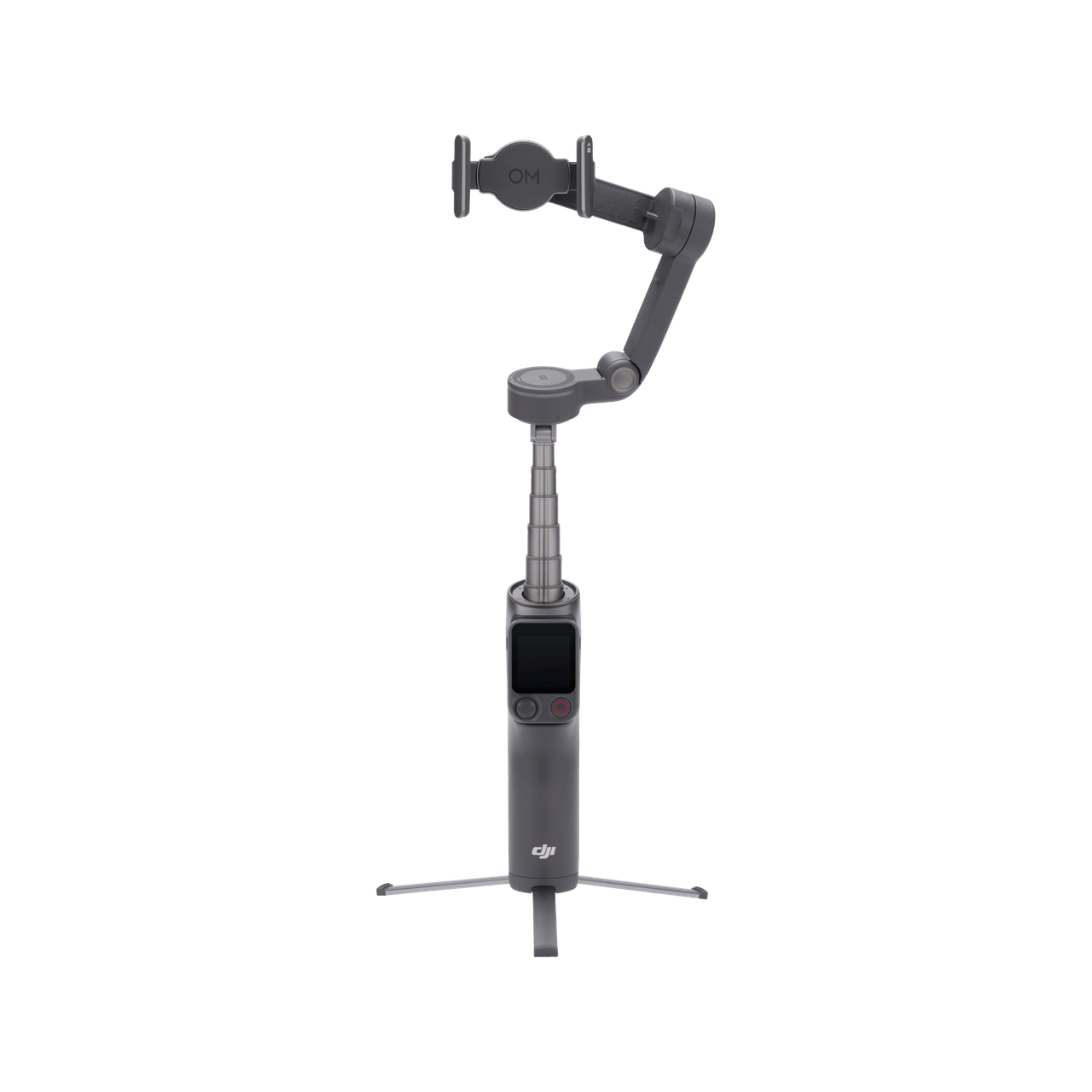
Test how supported tracking behaves when a subject turns away, becomes obscured or passes other people.
Check the tracking mode
Identify the phone, installed app and exact tracking accessory. Consult DJI’s documentation for supported subject types and the modes available with that configuration. Do not assume every combination tracks the same subjects.
Rehearse a difficult movement
In a safe space, let the consenting subject walk slowly through the frame and briefly pass behind a stationary object. Observe whether tracking holds, loses or reacquires the subject. Test with a second person nearby only with permission.
Plan manual recovery
Keep the gimbal within comfortable viewing distance and know the documented way to stop or resume tracking. For a critical take, use a wider fixed fallback composition if automatic tracking becomes unreliable. Keep obstacles clear of the motors.
Frequently asked question
Will automatic tracking always identify the intended person in a crowd?
No. Occlusion, motion and competing subjects can affect tracking.
Compare DJI Osmo Mobile 8P Standard Combo, DJI Osmo Mobile 8P Creator Combo. Consult manufacturer guidance and contact Infinite Tech Nairobi for current stock and warranty.
