
DJI Osmo Mobile 8 for Vertical Reels: Framing and Movement Checklist

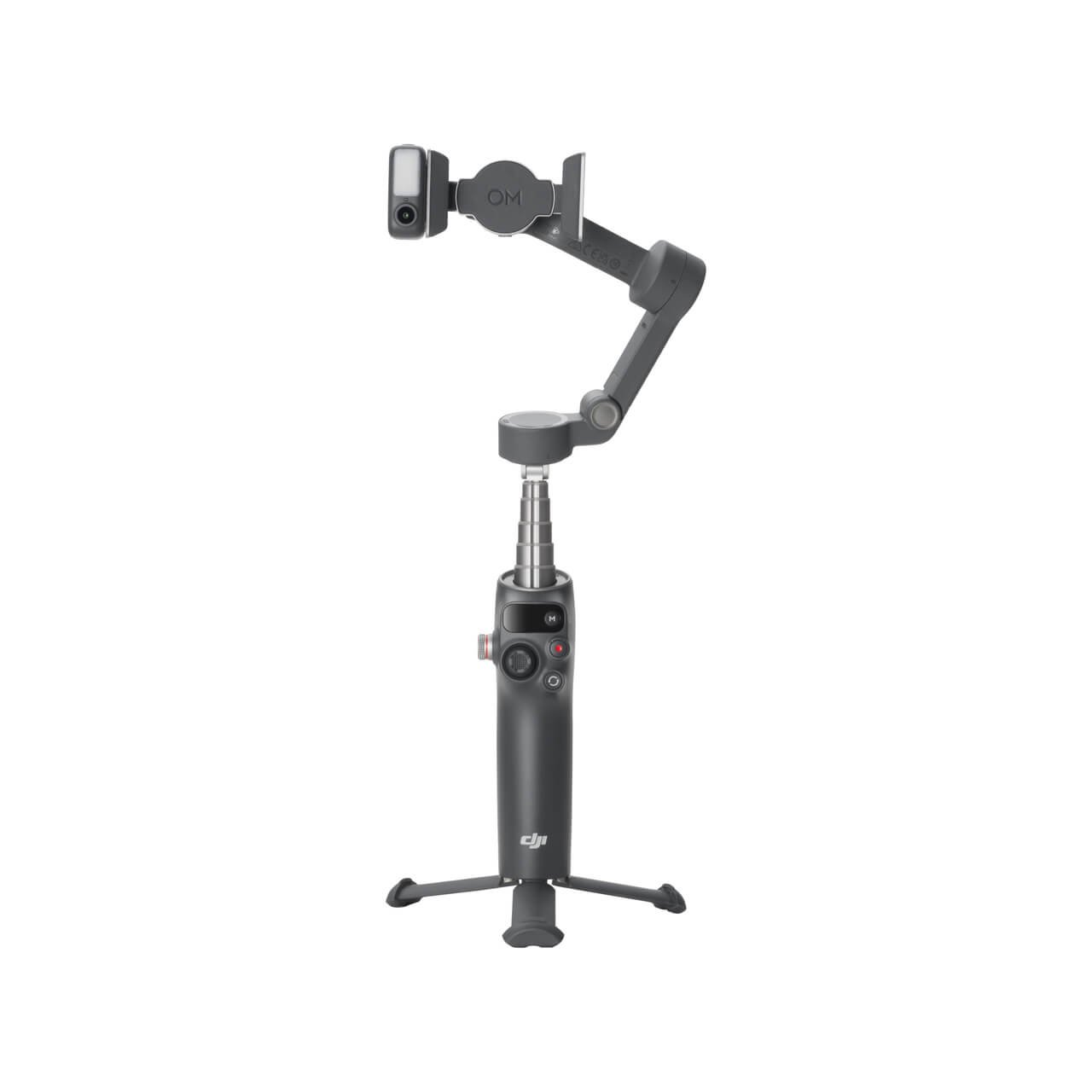
Capture vertical video with consistent framing and controlled movement using a compatible Osmo Mobile 8 setup.
Before you begin
Set the camera app to the intended vertical aspect ratio before recording. Allow room for on-screen captions and interface overlays. Check that the phone case and clamp do not obstruct any lens.
Practical checks
Plan short clips: opening frame, action detail and a closing shot. Move smoothly and avoid forcing the gimbal through its movement limits. Test tracking in your chosen app before a take.
Make the right decision
Review the clips with sound and verify exports remain vertical. Save the original footage separately and avoid unnecessary re-encoding before publishing.
Frequently asked question
Can a horizontal video always be cropped into a good vertical reel?
Not always. Important details may fall outside the crop; compose vertically when practical.
Compare Osmo Mobile 8, Osmo Mobile 8P Standard, Osmo Mobile 8P Creator Combo at Infinite Tech. Read the official manufacturer support information and contact our Nairobi shop for current availability and warranty.
