
CH-Region iPhone 13 Pro Max: How to Verify Dual Physical SIM Compatibility

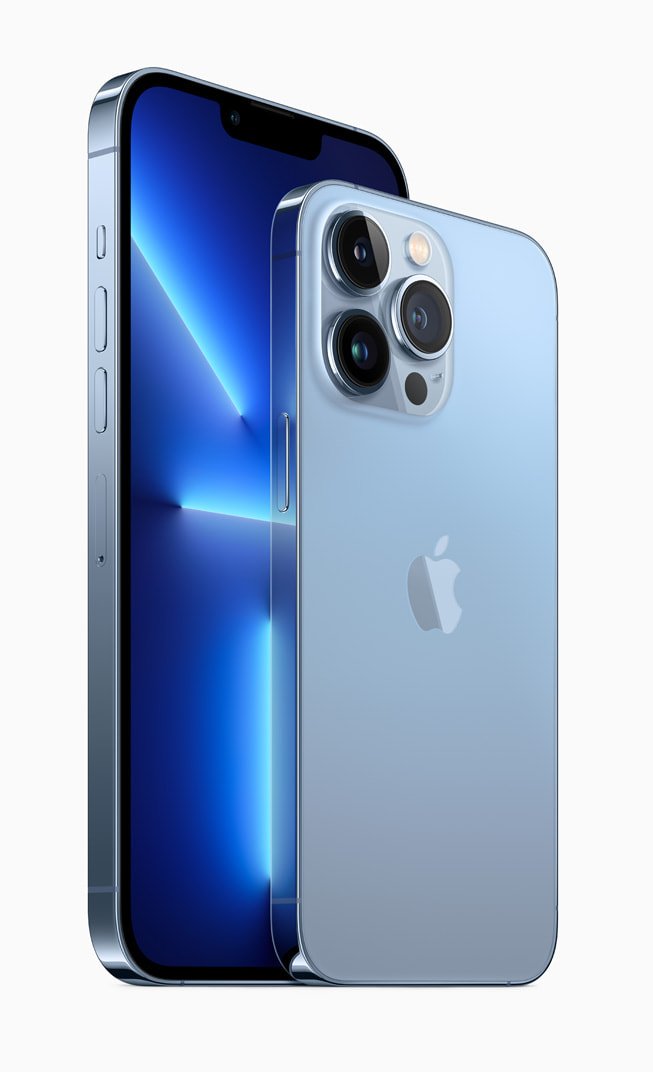
Some iPhone 13 Pro Max devices imported from China mainland, Hong Kong or Macao support two physical nano-SIM cards, unlike versions that combine a physical SIM with eSIM. For Nairobi shoppers, the distinction matters if two mobile lines must work without eSIM activation. CH region in a reseller description is not sufficient proof of the exact handset’s hardware. Check the phone itself before paying.
1. Identify the hardware model number
With the owner’s permission open Settings → General → About. Tap Model Number, where necessary, to show the A-number rather than the sales part number. Apple’s official model identification guide lists A2644 for the iPhone 13 Pro Max sold in China mainland, Hong Kong and Macao. Other regions use different model identifiers. An A-number is useful evidence, but the actual tray, network lock and SIM operation still require checking. See Apple’s official iPhone model identification table.
2. Inspect the dual nano-SIM tray
Ask the seller to remove the tray using an appropriate SIM-eject tool. Apple documents that certain regional iPhone 13 Pro Max units accept two nano-SIMs using the appropriate dual-sided tray. Check that the tray is not bent, the seals appear seated and both positions can hold compatible cards. Do not force a tray from another region or assume a replacement tray proves dual-SIM hardware. Read Apple’s two-nano-SIM support guide.
3. Test two Kenyan lines
With lawful access and compatible working SIM cards, test both lines in Settings → Mobile Service or Cellular. Identify which line makes a call and which line provides mobile data. Test sending and receiving a permitted SMS on both numbers. Apple’s Dual SIM Dual Standby design permits two lines to remain available for supported calls and messages, but mobile data normally uses one line at a time. A model’s network features and the operator’s actual support determine what works in Kenya; do not promise every carrier feature without a test.
4. Check carrier lock and account ownership
Two physical slots do not guarantee that both cards will work if the phone has an applicable carrier restriction or damage. In Settings → General → About look for the Carrier Lock entry where available; a wording such as No SIM restrictions is helpful but a live test is still worthwhile. Confirm the phone is not Activation Locked to a prior Apple Account. Do not purchase a device demanding someone else’s credentials or accept unofficial unlocking claims.
5. Compare a real Ex-UK listing and prepare a trade-in
Infinite Tech lists the iPhone 13 Pro Max 256GB CH-region Ex-UK; verify its current WooCommerce price, actual stock, battery condition and exact model code with the attendant. If exchanging your old iPhone, back up photos and WhatsApp data first, confirm account ownership and have the old device inspected. Trade-in credit and any top-up cannot be quoted accurately from model name alone.
Two-minute verification checklist
- Check A-number in Settings and compare with Apple’s model table.
- Inspect the intended two-card tray without forcing it.
- Test a call or SMS from each SIM.
- Verify Kenyan mobile data on the chosen line.
- Confirm ownership, battery, condition and written sale terms.
FAQs
Can every iPhone 13 Pro Max take two physical SIMs?
No. Support depends on the hardware model and purchase region. Other variants may use a physical SIM and eSIM instead.
Will two active SIMs provide two simultaneous mobile-data connections?
No. Dual SIM Dual Standby supports two lines, but the device uses one cellular data network at a time under Apple’s documented implementation.
For a unit-specific inspection or trade-in enquiry, visit Infinite Tech, Rehema House, Standard Street, First Floor Shop 2, Nairobi CBD, or call 0720 450 148. The illustrations are manufacturer references, not a photograph of the individual used handset.