

Best Samsung Galaxy A Phone for Teenagers in Kenya: A07 vs A08 vs A17

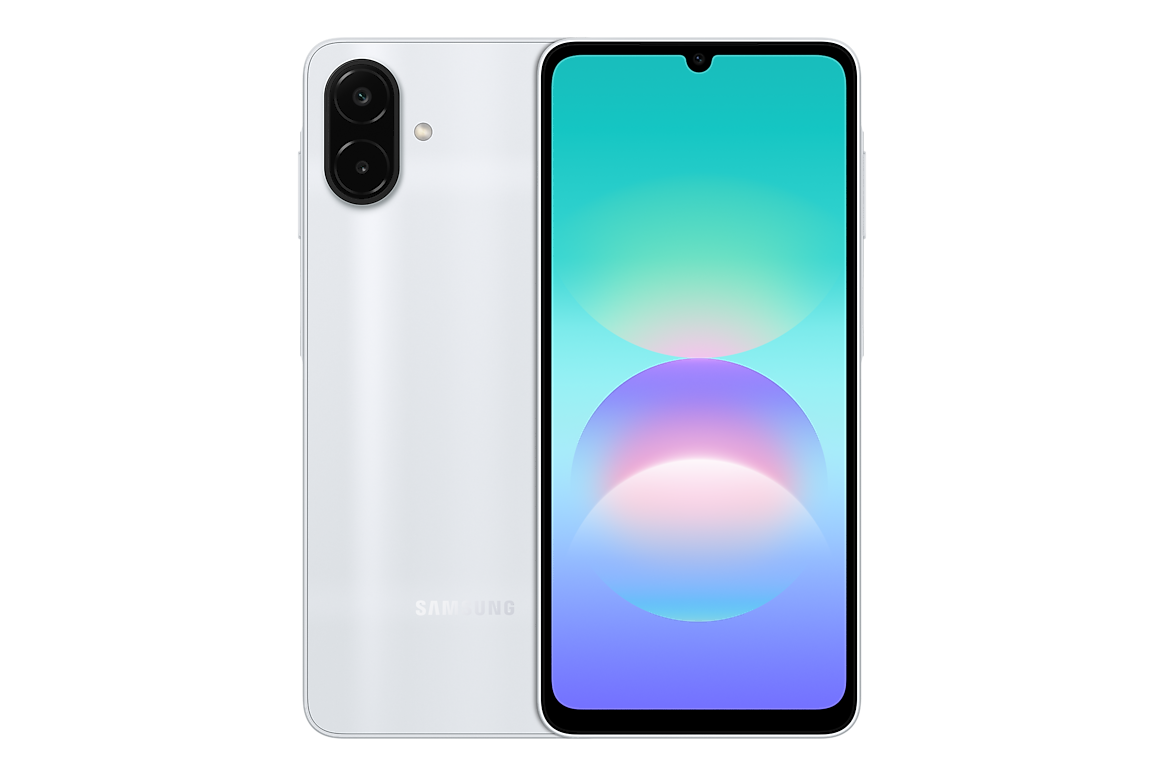
Infinite Tech Kenya use-case buying guide · Updated 31 October 2026. Manufacturer-supported features and real purchase trade-offs are separated from untested performance claims.
Choosing a first smartphone for a teenager is about useful communications, responsible app management, storage and a reliable warranty—not just cameras or the highest model number. Samsung’s entry A-series phones offer different trade-offs in price, battery, screen and connectivity.
Samsung specification baseline
Samsung’s official regional product or launch documentation supports the technical model-family context here. Features and warranties can differ by exact SM- model and distribution region. The correct Galaxy A choice depends on real daily work rather than an unsupported claim that the newest phone is automatically superior.
Keep the budget grounded
A07 4GB/64GB and A08 4GB/64GB suit lighter use, but 64GB can fill rapidly with photos, videos and downloaded lessons. A08 4GB/128GB is worth considering if its storage matches the expected use. Current WooCommerce prices—not old article prices—should decide the budget.
Battery and screen are different priorities
Samsung A08 officially uses a 6,000mAh typical battery and HD+ PLS LCD, while A17 4G/5G offers a sharper FHD+ AMOLED display in the referenced families. A larger battery figure does not guarantee a fixed number of days; app habits and cellular coverage matter.
Accounts and family controls
A phone intended for a minor should be set up with age-appropriate Google/Samsung account settings, privacy permissions, screen-time expectations and secure app sources. Parental controls are not a substitute for open rules about messaging, payments and shared photographs.
Warranty and repair planning
A protective case, screen protector, transparent repair options and a written warranty may be more valuable than a small feature upgrade. Confirm genuine model code, stock, actual memory and return conditions. Do not claim the retailer is Samsung-authorised without certification.
Practical selection checklist
- List your primary three tasks and the apps that must work reliably.
- Choose the network and screen that fit your location, eyesight and typical routine.
- Compare physical RAM and internal storage, never confusing RAM Plus with installed RAM.
- Check the exact Samsung Galaxy A product example and other A-series variants for current KSh pricing and real stock.
- Confirm the regional SM- code, charger, condition and written warranty before payment.
Frequently asked questions
Is 64GB enough for school use?
It can be, but apps and downloaded learning materials can use space quickly.
Does A08 have AMOLED?
No, the referenced A08 is HD+ LCD.
Can parents set digital rules?
Account and software controls may help, but configuration varies by platform.
Further comparisons and retailer details
Compare the A-series under KSh 25,000 guide, the manufacturer specifications reference and our buying checklist. These are editorial shopping recommendations, not performance laboratory reviews. Visit Infinite Tech at Rehema House, Standard Street, first floor Shop No. 2, Nairobi CBD. Call 0720450148 to confirm stock, warranty and model configuration.
