
S23 Ultra S Pen Will Not Stay in the Slot? Safe Checks Before Replacement

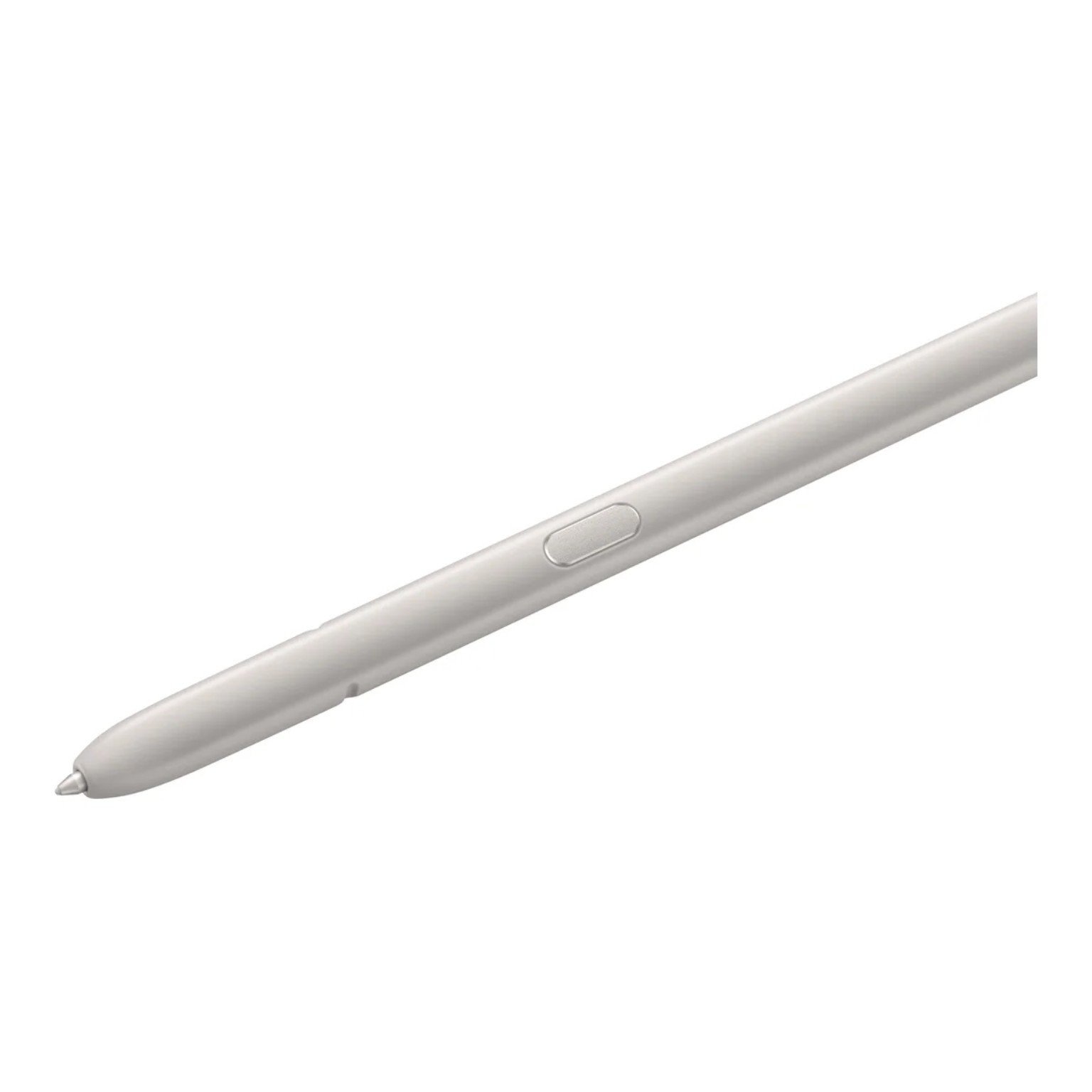
A pen that writes normally but does not stay inside the Galaxy S23 Ultra can still be unsuitable. Pen-retention problems may involve a mismatched cap, bent barrel, worn mechanism or dirt, and forcing the accessory can make the situation worse.
Confirm the correct pen
Check that the pen is intended for the Galaxy S23 Ultra—not simply described as a generic Galaxy S Pen. The silo is a mechanical fit in addition to an electronic interface.
Inspect the exposed surfaces
With the pen out, examine the cap, barrel and nib. Look for obvious deformation. Do not insert tweezers, glue or cleaning liquids deep into the phone’s compartment.
Try one gentle insertion
Insert in the correct orientation with ordinary finger pressure. If the cap sits proud, does not latch or resists movement, stop. A jammed stylus is a larger repair problem than an unseated pen.
Separate phone faults from accessory faults
A known correctly sized pen can help determine whether the issue is with the replacement or handset. If multiple correct pens fail to retain, seek professional inspection of the slot.
Buy for both function and fit
A replacement is worthwhile only if the pen can write and store safely. Ask for an insertion-and-release demonstration before purchase.
Frequently asked question
Can a pen work on-screen but fail in the S23 Ultra slot?
Yes. Writing compatibility does not prove that a pen’s dimensions and click mechanism match the phone.
Check the available S23 Ultra pen
Infinite Tech lists a Galaxy S23 Ultra replacement-style S Pen for KSh 4,995. The product images are shared references, so confirm the physical fit, colour, manufacturer identity and availability before ordering. Visit Rehema House, Standard Street, Nairobi CBD, 1st Floor Shop 2, or call 0720 450 148.
Read Samsung’s official guide to S Pen Air Actions for original-device functionality. It is not a specification sheet for the replacement sold here.
