
Using an S23 Ultra S Pen as a Camera Remote: Original vs Replacement

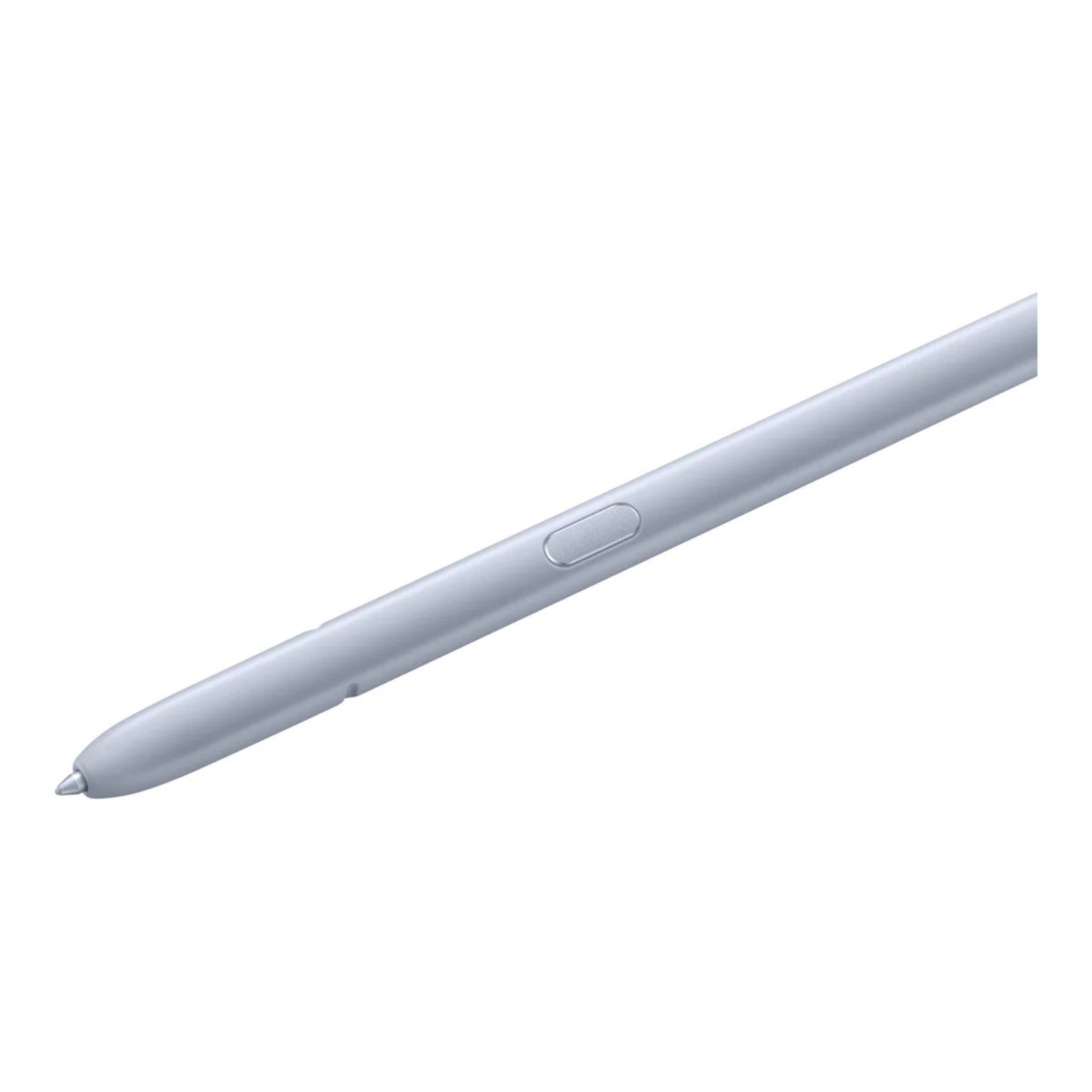
The Galaxy S23 Ultra’s original S Pen supports Air Actions, including remote use in supported scenarios. That capability is useful when taking a group shot without touching the handset, but it must not be promised for an unspecified replacement stylus.
How the original concept works
Samsung’s Air Actions use supported Bluetooth-equipped pens. The remote action is different from touching the camera shutter button with the nib: it requires a connection and compatible phone settings.
Check the function before buying
On a known original-compatible pen, review the Air Actions settings and test the camera feature with the shop assistant. If the pen cannot connect, do not assume a software reset will enable a function its hardware does not contain.
When remote shooting matters
Remote shutter capability can be useful for stable tripod pictures, document scanning setups and photos where the owner is standing away from the phone. Decide whether this is essential or whether normal on-screen writing is enough.
Alternative if the replacement has no Bluetooth
Use the camera’s on-screen controls, timer or other verified phone shutter options. A non-Bluetooth replacement may still be suitable for drawing and notes when tested on the actual handset.
Frequently asked question
Does a side button prove the S23 Ultra pen has Air Actions?
No. Demonstrate the remote function with that exact accessory before treating it as included.
Check the available S23 Ultra pen
Infinite Tech lists a Galaxy S23 Ultra replacement-style S Pen for KSh 4,995. The product images are shared references, so confirm the physical fit, colour, manufacturer identity and availability before ordering. Visit Rehema House, Standard Street, Nairobi CBD, 1st Floor Shop 2, or call 0720 450 148.
Read Samsung’s official guide to S Pen Air Actions for original-device functionality. It is not a specification sheet for the replacement sold here.
