
HAVIT Smartwatch Wrong Time or No Notifications? Sync and App Checks

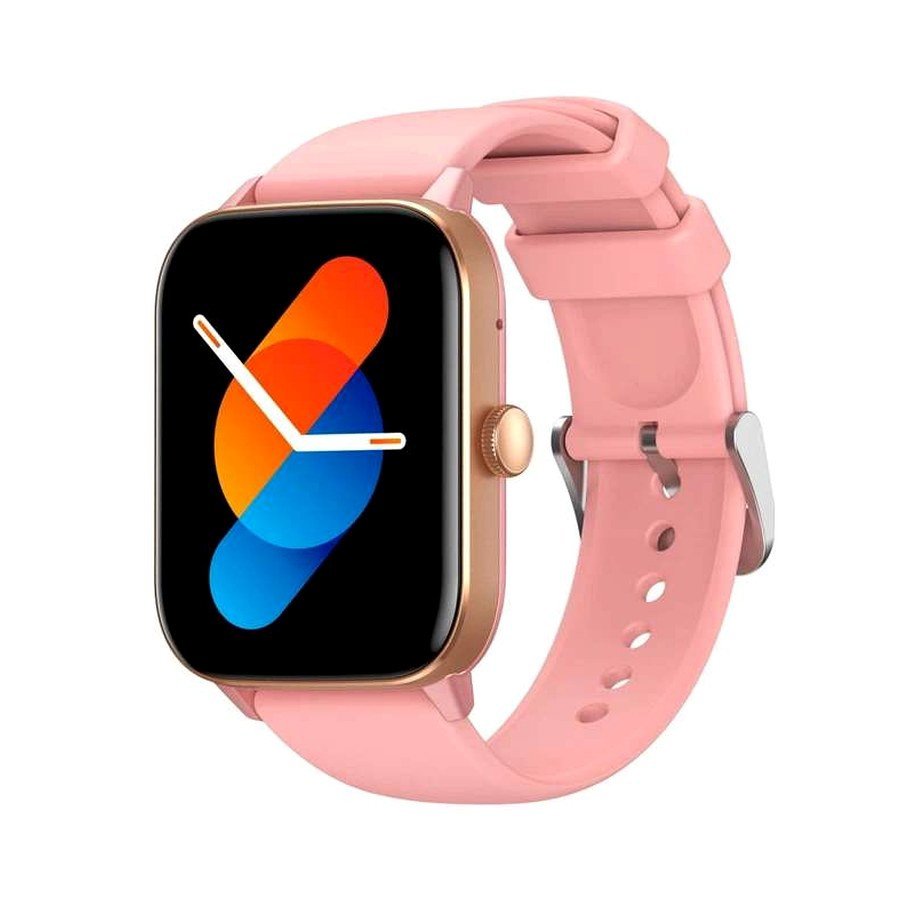
A HAVIT smartwatch may show yesterday’s time, lose WhatsApp alerts or stop vibrating for calls while still appearing connected over Bluetooth. Those problems often involve phone time synchronization, companion-app pairing, notification permission and background restrictions—not the watch’s display or speaker. HAVIT uses several companion apps: the November 2026 supplier catalogue explicitly lists HAVIT FIT III for M9052/M9062, Glory Fit for M9037, Fitbeing for M9057 and HAVIT FIT IV for M9072. The correct app matters because ordinary phone Bluetooth pairing alone does not guarantee full watch syncing.
1. Confirm the time on the phone first
Most connected watches receive local time and date from a paired phone during successful synchronization. Check that the phone has the correct timezone and automatic time setting. In Kenya the local timezone is East Africa Time (UTC+03:00), which does not use seasonal daylight saving. If your phone is using another region or an incorrect manually assigned timezone, the watch can display the wrong hour even though Bluetooth appears to work. Correct the phone’s settings using its official system controls, then sync through the model’s companion app.
2. Verify the watch is actually bound to the right app
Some users pair only the watch’s Bluetooth calling/audio profile in the phone’s general device list. That can allow calls without fitness-data synchronization, watch-face updates or notification subscriptions. Open the officially supported companion app and check whether the watch is shown as connected/bound. Don’t install a similarly named app just because it appears high in search results. The watch’s QR code, manufacturer guide and app publisher provide better clues than guessing from the case shape. If it is bound to a previous owner’s account, follow legitimate unbinding steps rather than bypassing ownership protections.
3. Resynchronize after travel or a new phone
After changing phone or timezone, open the approved watch app and use the documented sync control where available. Keep Bluetooth enabled and the devices near each other. If the app connects and updates activity but not the clock, check whether a manual time preference exists on that exact watch or whether phone clock permissions have changed. The supplier price list does not establish a universal button sequence to set time on every HAVIT model. Do not factory-reset as the first step: some models can lose unsynced activity history or personalized watch settings.
4. Fix missing call and WhatsApp notifications
Check that WhatsApp or the intended app is allowed to show notifications on the phone itself. Then inspect the watch companion app’s notification subscription or alert toggles. Also confirm that the phone’s Focus/Do Not Disturb mode and the watch’s quiet settings are not suppressing alerts. Android and iPhone privacy controls differ; on Android, notification access may require explicit permission, while iOS can limit what third-party watches can display or reply to. Don’t promise a “reply to WhatsApp” feature unless the exact watch and phone combination supports it.
5. Battery optimization can interrupt background sync
Some mobile operating systems restrict background processes to save battery. If a HAVIT watch works immediately after opening its companion app but stops receiving alerts an hour later, inspect the phone’s legitimate background-app and battery optimization policies for that app. The exact options vary across Samsung, Xiaomi, Tecno, iPhone and other devices. Grant only permissions required for the features you actually use, and avoid disabling broad phone security or unrestricted background access without understanding its impact.
6. Calling audio and notifications are separate
A smartwatch’s Bluetooth calling function may create a distinct audio connection from its app synchronization profile. If the watch rings but messages do not arrive, investigate app notification permission and sync. If messages work but no call audio is heard, inspect the phone’s call-audio output and the watch’s calling profile. The supplier lists Bluetooth calling for models such as M9052 and M9037, but this does not mean standalone cellular service, a SIM or video calls are supported.
7. Make one controlled change at a time
Start with phone time, then companion-app connection, then the specific notification permission. After each correction, test a harmless message or call. If the watch remains disconnected, use the manufacturer’s actual reconnection instructions. Only remove the correct old device pairing; a phone may also have separate Bluetooth names for data and call audio. Keep a note of what you changed so you can reverse unsuccessful settings.
Frequently asked questions
Why is my watch exactly three hours behind in Nairobi?
Check the phone’s timezone, automatic time and successful app synchronization. Kenya uses UTC+03:00 year-round.
Will Bluetooth pairing alone show WhatsApp notifications?
Not necessarily; the proper companion app and notification permissions may also be required.
Will resetting the watch fix all notification problems?
No. The phone’s permissions and app restrictions may remain unchanged; a reset may also clear watch settings.
See the iPhone app compatibility article, the Android watch pairing guide and the HAVIT Kenya hub. Infinite Tech: Rehema House, Standard Street, First Floor Shop 2, Nairobi CBD; 0720 450 148.
Supplier source: HAVIT November 2026 smartwatch catalogue for model/app mappings. Menu names and connection steps vary by actual OS and app version; no universal reset procedure is claimed.
