
How to Load Fujifilm Instax Mini Film Correctly and Avoid Wasted Shots

A new film cartridge can be damaged by strong light, rough handling or opening a camera back before the film is finished. The Fujifilm instax mini 20-sheet twin pack contains two cartridges of ten shots each. This guide covers the usual loading sequence for analogue instax mini cameras. Always follow your specific model’s instructions if they differ.
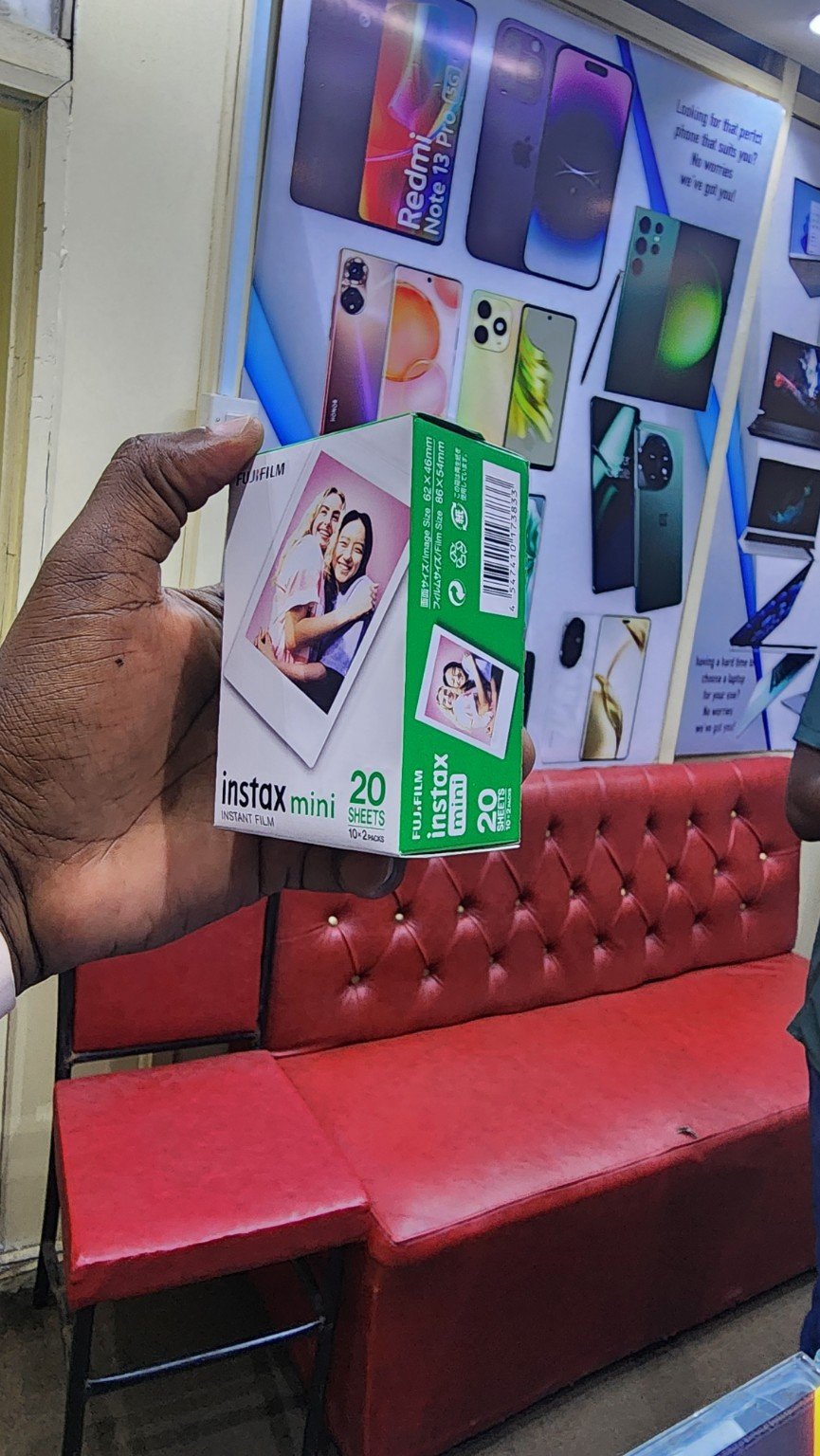
Before loading the film
Confirm that your camera requires instax mini, not SQUARE or WIDE. Check the film use-before date and avoid opening the cartridge in direct sunlight. If the box has been stored somewhere very hot or cold, give it time to reach normal room temperature before use. Have a clean, dry surface available in case you need to set down the unopened carton.
Six basic loading steps
- Open the film door by using the latch or release described in your camera manual. Make sure any previous cartridge is empty first.
- Remove one cartridge from its protective wrapper immediately before loading. Do not remove the black protective dark slide yourself.
- Align the yellow marks. Many analogue mini cameras have a yellow mark inside the compartment that lines up with the yellow mark on the cartridge.
- Close the camera back securely and do not reopen it while exposures remain.
- Eject the dark slide using the camera’s normal first-shot procedure. This is the opaque protective cover, not one of your ten colour exposures.
- Check the exposure counter. On typical analogue mini models it now shows ten remaining photographs.
What happens after taking a picture?
The camera ejects the exposed film and the picture develops without shaking. Allow time for the image to appear; development often takes roughly 90 seconds in suitable conditions, but temperature changes the timing. Do not bend, cut, peel or puncture an exposed sheet. Keep fingers away from the outlet and from the camera’s sensors or flash while shooting.
How to avoid wasting ten or twenty shots
For portraits, check subject distance, lighting and framing before pressing the shutter. If using the instax mini 12, consult its close-up mode instructions for selfies. The instax mini 13 adds self-timer functions for group setups. These features can improve composition, but each exposure on an analogue camera is still single-use.
Common problems and fixes
Blank or washed-out photos: review lighting, expired or heat-affected film and whether the camera back was opened. Dark photos: check subject distance, lighting and whether the flash was covered. Cartridge jam: do not pull or force the film; consult the camera manual or a qualified technician. Film counter incorrect: check whether the dark slide was ejected and whether the camera was loaded according to its instructions.
Frequently asked questions
Can I open the camera to check remaining film?
No. Opening it during a pack can expose unused sheets to light.
Should I shake instant photos?
No. Allow them to develop without bending or shaking.
Does the black protective cover count as a photo?
No, the cartridge supplies ten colour exposures after the dark slide.
Read your model’s official manual and shop the 20-sheet instax mini film pack at Infinite Tech.