
HDMI ARC vs eARC for JBL Soundbars: Kenya TV Setup Guide

ARC and eARC are TV audio return technologies using HDMI. Their names are similar but their format and bandwidth capabilities differ. Understanding the TV-side socket is often more useful than buying a costly soundbar and assuming any HDMI port will deliver its best audio.
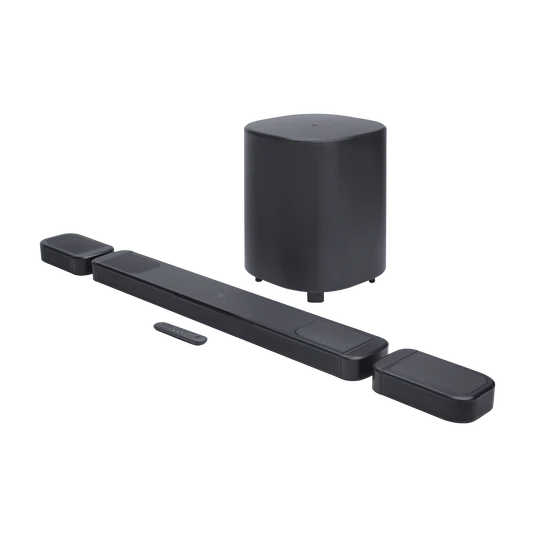
Model and feature differences
Start by identifying the TV’s HDMI port labeled ARC or eARC. Many compatible soundbars have a corresponding HDMI TV-output/return connector. Connecting an ordinary HDMI source port to the wrong socket may produce pictures but no returned television sound. Check which HDMI input on the television actually supports audio return.
Choosing the right connection or setup
eARC generally accommodates higher-bandwidth audio formats and can simplify some advanced home-theatre connections, but every television, streaming box, app and audio track must also support the desired format. Some TV menus require enabling HDMI CEC or choosing an external audio system. Check the specific instruction manual; menu terminology varies by manufacturer.
Recommendation for Kenyan buyers
When the soundbar is working, test ordinary television broadcasts and a known streaming app before concluding that Dolby Atmos is available. A logo on the soundbar does not mean every programme contains spatial audio. Keep HDMI cables reasonably short, avoid unnecessary adapters and route cords safely.
Related models and live prices
Frequently asked questions
Is an eARC port essential for all JBL soundbar sound?
No. Many systems support ordinary audio via ARC or optical, but the advanced formats available may differ.
Will this guide’s price remain fixed?
No. Confirm current Kenyan selling price, warranty and stock in the individual Infinite Tech WooCommerce listing.
Official sources and further JBL reading
JBL official product or support reference. This article interprets manufacturer specifications; it does not claim hands-on lab measurements. Compare further families in the JBL Kenya knowledge centre.