
Inspecting Camera Lens Scratches, Haze and Fog on a Used Samsung Galaxy

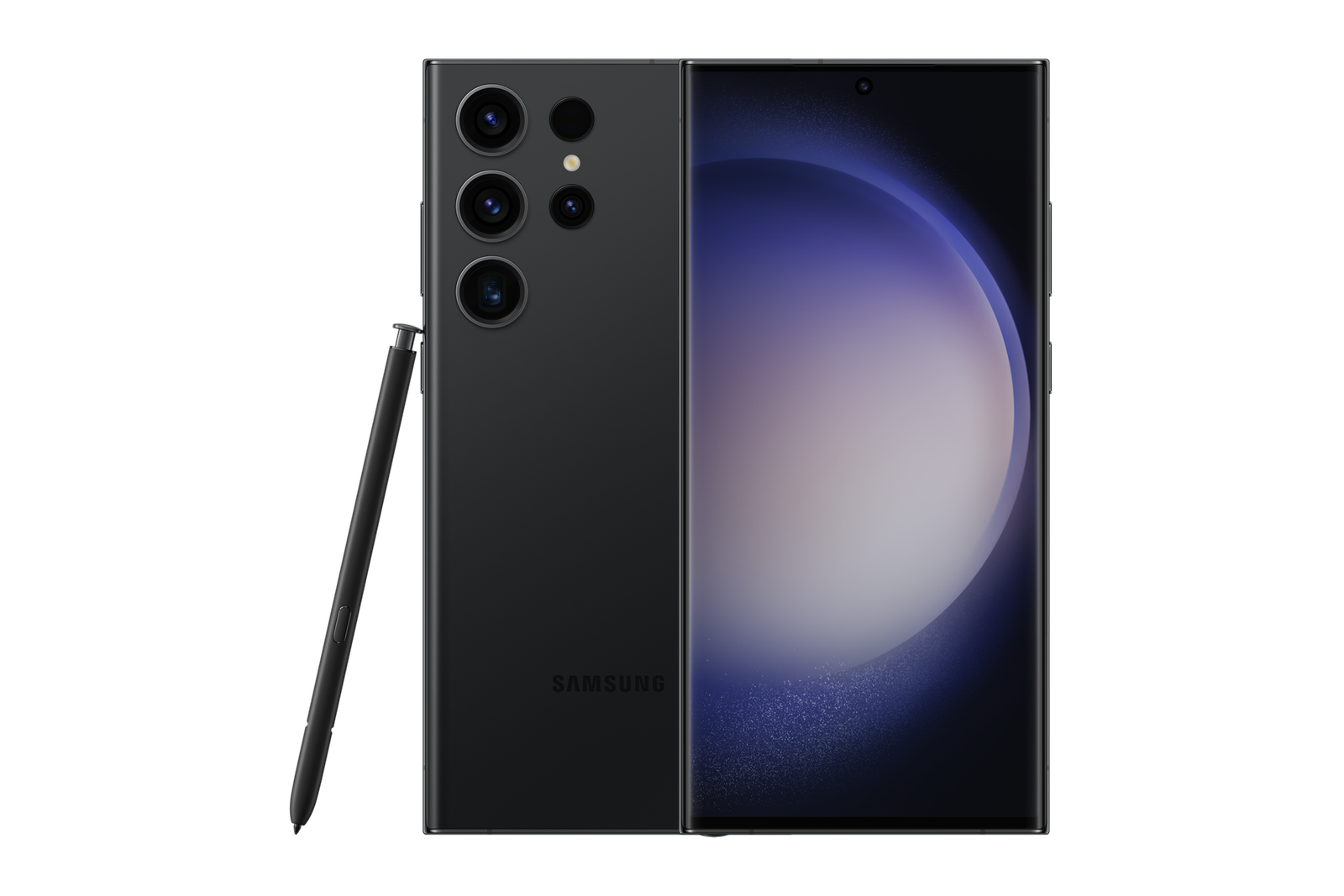
A used Samsung Galaxy may have a clean screen but scratched camera glass or a lens that produces hazy photographs. The challenge for Nairobi Ex-UK buyers is separating harmless cosmetic marks from damage that affects focus, contrast and image quality. A quick camera test across several focal lengths can reveal more than a headline megapixel count.
Start by identifying the external camera glass
Look at each rear lens area from an angle under diffuse light. Distinguish surface dust from scratches, chips or hairline cracks. A soft, clean microfibre cloth may remove fingerprints with the seller’s permission. Do not use abrasive powders, sharp tools, heat or chemicals to test a camera cover. Check whether the surrounding rings or rear housing show signs of impact.
Test each camera, not just the default 1x view
On a Galaxy Ultra with multiple optical camera modules, take consistent photographs using ultra-wide, main, and available telephoto lens settings. Focus on a printed label with detail, then capture a distant subject outdoors where permission and light conditions allow. Inspect the resulting files at normal and enlarged zoom. A scratch may cause flare in bright light without being obvious in indoor photos; fog or haze can reduce contrast across a larger area. Keep digital zoom separate from native optical lenses when comparing.
How to recognise condensation or persistent haze
Light fogging may appear after rapid temperature changes, but you should not assume that persistent moisture behind camera glass will disappear safely. Internal condensation can suggest a loss of sealing or prior damage. If haze remains after an ordinary temperature adjustment, stop the purchase pending qualified inspection. Never attempt to dry a phone with a hairdryer, radiator or uncooked rice; heat and debris can cause additional damage.
Five practical camera checks
- Inspect camera glass, lens rings and frame damage with the phone switched off.
- Take a normal 1x photo and check sharpness near the centre and corners.
- Switch through the actual built-in rear camera options, testing each supported lens.
- Record a short video while moving gently and check focus, stabilisation and sound.
- Look for glare, unexplained blur, camera warnings or repeated failure to focus in normal light.
Should a scratch change the price?
A light cosmetic mark and a damaged optical camera are not equivalent. Ask for a documented technician’s assessment if there is a visible fault, and compare a real repair quotation with the offered WooCommerce selling price. Do not promise that a damaged lens is easy or cheap to repair on every Samsung variant. A phone with clear optical damage may not suit creators, event photographers or anyone relying on zoom.
Compare an Ex-UK Galaxy at Infinite Tech
Check the Galaxy S23 Ultra 256GB Ex-UK and Galaxy S25 Ultra 256GB Ex-UK listings. Different models have different camera modules; the live product page supplies the current advertised price, not proof of any specific stock unit’s camera condition. Ask about inspectable inventory and warranty terms.
Frequently asked questions
Can a scratched camera cover still take good photos?
Sometimes, but scratches can increase flare or reduce contrast. Test real photos against your needs and seek a technician if the damage is significant.
Does wiping the outer glass remove internal fog?
No. Moisture or haze inside a sealed camera area cannot be treated like surface fingerprints and requires proper assessment.
Can I diagnose a damaged telephoto camera by using 100x digital zoom?
No. Digital processing complicates comparison. Check supported optical lens positions and actual image files instead.
Nairobi in-store checks
Infinite Tech is at Rehema House, Standard Street off Kimathi Street, First Floor Shop 2, Nairobi CBD. Call 0720 450 148 to confirm inspectable Ex-UK stock. Relevant official help: Samsung Africa mobile support and camera troubleshooting.