
Preparing a Used iPhone for a Child With Screen Time and Family Controls

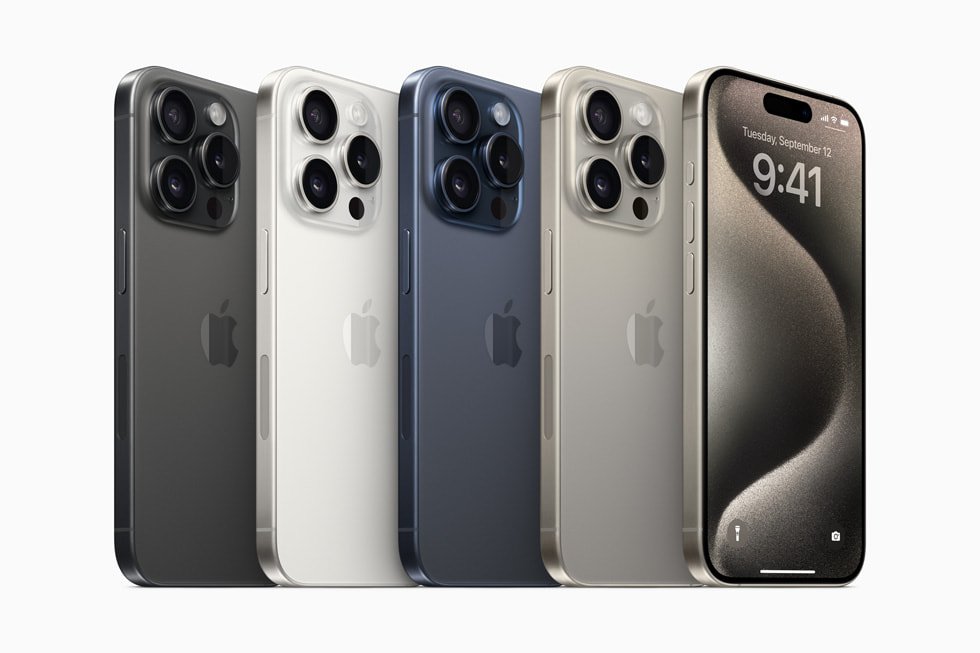
Buying an Ex-UK iPhone for a child is a device-management and safeguarding decision as well as a hardware purchase. Parents or guardians should consider software updates, battery condition, screen damage and appropriate account and content controls before the phone enters everyday use. This is customer guidance and not a claim that a specific used phone has already been tested.
How to prepare or verify the handset
After a lawful clean setup, review Apple’s current Family Sharing and Screen Time options for the child’s age and region. Set app limits, content restrictions, privacy permissions and purchase approvals where supported. Use an appropriate child account rather than sharing the parent’s banking or iCloud credentials.
Risks and what to do next
Supervision settings do not remove the need for conversations about privacy, scams and safe contact. Verify the phone is free of Activation Lock and can install the required apps and security updates. A cheap older model may have reduced remaining software support; check official Apple compatibility before selecting it.
Safe device-transfer checklist
- Write down the exact handset model, storage and current operating system.
- Back up photos, contacts and sensitive apps using their official procedures.
- Ask the lawful owner to release personal and work management restrictions.
- Transfer SIM service and confirm essential logins without sharing PINs or OTPs.
- Verify the replacement phone can update software and connect on the intended network.
- Complete the handover using a receipt that lists the actual unit and written terms.
Do not overlook ownership and privacy
Do not let shop attendants request personal banking passwords, authenticator recovery codes or other sensitive secrets. The original manufacturer specifications do not establish whether a particular handset has been repaired, enrolled in corporate management or locked to another account. For high-value used smartphones, independent account and hardware verification is essential before committing to a purchase.
Compare actual used phones in Nairobi
See the current Ex-UK iPhone 15 Pro listing and explore related Infinite Tech Ex-UK phones. The shop’s WooCommerce listing is the price reference; confirm current availability and exact SIM, hardware and software configuration. Consult manufacturer support guidance and the relevant app provider for up-to-date procedures. Visit Rehema House, Standard Street off Kimathi Street, First Floor Shop 2, Nairobi CBD or call 0720 450 148. Trade-in acceptance or credit is subject to inspection and lawful ownership verification.
Questions answered
Is a phone ready for sale simply because it was factory-reset?
No. Confirm prior accounts and management restrictions are lawfully removed and the new user can set it up.
Does a reference picture prove the phone is secure?
No. Verify the physical handset and supported software directly.
