
Samsung One UI Differences Across Older S and Note Series

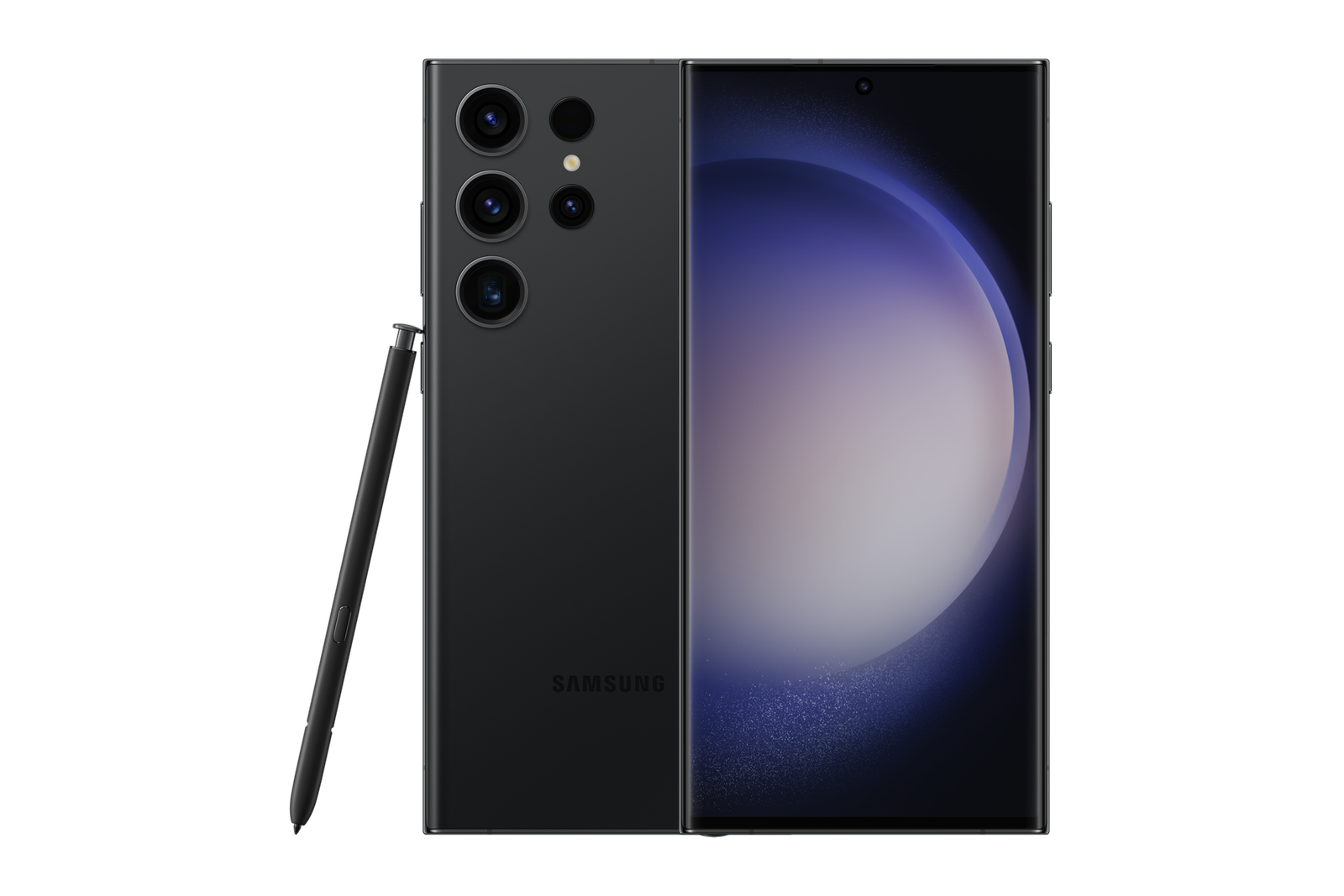
Samsung One UI interfaces, supported camera modes and productivity tools vary across Galaxy generations and operating-system releases. A feature shown on an online Galaxy S25 review may be absent on an Ex-UK S20 or older Note model even when both are sold under the Samsung brand. These are buyer preparation steps, not a representation that the specific shop handset has been tested or that every app requirement is permanent.
Practical verification steps
Read the exact device’s Settings → Software information and compare the available menus with Samsung’s official documentation for that model. Test the specific function you need, such as S Pen options, split-screen, DeX or camera mode, rather than relying on a screenshot from another phone.
Risks and what the result means
Imported regional variants may have differences in update timing or supported services. A refurbished phone’s firmware might not match the marketing name on a shop label. Confirm legitimate software, working security updates and account release before deciding to trade in a newer midrange phone for an older flagship.
First-day security and software checklist
- Verify exact regional model number and installed software version in Settings.
- Confirm updates and official app compatibility rather than trusting a historic review.
- Ask the lawful owner to remove existing account and management restrictions before handover.
- Back up critical accounts and verify that photos, contacts and authenticator access transfer.
- Test relevant local SIM, mobile money and business functions without revealing private PINs.
- Record actual defects, warranty exclusions and the agreed sales price.
What a seller should demonstrate
Look for the supported settings on the handset itself. A promotional model image or a product label cannot establish the phone’s remaining security-support period, its ownership status or whether a bank has approved it. Do not share two-factor codes, passwords, recovery codes or full IMEI details in a public listing. If the old phone belongs to an employer, obtain authorisation and any device-management release before exchanging it.
Inspect real Ex-UK phones at Infinite Tech Nairobi
See Ex-UK Galaxy S23 Ultra and other listed used smartphones. Confirm the current WooCommerce price, stock, condition, storage and SIM configuration before paying. The manufacturer’s official support pages provide model-specific instructions, while app providers set their own current minimum requirements. Visit Rehema House, Standard Street off Kimathi Street, First Floor Shop 2, Nairobi CBD or call 0720 450 148. Trade-in credit can only be confirmed after the old unit is assessed.
FAQs
Does the phone turning on prove app compatibility?
No. Check the current requirements and integrity status for the specific applications you need.
Can the previous owner leave account locks on the handset?
No. Ownership and management-release arrangements must be resolved through the authorised parties before purchase.
