
How to Verify Google Play Certification on an Imported Galaxy Phone

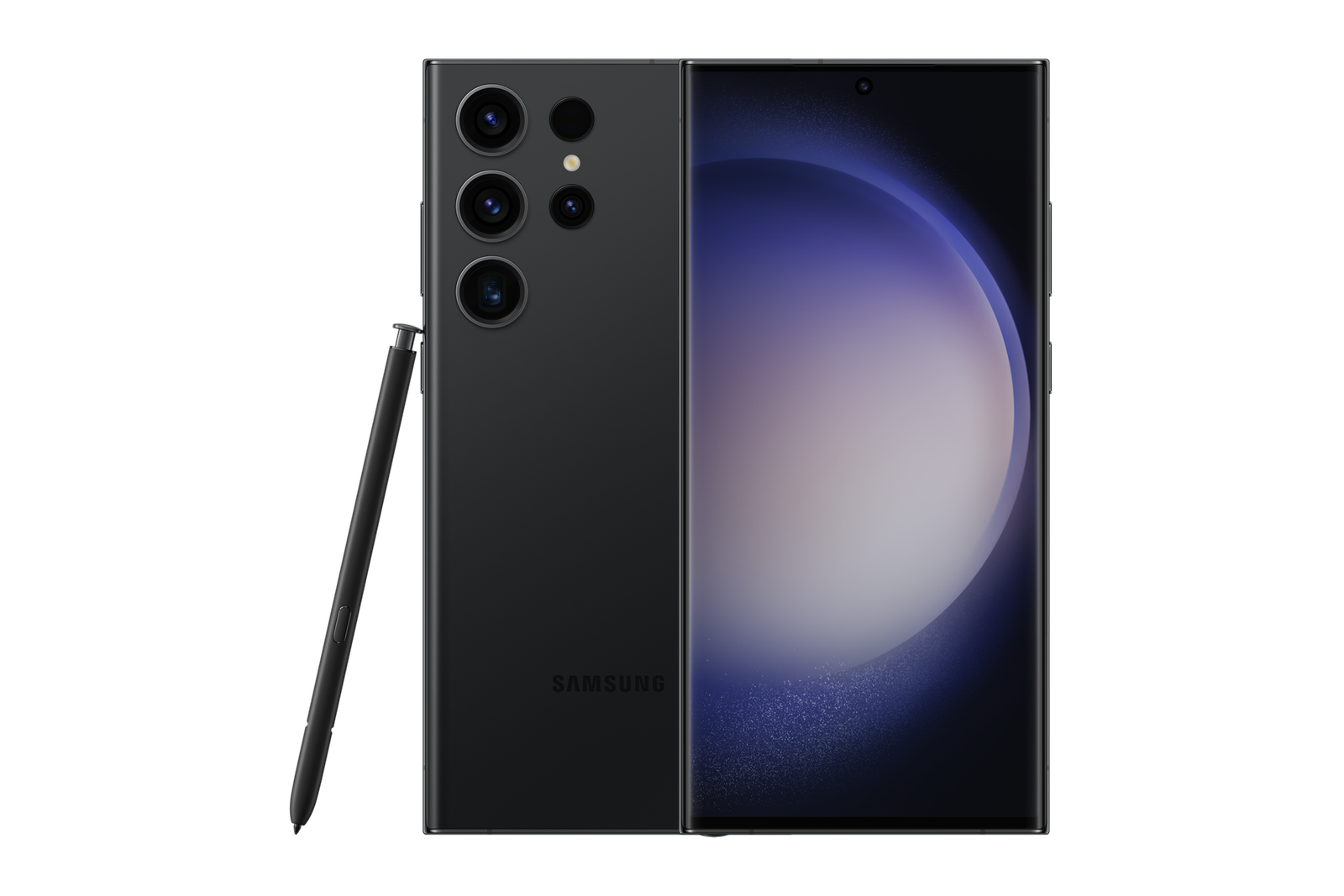
Google Play Protect certification describes whether the device meets Google’s compatibility requirements for certified Android devices. It is not the same as the phone being free of malware, theft or repair damage. Some imported or modified handsets may have unusual certification or firmware states that affect apps. These are buyer preparation steps, not a representation that the specific shop handset has been tested or that every app requirement is permanent.
Practical verification steps
On a phone with Play Store access, open the Play Store settings and look for the Play Protect certification status in the About section, following the current interface. Verify official model firmware and ask about rooting, unofficial ROMs or modified bootloaders. Do not log into personal banking on a handset before the transaction and security setup.
Risks and what the result means
If a device is uncertified, certain apps or security-sensitive services may not function as expected. A factory reset may not resolve modified firmware. Use the manufacturer and Google support guidance; avoid unverified flashing utilities offered by the seller. Confirm ownership, network support and update behaviour before paying.
First-day security and software checklist
- Verify exact regional model number and installed software version in Settings.
- Confirm updates and official app compatibility rather than trusting a historic review.
- Ask the lawful owner to remove existing account and management restrictions before handover.
- Back up critical accounts and verify that photos, contacts and authenticator access transfer.
- Test relevant local SIM, mobile money and business functions without revealing private PINs.
- Record actual defects, warranty exclusions and the agreed sales price.
What a seller should demonstrate
Look for the supported settings on the handset itself. A promotional model image or a product label cannot establish the phone’s remaining security-support period, its ownership status or whether a bank has approved it. Do not share two-factor codes, passwords, recovery codes or full IMEI details in a public listing. If the old phone belongs to an employer, obtain authorisation and any device-management release before exchanging it.
Inspect real Ex-UK phones at Infinite Tech Nairobi
See Ex-UK Galaxy S23 Ultra and other listed used smartphones. Confirm the current WooCommerce price, stock, condition, storage and SIM configuration before paying. The manufacturer’s official support pages provide model-specific instructions, while app providers set their own current minimum requirements. Visit Rehema House, Standard Street off Kimathi Street, First Floor Shop 2, Nairobi CBD or call 0720 450 148. Trade-in credit can only be confirmed after the old unit is assessed.
FAQs
Does the phone turning on prove app compatibility?
No. Check the current requirements and integrity status for the specific applications you need.
Can the previous owner leave account locks on the handset?
No. Ownership and management-release arrangements must be resolved through the authorised parties before purchase.
