
Should You Update Software Before a Phone Trade-In Inspection?

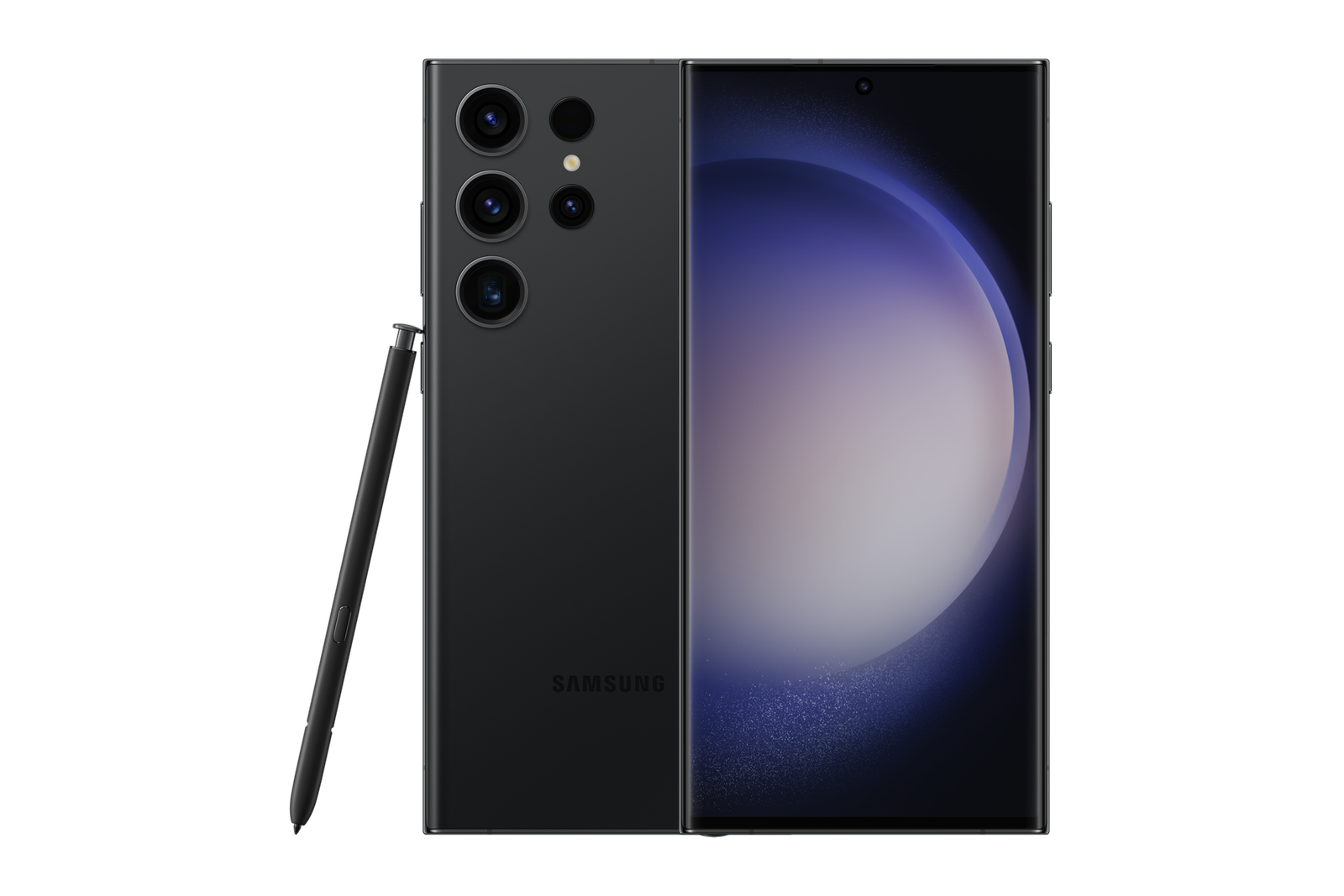
Should You Update Software Before a Phone Trade-In Inspection? addresses a specific decision for customers comparing an Ex-UK device or preparing a trade-in in Nairobi. The following steps are practical checks, not guarantees about stock, valuation or future performance.
A software update is not a cosmetic repair
An operating-system update can improve security, correct known bugs or change diagnostics, but it does not physically repair a cracked display, exhausted battery, faulty charging port or damaged camera. Conversely, a working phone should not be judged defective solely because an update is pending. The trade-in evaluator needs an accurate record of the device as it is, not a rushed attempt to make it appear different.
The exact update decision depends on model support, connection quality, free storage and whether you have a tested backup. Newer is not automatically safer if the update process cannot complete reliably.
When updating before inspection makes sense
Consider installing an official stable update if the phone is supported, is charging safely, has adequate free storage, is connected to trustworthy Wi-Fi and you can afford to complete the process before the appointment. Manufacturers may improve network handling, security and app compatibility over time.
Record the current operating-system version and verify that the software is distributed through the manufacturer-supported update channel. Do not flash unofficial firmware or install an unknown ‘unlocking’ app to change the phone’s trade-in presentation.
When it may be wiser to wait
If the battery is swelling, the phone regularly powers off, the screen is partly unusable or there is an unresolved recovery issue, a large update carries practical risk. Ask a qualified repair provider for advice rather than forcing the update. Similarly, if your backup is incomplete or a critical authenticator is not transferable, preserve your data first.
Do not promise that an update will leave every app unchanged. Especially on older Android devices, manufacturer support can be model- and market-specific.
Check these things after an update
Confirm that the handset boots normally; that calls, Wi-Fi, cameras, microphones, touchscreen, biometric authentication and charging still work; and that no unexpected ownership or device-management screen appears. Verify the reported storage and model code. Take screenshots of the relevant version and condition pages without exposing private information.
For iPhones, review Battery and Parts and Service History where available. For Samsung, use supported settings or diagnostics for the exact device. Update completion alone is not an inspection certificate.
Preserve truthful evidence for the trade-in
Record whether any faults existed before the update and whether they remain after it. Disclose a prior repair honestly, and ask the assessor what evidence is required. A shop may inspect the hardware and offer a different amount from an initial remote estimate. Read the quote-versus-final-offer guide before assuming software changes guarantee a price.
After a sale is final, follow the manufacturer’s safe account sign-out, data transfer and factory-reset instructions. Never surrender credentials or bypass activation protections.
Frequently asked questions
Should I run a major update on a phone that overheats or powers off?
Avoid forcing the update before a backup and qualified assessment. A failed update can complicate inspection and recovery.
Does installing the latest operating system increase trade-in credit automatically?
No. The exact phone’s condition, ownership status, model, storage and resale demand still determine any accepted credit.
Questions to confirm before committing
- Which exact model, variant and device condition are verified?
- Which transaction amount and warranty or return terms are in writing?
- Can I inspect the real handset and retain my personal data safely?
Visit Infinite Tech in Nairobi CBD
Infinite Tech is located at Rehema House, Standard Street off Kimathi Street, First Floor Shop 2, Nairobi CBD. Call 0720 450 148 to ask about actual stock, assessment procedures and written transaction terms. No article promises a fixed credit, reservation, courier service or acceptance of any device.