
What to Do With Your iPhone eSIM Before a Trade-In: Kenya Handover Checklist

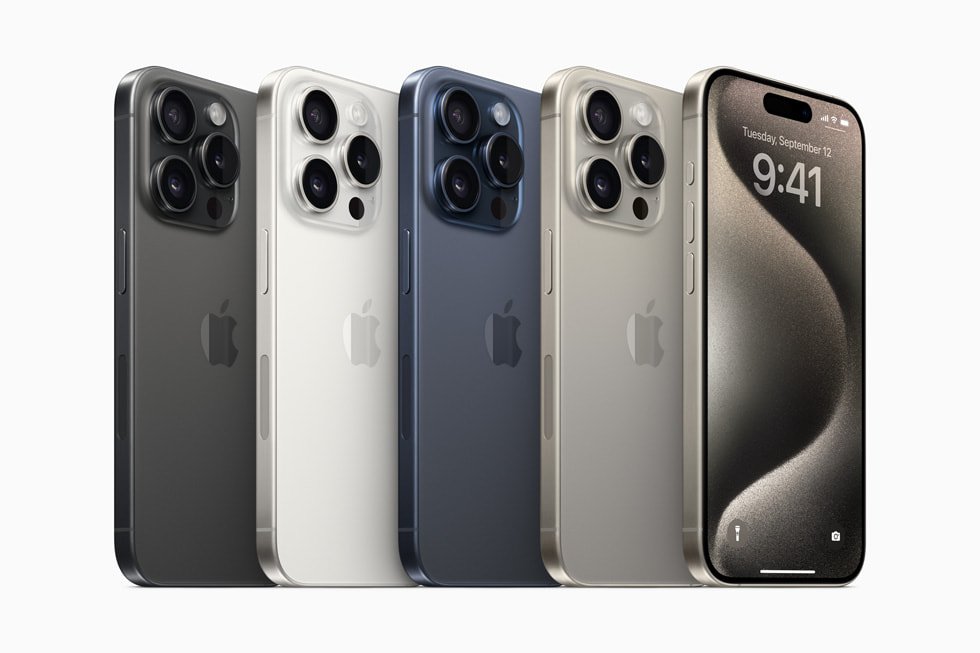
Infinite Tech Nairobi Ex-UK and trade-in guide. These practical steps help buyers compare verified product listings with the real condition of an individual used handset. They are not proof of a specific unit’s inspection result or a guaranteed exchange valuation.
Keep your mobile number active during the upgrade
An eSIM is a digital subscription profile stored on a compatible device; it is not the same thing as all your photos, apps and messages. Before offering an old iPhone for trade-in, confirm your network provider’s available eSIM transfer or reissue process. Some carriers support device-to-device transfer, while others require a new activation or customer service. Do not assume Kenyan network providers have identical transfer procedures.
Complete the transfer before deleting the profile
Back up the old iPhone and arrange the new device’s mobile service according to the carrier’s instructions. Make a test call and send a permitted message using the replacement phone after activation. Check mobile data, and verify any phone number used for banking verification is working. If the transfer is not complete, keep the old profile intact and postpone erasing the handset rather than risking loss of service.
Follow Apple’s erase instructions
Apple advises sellers and trade-in customers to erase the eSIM from a device being handed over, but warns that deletion can require the carrier to issue a new eSIM if done prematurely. The exact Settings label may appear as Mobile or Cellular, depending on region. Apple’s official eSIM removal guidance explains how to delete a profile, while its device-transfer checklist explains signing out and erasing personal content.
Check eSIM-only against physical dual SIM inventory
Infinite Tech lists separate iPhone 17 Pro Max 256GB eSIM-only and dual-physical-SIM configurations. Their physical slot arrangements cannot be inferred from photos alone. Confirm the actual regional model code and compatibility with the network you intend to use, and avoid buying a model whose SIM arrangement you cannot activate.
Secure the device before handover
After verifying transfer, sign out of Apple Account and related services, disable Find My through the legitimate ownership transfer process, erase the phone and make sure Activation Lock is gone. Remove any physical SIM. Keep personal authentication codes private. Do not reset a phone belonging to an employer or another owner without their authorization; device-management enrollment may remain even after a reset.
Visit Infinite Tech for a unit-specific check
Compare Ex-UK iPhone 17 Pro Max eSIM-only with other listed Ex-UK smartphones. The current WooCommerce product price is the selling-price reference; ask for actual stock, condition, included accessories, and written warranty terms. If you want to trade in a phone, bring it for inspection to Rehema House, Standard Street off Kimathi Street, First Floor Shop 2, Nairobi CBD, or call 0720 450 148. Credit, acceptance and any top-up can only be confirmed after assessment.
Official reference: Manufacturer guidance about ownership, transfer or device checks.
Related buying and trade-in checks
A safe iPhone handover should include Apple Wallet cards and passes and testing the replacement handset with your Kenyan SIM.
Buyer questions
Can Infinite Tech confirm a trade-in price from this article?
No. The article explains the decision process; every offer depends on the old phone’s actual condition and the replacement selling price.
Are these photos of a specific Ex-UK phone in stock?
No. The pictured handset is a model reference unless explicitly labelled otherwise.
