
Samsung Galaxy Back-Glass Adhesive and Frame Inspection for Ex-UK Buyers

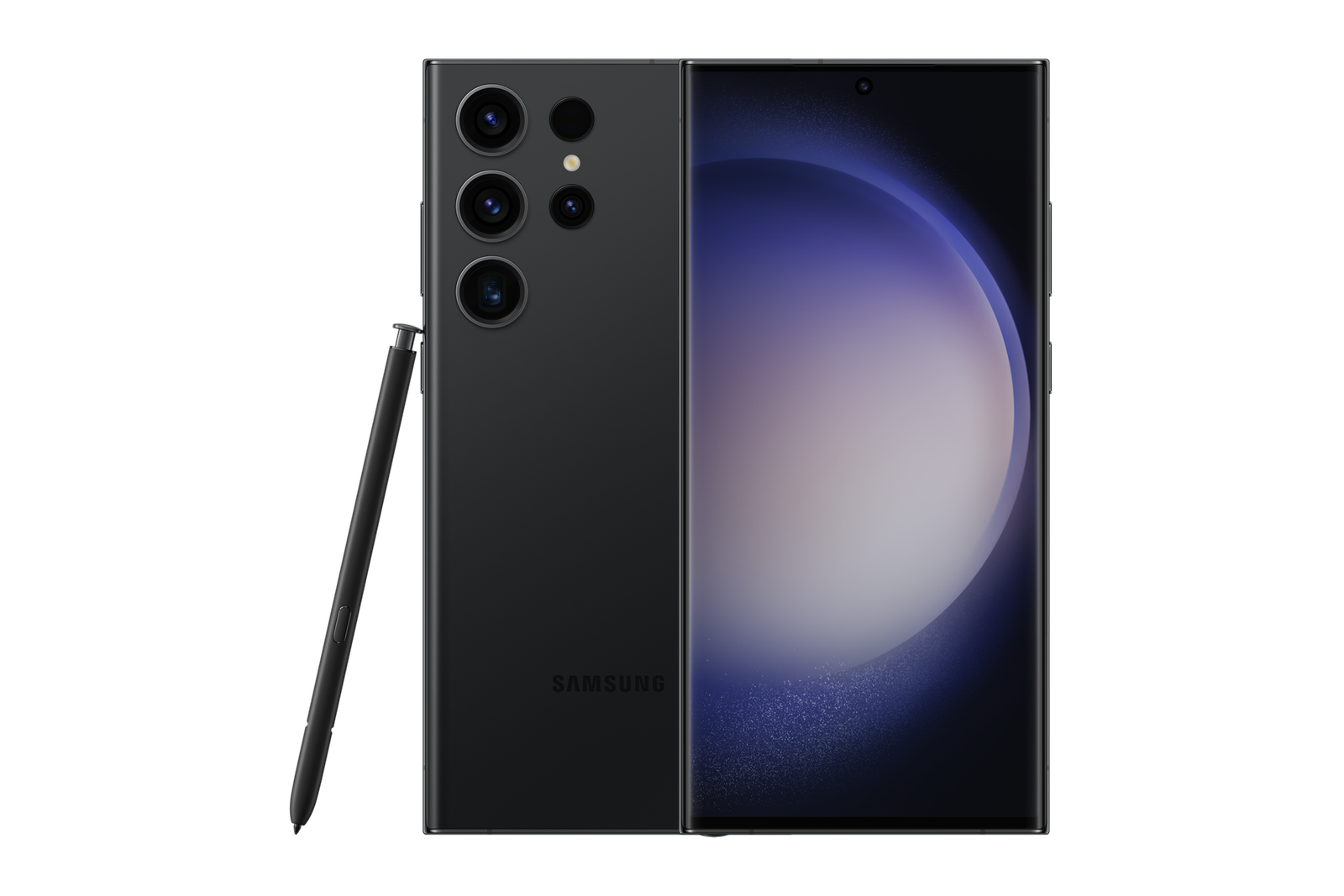
Buying an Ex-UK phone in Kenya means assessing the particular used handset rather than trusting a catalogue specification alone. This Infinite Tech guide sets out a practical, limited inspection that a buyer and authorized seller can perform together; it does not claim that any individual device has been tested for this article.
Why housing condition matters
A used Galaxy can have a working display and processor while still showing signs of an earlier drop, an opened rear cover or an incomplete repair. The visible seam between back glass and frame may show gaps, protruding adhesive or uneven seating. These clues call for questions and careful inspection; none, by itself, proves a specific internal repair. A product thumbnail cannot reveal the actual unit’s seal or chassis damage.
Inspect the edges under normal light
Ask the shop attendant to rotate the handset slowly so you can view the top, bottom and both side seams. Note any side where glass stands proud of the frame, a corner is cracked, or the metal frame is visibly warped. Do not apply pressure, use a knife, peel an edge or try to open the device. Look closely at camera rings and charging-port surround for damage that may correlate with a drop.
Ask for documented repair history
A rear-glass replacement can be legitimate when disclosed, but the quality of work and durability matter. Ask whether the back was replaced and whether the seller has a repair record or written testing note. If the repair required opening the device, do not assume its original ingress-protection rating remains equivalent to a new unit. Samsung’s product water-resistance description is not an insurance policy against future liquid damage.
Check for battery-related warning signs
A lifted rear cover can have several causes, including adhesive failure or pressure from a battery fault. If the casing appears swollen, stop testing or charging it and refer the device to a qualified technician. Do not press the glass back into position. Distinguish a simple cosmetic scratch from an active structural risk; the buying response and possible repair cost are very different.
Document the exact condition before payment
Photograph visible defects with the owner’s agreement and describe them on the receipt or handover record. Compare S23 Ultra with other Galaxy Ex-UK models on the same basis. Disclose repaired back glass when seeking a trade-in; a quote needs a physical assessment and any available supporting documents.
Manufacturer reference and the next step
Read the manufacturer’s support guidance for the exact supported software and model. Compare Samsung Galaxy S23 Ultra 256GB Ex-UK with other Infinite Tech Ex-UK options. The product page shows the current store selling price; the condition and specifications of the actual unit must be confirmed with the seller. For possible trade-in, bring the old phone and proof you can transfer ownership to Rehema House, Standard Street, First Floor Shop 2, Nairobi CBD, or call 0720 450 148. No fixed valuation, exchange eligibility, warranty or top-up is promised without inspection and written confirmation.
Frequently asked questions
Can this one inspection certify a used phone?
No. It only checks specified functions at one point in time; hidden damage, later faults and battery ageing require separate consideration.
Does an Ex-UK listing prove regional features?
No. Confirm the exact model number, physical SIM slots, software version and network compatibility on the individual handset.
