
Checking Galaxy Device Care and Samsung Members Battery Status Before Buying Used

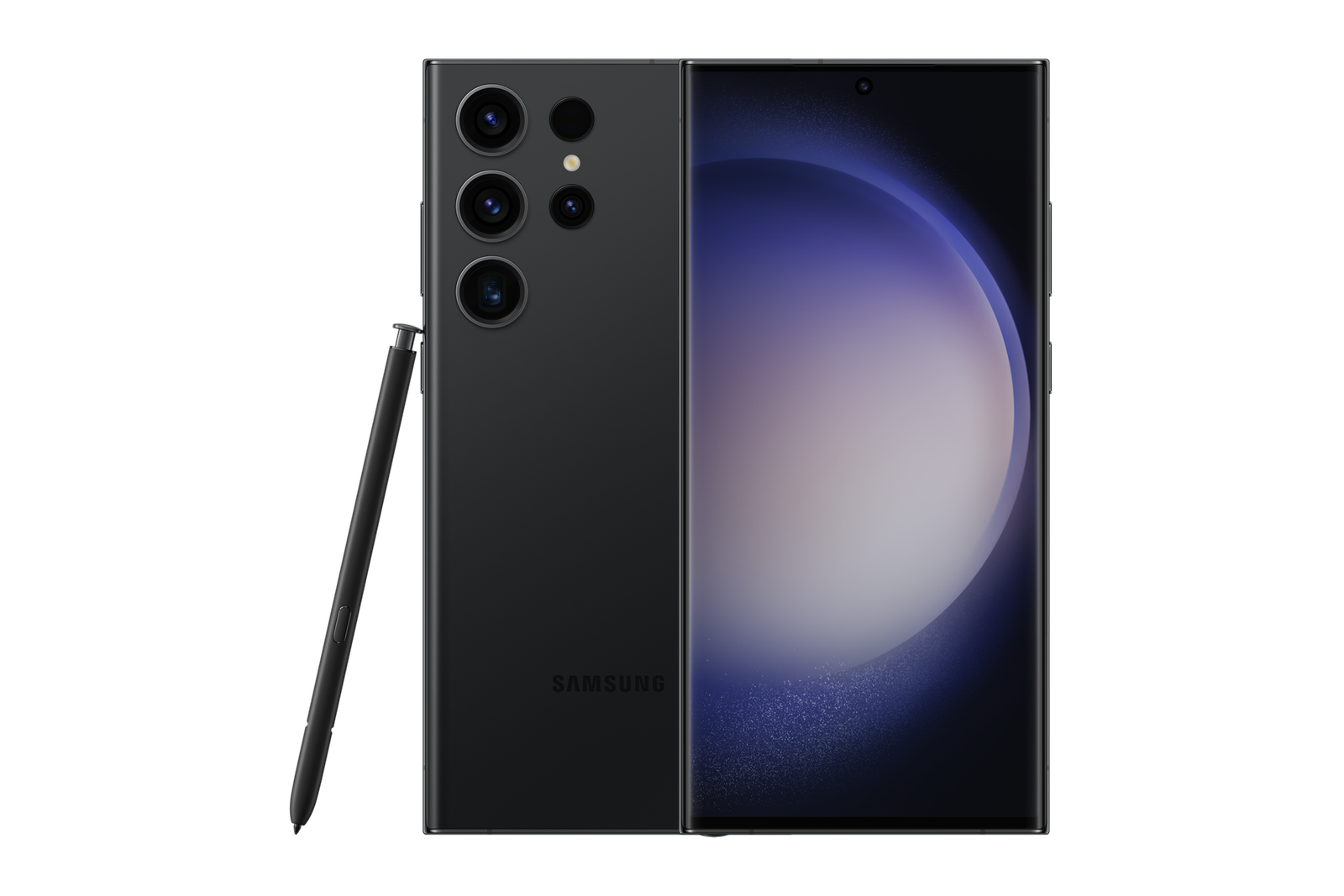
Buying an Ex-UK phone in Kenya means assessing the particular used handset rather than trusting a catalogue specification alone. This Infinite Tech guide sets out a practical, limited inspection that a buyer and authorized seller can perform together; it does not claim that any individual device has been tested for this article.
Battery percentage is not battery health
A charge reading of 100% means the phone is currently fully charged according to its indicator. It is not a measurement of how much factory capacity remains in a used battery. Likewise, a marketing claim such as 5,000 mAh describes the designed model specification, not the measured usable capacity in that used handset. Treat ‘battery lasts all day’ as a statement needing actual use conditions and evidence, not a guarantee.
Check diagnostics in the supported app
On a compatible Samsung handset, open Samsung Members, choose Support and Phone diagnostics, then run Battery status where available. Samsung documents results such as Normal, Weak and Bad; the menus and labels can vary with software and region. A ‘Normal’ result is useful but cannot independently prove a numerical capacity percentage. See Samsung’s battery-status instructions.
Separate battery drain from apps and signal
Battery life can change with screen brightness, refresh settings, weak signal, navigation, camera recording and background tasks. Check Settings → Battery (or Device care, depending on model) for recent usage and unexpected background demand. Run a brief normal-use session with a charged phone, but do not turn a ten-minute observation into a laboratory ‘hours remaining’ estimate. Ask whether the battery has been replaced and what documentation, if any, supports that claim.
Check charging and temperature without damaging the unit
Use a compatible known-good charging adapter and cable, watch for repeated disconnection, and feel for unusual heat during ordinary operation. Stop if the device overheats, swells, smells unusual or displays a serious charging warning. Battery swelling requires professional handling; do not press or open the phone. A charge symbol alone does not prove the USB port, charger and battery are all healthy.
Make the purchase decision with recorded evidence
When comparing S23 Ultra 256GB and S25 Ultra 256GB, record each unit’s actual battery diagnostic status, screen and port condition, model code, warranty statement and price separately. Trade-in credit for an older Galaxy depends on inspection, not on assuming the manufacturer’s original battery capacity remains unchanged.
Manufacturer reference and the next step
Read the manufacturer’s support guidance for the exact supported software and model. Compare Samsung Galaxy S23 Ultra 256GB Ex-UK with other Infinite Tech Ex-UK options. The product page shows the current store selling price; the condition and specifications of the actual unit must be confirmed with the seller. For possible trade-in, bring the old phone and proof you can transfer ownership to Rehema House, Standard Street, First Floor Shop 2, Nairobi CBD, or call 0720 450 148. No fixed valuation, exchange eligibility, warranty or top-up is promised without inspection and written confirmation.
Frequently asked questions
Can this one inspection certify a used phone?
No. It only checks specified functions at one point in time; hidden damage, later faults and battery ageing require separate consideration.
Does an Ex-UK listing prove regional features?
No. Confirm the exact model number, physical SIM slots, software version and network compatibility on the individual handset.
