
An Ex-UK iPhone In-Store Test Sequence That Takes Ten Minutes

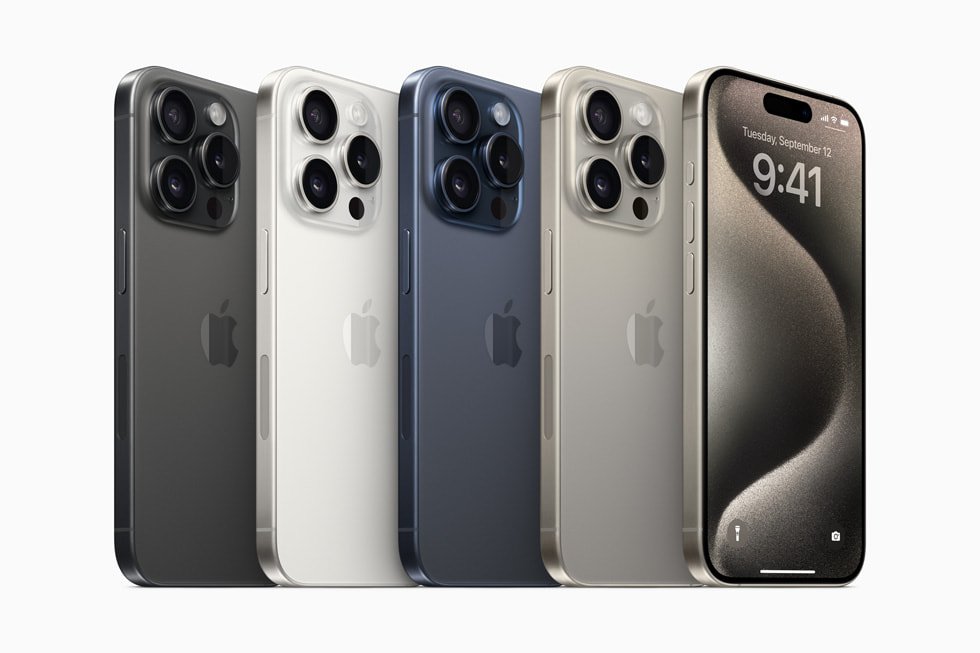
This is a practical guide for buyers assessing a particular Ex-UK handset in Nairobi. Manufacturer model details and genuine performance should be verified on the actual phone; a model-reference image never proves the current device is fault-free.
Minute 0–2: identity and account status
Begin with the seller showing Settings → General → About so you can confirm the model, advertised storage and software version. Verify the phone can be transferred without Activation Lock or company management restrictions. Do not ask the owner to disclose personal passwords or transfer an account before agreement. An unfinished account check is a reason to postpone the transaction, not a reason to bypass the lock.
Minute 2–4: screen and touch
Check brightness and colour on white and grey backgrounds, then touch the corners and edges. Look for retained shapes, flicker and screen lifting. On supported OLED models, do not interpret every slight colour difference as permanent burn-in. Note whether True Tone exists when the model supports it, but do not treat that single setting as a guarantee that the display is original.
Minute 4–6: cameras, audio and call hardware
Capture a wide and ultra-wide photo, add a telephoto shot if the model offers that lens, and inspect image sharpness. Test the selfie camera, a brief voice recording, earpiece and loudspeaker. When the owner agrees, place a short ordinary call to check microphone and proximity behavior. Do not store private numbers or photographs on an unpaid device.
Minute 6–8: charging, SIM and connectivity
Connect a verified cable and adapter, observe charging, connect to known Wi-Fi and check network service using a compatible SIM where practical. iPhone eSIM-only and China-region dual-physical-SIM models require different setup checks; do not assume the advertised configuration without reading the exact model and testing the slot or eSIM setup.
Minute 8–10: battery, repairs and written terms
Review battery information and supported Parts and Service History, inspect frame and camera glass, and record cosmetic defects. Ask what accessories, returns and warranty are included in writing. This ten-minute sequence is a triage checklist, not comprehensive diagnostics: significant repair or ownership concerns require more time. Apple provides detailed pre-owned iPhone checks.
See the relevant phones in stock
Compare the Ex-UK range listed by Infinite Tech, including iPhone 15 Pro Ex-UK. Product availability, price, battery and warranty must be confirmed for the exact unit. For a trade-in enquiry bring your old handset to Infinite Tech, Rehema House, Standard Street, First Floor Shop 2, Nairobi CBD, or call 0720450148. No trade-in quote or acceptance is promised before inspection.
FAQs
Can model photos show repair history or the exact condition?
No. Reference imagery can show design, but current unit condition requires inspection.
Does one passed check prove the phone is fully working?
No. Each test covers only a limited function. Document any unclear result and request independent verification when necessary.
