
How to Check a Galaxy S Ultra Telephoto Camera at Every Zoom Step

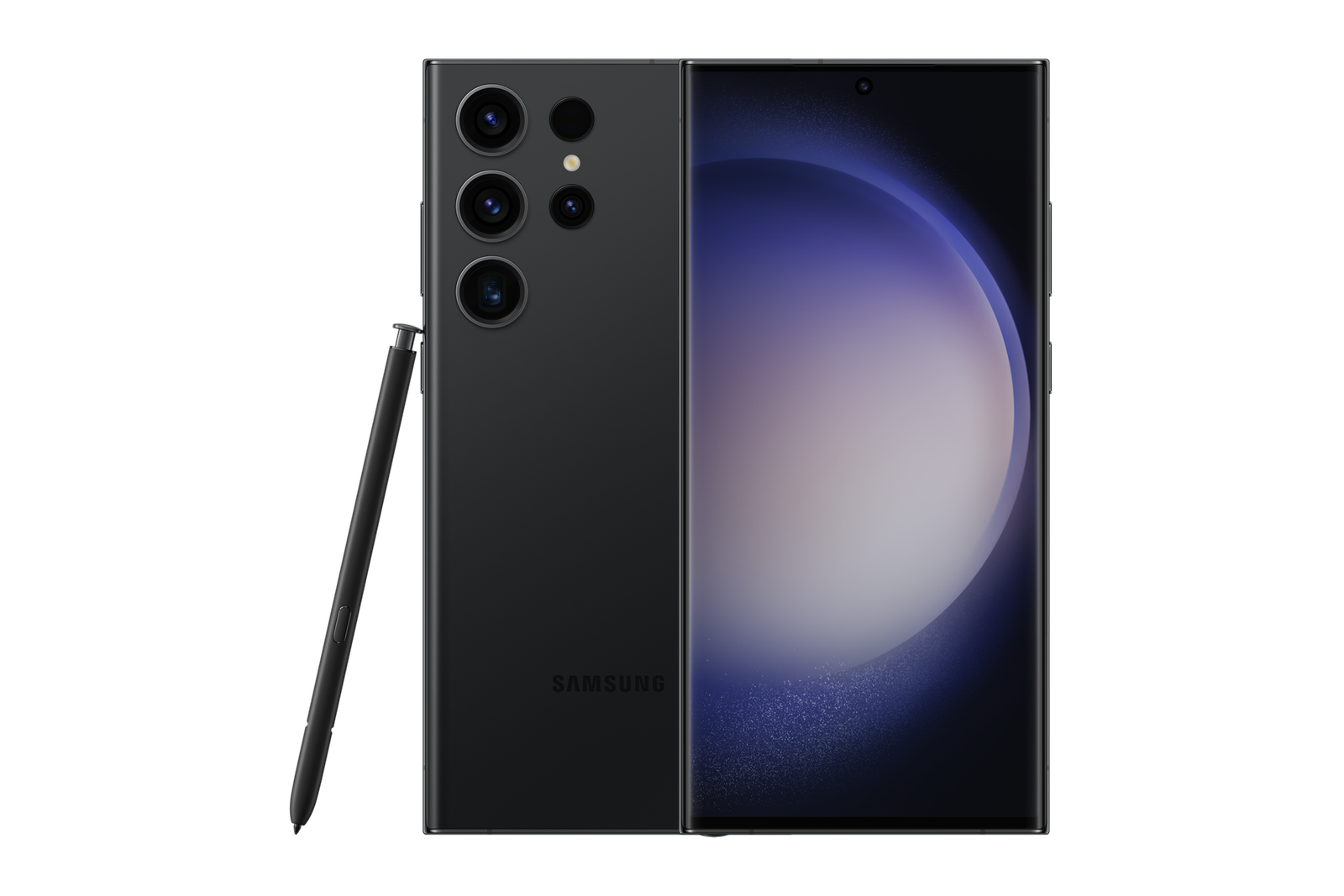
This Infinite Tech guide explains an in-store check for Ex-UK smartphones sold in Kenya. It describes how to assess the exact handset, not an inspection result for a particular unit. Current WooCommerce prices and unit availability must be verified separately.
Match the zoom hardware to the model generation
The Galaxy S Ultra line does not use identical camera hardware across generations. Samsung states that the Galaxy S23 Ultra has separate 3x and 10x optical telephoto cameras, while newer Ultra models can use different telephoto modules and sensor cropping for equivalent fields of view. Check the exact model first. On-screen zoom labels are user-interface controls, not direct proof that every lens has been activated.
Choose a suitable target
Find a distant sign with legible letters and adequate daylight; avoid photographing private people or sensitive documents. Capture images at standard 1x, the device’s listed optical steps and one or two digitally zoomed settings. Keep the phone stable and record which camera modes were used. Compare legibility, excessive blur, autofocus hunting and unexpected colour shifts.
Recognize digital-zoom limitations
High digital zoom is not the same as optical magnification. Image processing and stabilization can create variation even on working devices. For the S23 Ultra, Samsung lists optical 3x and 10x; its marketing description also discusses 100x Space Zoom, which involves digital processing. Do not promise the clarity of optical 10x at 100x. The official S23 Ultra specification sheet distinguishes them.
Inspect camera glass and focus
Look for cracked glass, condensation, camera-ring gaps and uneven images. Switch between photo and video in normal light, test close and far focus, and replay recordings. A repair can require testing even if the module looks normal. Software diagnostics are useful but are not a substitute for real test photographs and disclosure of repair history.
Trade-in considerations
If you own an S Ultra with a faulty telephoto camera, disclose the issue rather than treating the phone as a fully functioning trade-in. Compare the current S25 Ultra Ex-UK offer against your existing device’s assessed credit; a confirmed top-up is calculated only after pricing and inspection.
Shop carefully or enquire about trade-in
See Ex-UK Galaxy S Ultra phones and request a real-unit demonstration before you pay. Infinite Tech is at Rehema House, Standard Street off Kimathi Street, Nairobi CBD, First Floor Shop 2; call 0720 450 148. Ask about a possible trade-in of your present phone, but understand that actual credit, eligibility, condition and any upgrade top-up require an inspection and a current selling price. Gallery photographs illustrate phone models and are not evidence of each used device’s condition.
Frequently asked questions
Does passing one test prove the handset is fault-free?
No. A short test is a limited check and cannot certify all components or future battery performance.
Are these photos of the actual pre-owned handset?
No: unless specifically labeled otherwise, the illustrations show the model, not the inspected individual device.
