
How to Test an Ex-UK Samsung Galaxy AMOLED Screen for Burn-In

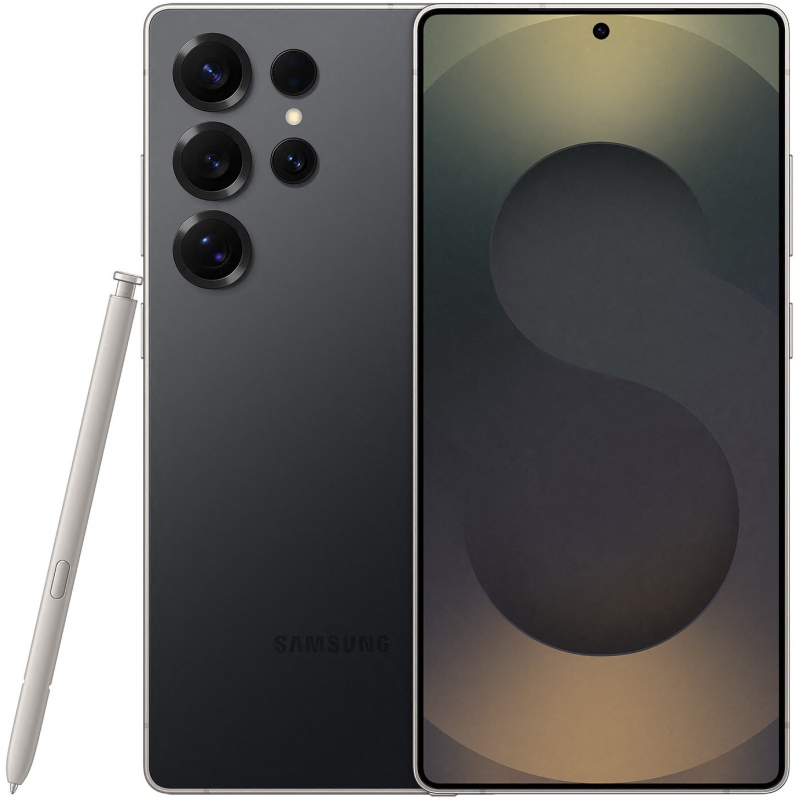
This Infinite Tech guide explains an in-store check for Ex-UK smartphones sold in Kenya. It describes how to assess the exact handset, not an inspection result for a particular unit. Current WooCommerce prices and unit availability must be verified separately.
Inspect the display rather than relying on a specification sheet
A Samsung Galaxy model may be sold with a Dynamic AMOLED 2X display, but factory technology does not prove the second-hand panel is undamaged. Burn-in is uneven persistent wear that can leave faint outlines or colour changes; a brief inspection cannot guarantee the panel’s remaining lifespan. The right question is whether the current handset has visible defects relevant to normal use.
Check several neutral backgrounds
Use plain dark grey, mid-grey and white images at sensible brightness levels. View the full display and look for static status bars, keyboard outlines, colour patches or areas that remain different when the test image changes. Distinguish an OLED panel’s low-brightness appearance from a fixed retained image; check under normal room light and repeat at a second brightness level.
Run a touch test where supported
Samsung documents a Touch screen test in Samsung Members → Diagnostics → Phone diagnostics on supported devices. Follow the on-screen grid and check that touch is registered in all accessible zones. Its results assess touch response, not necessarily OLED burn-in or physical water damage. See Samsung’s official display troubleshooting instructions. The app interface may differ on your regional device.
Watch for folds and curves
On a Galaxy Z Fold6 Ex-UK, inspect both the outer and inner screens, including the crease area and any protector lift. Do not press aggressively on a flexible display. On a Galaxy S25 Ultra Ex-UK, check the display surface, touch response and colour consistency along edges without assuming it is a foldable.
What the result means for value
A visible permanent outline, flicker or dead touch zone should be documented before sale. Ask whether the display was replaced and what warranty, if any, covers it. If offering a damaged-screen Galaxy as a trade-in, explain the known fault and request an assessment rather than using a generic online trade-in quote.
Shop carefully or enquire about trade-in
See Ex-UK Samsung S and Fold phones and request a real-unit demonstration before you pay. Infinite Tech is at Rehema House, Standard Street off Kimathi Street, Nairobi CBD, First Floor Shop 2; call 0720 450 148. Ask about a possible trade-in of your present phone, but understand that actual credit, eligibility, condition and any upgrade top-up require an inspection and a current selling price. Gallery photographs illustrate phone models and are not evidence of each used device’s condition.
Frequently asked questions
Does passing one test prove the handset is fault-free?
No. A short test is a limited check and cannot certify all components or future battery performance.
Are these photos of the actual pre-owned handset?
No: unless specifically labeled otherwise, the illustrations show the model, not the inspected individual device.
