
How to Test Every Rear Camera Lens on a Pre-Owned iPhone

This Infinite Tech guide explains an in-store check for Ex-UK smartphones sold in Kenya. It describes how to assess the exact handset, not an inspection result for a particular unit. Current WooCommerce prices and unit availability must be verified separately.
Know which lenses the model should have
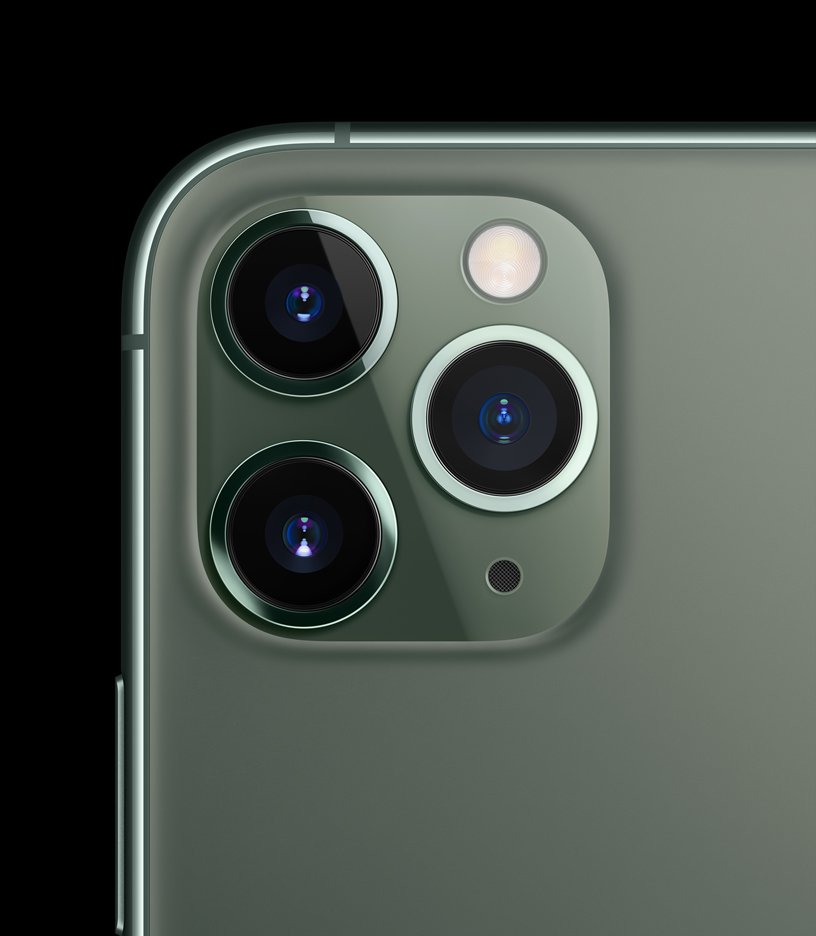
Not all iPhones include the same rear cameras. For example, standard iPhone 13 models have a wide and ultra-wide system, while Pro models such as iPhone 15 Pro have a telephoto camera as well. Verify exact specifications for the model and region using its official Apple specification sheet. Do not assume a visible camera circle is a particular optical zoom level.
Plan a repeatable inspection
Use the native Camera app with adequate lighting. Photograph a stationary textured object using the wide view, then the ultra-wide view, and the telephoto setting if supported. Compare framing, exposure, sharpness and focus across samples. In very low light, camera software may switch sensors or crop another sensor, so a zoom-button screenshot alone does not prove a particular lens was active.
Check both near and distant subjects
Photograph a printed label near the device and a distant sign or building. Look for consistent focus and excessive haze, dark marks or unexpected blur. A scratched protective lens cover can affect a picture even if the sensor works. Check that the camera glass is not cracked and that no fogging appears inside. Avoid touching delicate glass with fingers or trying to clean inside the camera assembly.
Test video and supporting functions
Record a short handheld video, move slowly and observe whether stabilization behaves normally for that model. Test photo and video, front and rear cameras, flash, and microphone recording separately. Older used handsets can have repairs or damage that software alone cannot identify. Review the captured samples full screen, not merely in the small live preview.
Ask about repairs before accepting a trade-in
Check Settings → General → About for Parts and Service History on supported devices and iOS versions. A listed replacement needs a functional test and explanation, not an automatic rejection. If trading in your current phone, disclose a lens crack or autofocus problem because it changes the condition assessment. Consult Apple Parts and Service History for supported entries.
Shop carefully or enquire about trade-in
See Ex-UK iPhone Pro camera models and request a real-unit demonstration before you pay. Infinite Tech is at Rehema House, Standard Street off Kimathi Street, Nairobi CBD, First Floor Shop 2; call 0720 450 148. Ask about a possible trade-in of your present phone, but understand that actual credit, eligibility, condition and any upgrade top-up require an inspection and a current selling price. Gallery photographs illustrate phone models and are not evidence of each used device’s condition.
Frequently asked questions
Does passing one test prove the handset is fault-free?
No. A short test is a limited check and cannot certify all components or future battery performance.
Are these photos of the actual pre-owned handset?
No: unless specifically labeled otherwise, the illustrations show the model, not the inspected individual device.
