

Lexar NM620 1TB vs NQ780 1TB Kenya: Gen3 vs Gen4 SSD

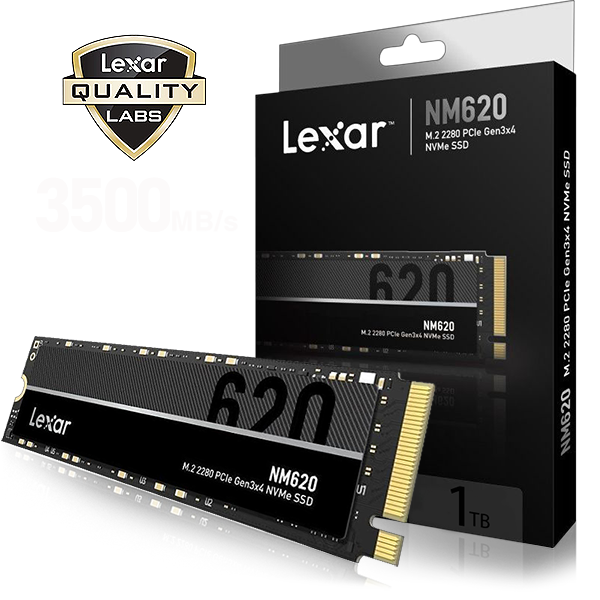
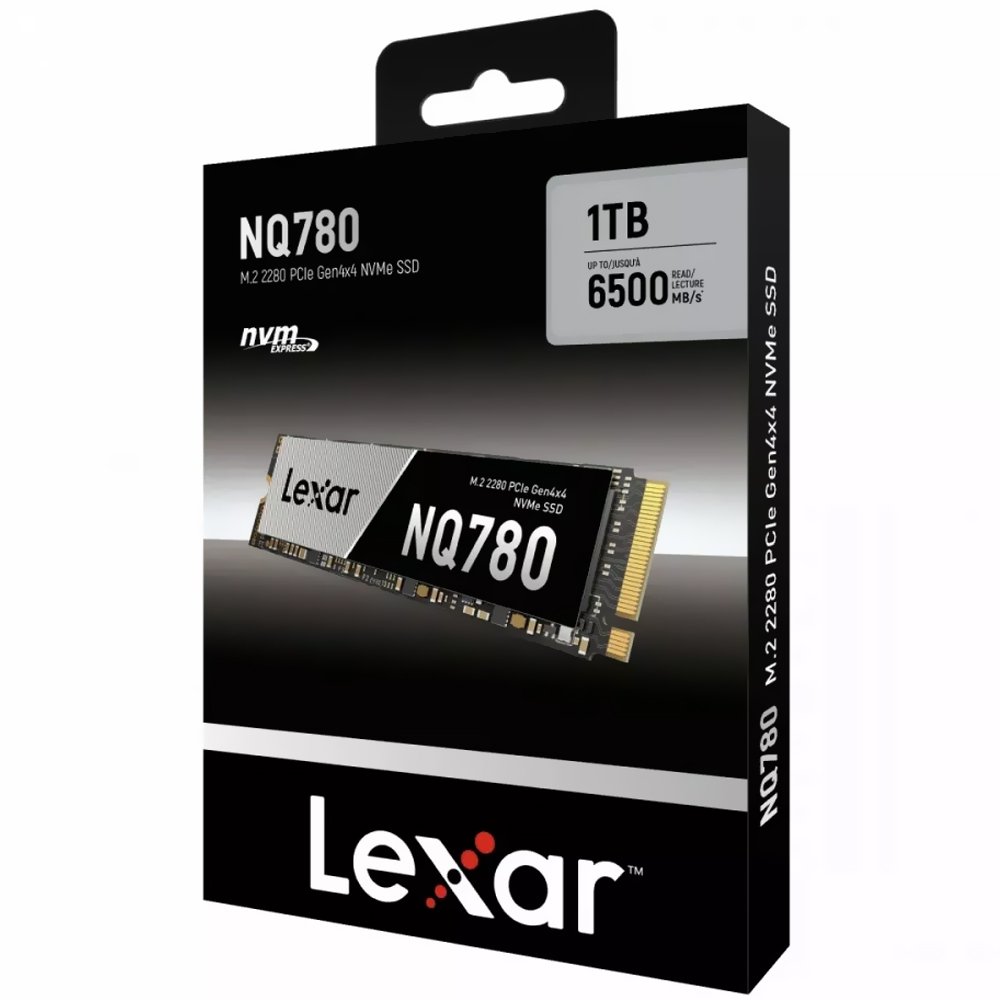
Lexar NM620 vs NQ780: Both 1TB Lexar drives are M.2 2280 NVMe SSDs but use different PCIe generations. The NM620 is a PCIe Gen3x4 part, while NQ780 is Gen4x4. The correct choice is determined by the computer’s supported interface and workload, not only the larger quoted MB/s number.
Key technical checks before buying
This guide uses product specifications and established technical requirements, rather than presenting unverified hands-on performance tests. Whether you are upgrading in Nairobi or ordering for delivery elsewhere in Kenya, confirm the destination laptop, motherboard or console before paying.
- Check whether the motherboard has a Gen3 or Gen4 NVMe-enabled M.2 socket and the necessary mounting position.
- NM620 1TB is rated up to approximately 3,500MB/s sequential read and NQ780 1TB up to around 6,000MB/s in the manufacturer’s published tests.
- Higher sequential transfer rates can help with large file copies in suitable conditions; basic browsing and office work rarely improve in direct proportion.
- Review TBW/endurance and limited warranty for the exact 1TB SKU instead of borrowing figures from other capacities.
- At the prices checked in WooCommerce on 13 November 2026, the NQ780 1TB and NM620 1TB are close in price; verify live pricing.
Live-listed SSD models to compare
| Model and current product page | Listing price, 13 Nov 2026 |
|---|---|
| Lexar NM620 1TB PCIe Gen3 NVMe | KSh 20,000 |
| Lexar NQ780 1TB PCIe Gen4 NVMe | KSh 19,500 |
| Lexar NM620 512GB NVMe | KSh 15,000 |
Prices are a dated snapshot; use each linked WooCommerce listing for the latest confirmed selling price. Storage capacity alone does not establish compatibility, and accessories such as mounting screws, heatsinks, SATA adapters or cloning services may need to be purchased separately.
Practical buying guidance
A key practical distinction is thermal environment: slim laptops may reduce sustained SSD performance under prolonged writes. There is no basis for claiming a guaranteed benchmark result without a controlled test on the target machine.
Use the correct protocol: 2.5-inch SATA drives require SATA connections, M.2 NVMe drives require an appropriate PCIe NVMe slot, and PS5 M.2 expansion has separate requirements. If uncertain, send the device’s complete model number to Infinite Tech for review.
Frequently asked questions
Is NQ780 always the faster laptop option?
No. A compatible Gen4 host is needed to realize Gen4 speeds, and many real applications are limited by other factors.
Can an M.2 SATA-only laptop accept either drive?
No. These are PCIe NVMe SSDs and need an NVMe-capable socket.
Can I use NQ780 in PS5?
Do not assume so from PCIe Gen4 alone: Sony also requires compatible cooling and its full SSD specification.
Further reading and where to shop
SSD Buying Guides Kenya · Shop SATA and NVMe SSDs · How to check SSD health · Best laptop SSDs
Visit Infinite Tech at Rehema House, Standard Street, Nairobi CBD, First Floor Shop 2. For genuine product and fitting enquiries, WhatsApp 0720450148. Installation and data migration are quoted separately if offered.
Review date: 13 November 2026. Prices and availability may change. This article is a buying guide, not a claim of laboratory testing or a guarantee of Google ranking.

