

HP ZBook Firefly 14 G7 vs Lenovo ThinkPad P14s for CAD in Kenya

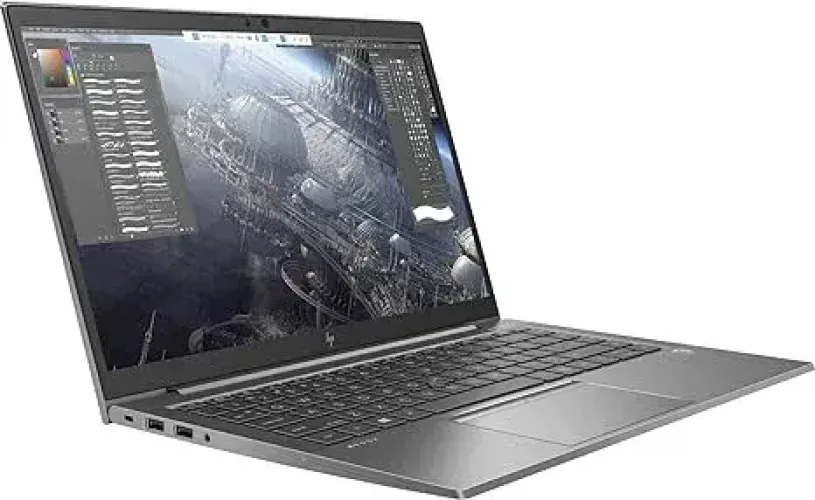
Quick buying advice: For CAD and professional design, verify the precise GPU and driver/software compatibility first. The ZBook offer has 32GB RAM; the P14s offer lists 16GB and a newer CPU family. Neither deserves a CAD recommendation solely because its title says ‘4GB graphics’.
HP ZBook and Lenovo ThinkPad P14s are workstation-oriented laptop families, but a GPU label on a supplier sheet is not enough to guarantee performance in AutoCAD, Revit, GIS or 3D modelling. These Infinite Tech entries differ in CPU generation, RAM and claimed graphics. Treat this as a shopping checklist and verify the real GPU installed in the unit before purchasing specialist software.
Workstation configurations to investigate
| Specification | HP ZBook Firefly 14 G7 | Lenovo ThinkPad P14s |
|---|---|---|
| Published price | KSh 63,500 | Confirm current product price |
| Processor family | 10th Gen Core i7 | 11th Gen Core i7 |
| RAM | 32GB | 16GB |
| Storage | 512GB SSD | 512GB SSD |
| Graphics claim | 4GB NVIDIA, verify chip | 4GB graphics claim, verify chip |
| Screen | 14-inch non-touch listed | 14-inch non-touch listed |
Prices are catalogue observations dated 6 November 2026, not fixed quotes. Supplier availability, unit condition, warranty and the specific processor must be reconfirmed.
GPU identity matters more than ‘4GB graphics’
Professional CAD programs have model-specific requirements. The exact NVIDIA Quadro or T-series GPU, supported driver, VRAM type and application certification can change whether a laptop is suitable. A line reading ‘4GB graphics’ without a chip name is insufficient evidence.
Ask for Windows Device Manager or GPU-Z identification, a physical-unit serial number and a screenshot from the target application if possible. Shared integrated graphics should not be presented as dedicated VRAM. The ThinkPad P14s configuration in this catalogue particularly needs GPU verification.
RAM, SSD and fieldwork
The cited ZBook listing carries 32GB RAM and a 512GB SSD, potentially useful for datasets, virtual machines and complex models. The P14s listing carries 16GB/512GB. Actual software needs determine whether 16GB is enough or whether a larger RAM configuration is essential.
Engineering students and site professionals should also evaluate battery condition, portability, bright-screen readability and reliable charging. A heavy dedicated workstation is not always the best choice for someone mostly using documents, QGIS mapping or a browser.
CAD, GIS and architecture software decisions
Make a list of specific software—AutoCAD, Revit, Civil 3D, ArcGIS Pro, Blender or Leapfrog—and consult the developer’s current CPU, GPU, RAM and operating-system requirements. These packages can have markedly different performance and support expectations.
Do not promise that every 4GB NVIDIA laptop supports demanding 3D simulation. For professional projects, ask whether the installed software launches successfully, drivers are available and long calculations remain stable without excessive heat.
Shop the laptops compared
The choices below link to actual Infinite Tech products, not generic search results. Compare the precise SKU and current price before ordering.
HP ZBook Firefly 14 G7 i7 32GB/512GB
Price snapshot: KSh 63,500. Check current specifications and shop this laptop →
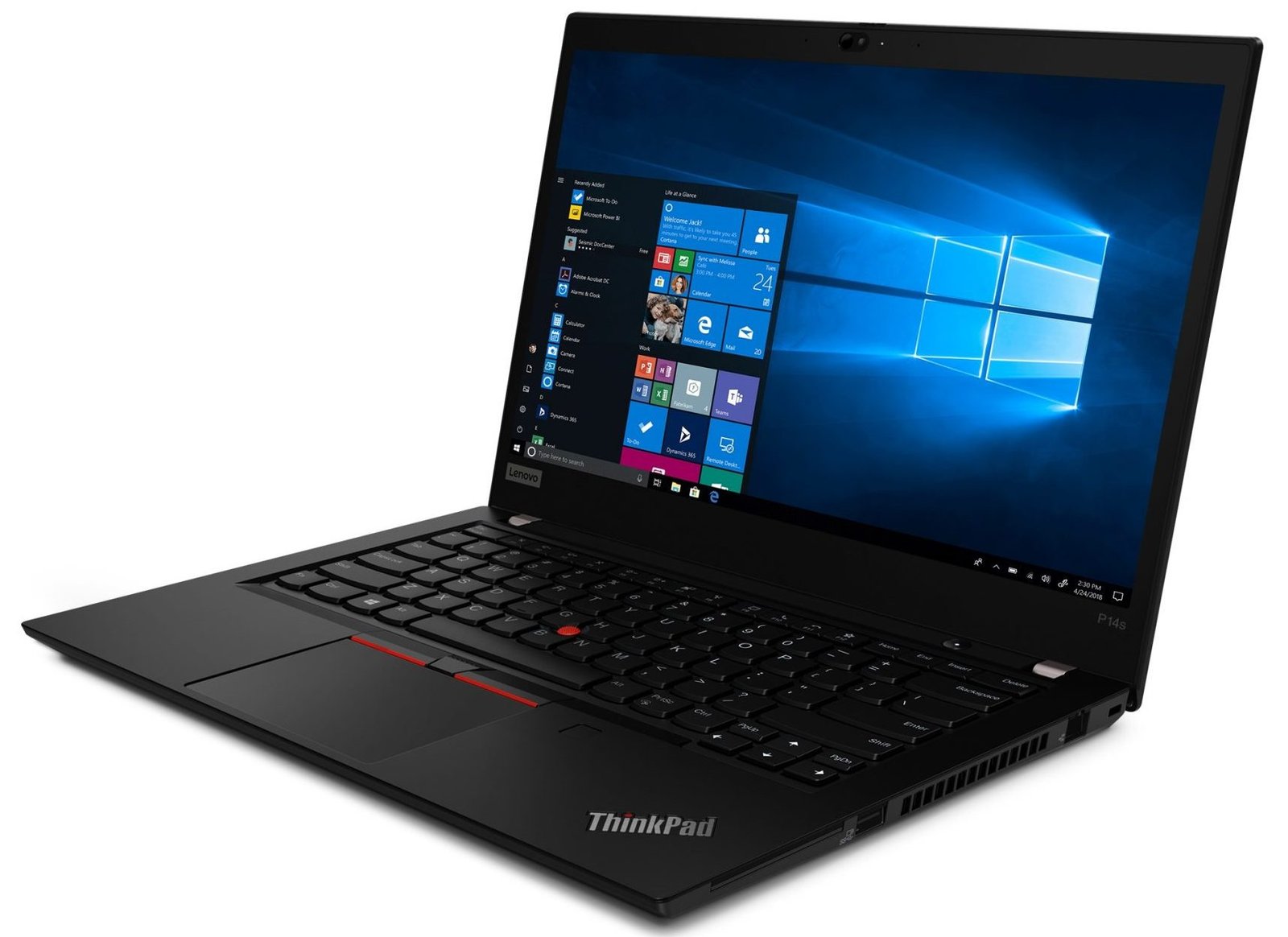
Lenovo ThinkPad P14s i7 16GB/512GB
Confirm live price. Check current specifications and shop this laptop →
Before purchasing any refurbished business laptop
Verify the exact processor model, RAM, SSD size and health, graphics controller, screen type and resolution, hinge function, charger and port condition. Ask for the BIOS or serial identification and a Windows battery report. Check if the unit has a corporate BIOS password, device-management lock or an unresolved operating-system licence. Request warranty conditions in writing and test the machine on collection. A catalogue image may depict the model family rather than the individual unit.
Frequently asked questions
Is HP ZBook automatically faster than ThinkPad P14s?
No. Workstation naming does not establish relative CPU, GPU or application performance.
Does the 4GB graphics claim prove a dedicated GPU?
No. Request the complete graphics processor model from the physical laptop.
Which has more RAM in the cited offers?
The cited ZBook has 32GB, while the P14s lists 16GB.
Are these laptops suitable for GIS?
Suitability depends on specific GIS software, project size, graphics and available RAM; check the application’s requirements.
Should I trust a general benchmark?
Prefer benchmarks of the precise CPU/GPU combination and real workload over generic model-family averages.
Related buying guides and manufacturer resources
Visit Infinite Tech: Rehema House, Standard Street (off Kimathi Street), 1st Floor Shop 2, Nairobi CBD. WhatsApp 0720450148 for the exact model, condition and delivery quotation.
Accuracy note: Manufacturer families offer multiple options. Screen technology, memory, wireless hardware and GPUs must never be inferred from a marketing photograph; the listed unit’s component IDs take precedence.
