
MacBook USB-C Charger Kenya: 30W vs 45W vs 65W vs 96W Explained

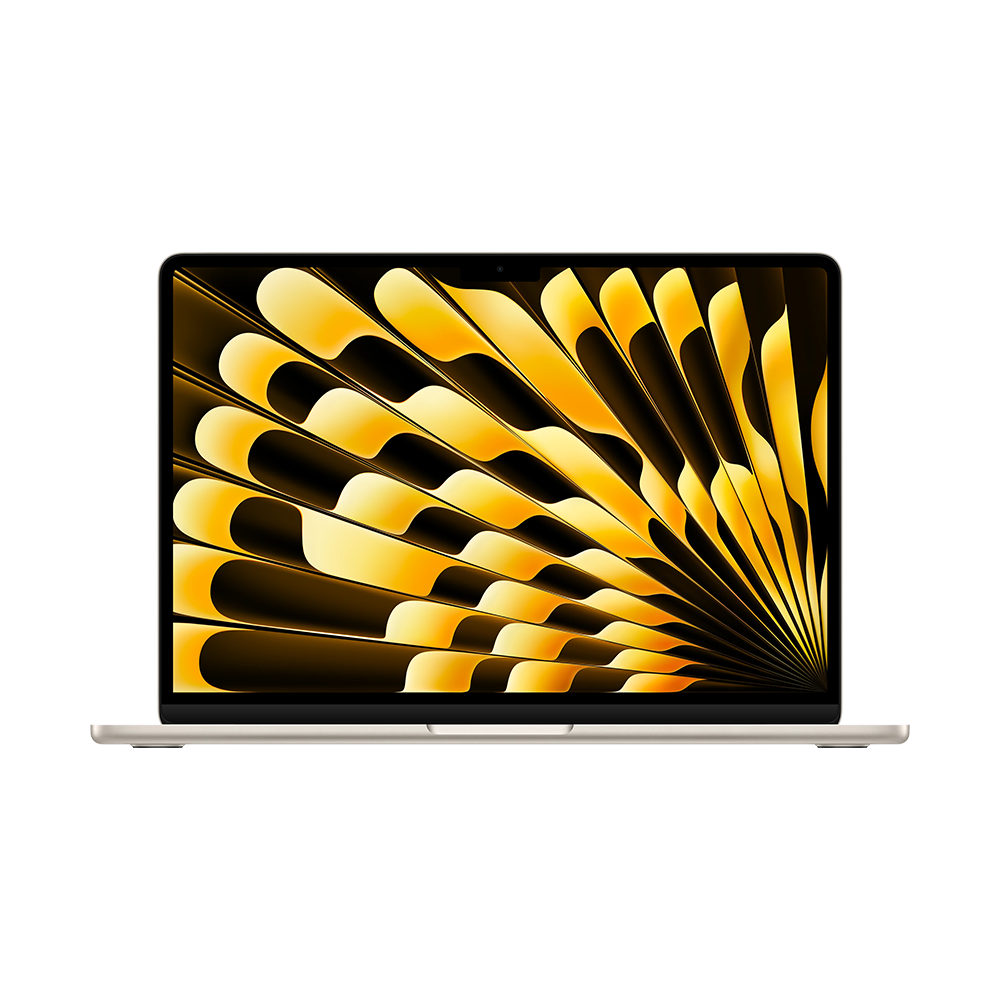
Infinite Tech Kenya buying guide — 28 October 2026. The best MacBook charger is the one compatible with your actual Mac, not the adapter with the biggest advertised number.
First check the exact MacBook model
A 30W adapter may be appropriate for some MacBook Air models while some MacBook Pro systems benefit from a much higher rating. Confirm the computer model, connector, Apple’s recommended watts and whether fast charging is supported. Wattage is the adapter’s available output, not the power the laptop draws continuously.
When 30W or 45W may be enough
Compact chargers can suit supported smaller laptops and lower-power tasks. Under heavy video editing, compiling or high brightness, a low-output charger may refill the battery slowly. If you travel frequently, a small charger can save bag space, but do not sacrifice essential charging capacity. Look for clear USB Power Delivery specifications.
Why a 65W charger is popular
A reputable 65W USB-C PD adapter can power a range of compatible laptops and may be convenient for a MacBook plus Windows laptop household. On multiport units, however, the printed 65W may describe total output. Plugging in another phone can reduce the watts available to the computer. Read the simultaneous-port output table.
What a 96W charger changes
High-wattage Apple adapters can support faster charging on selected MacBook Pro configurations. Using a compatible larger charger does not force a MacBook Air to accept more power than it negotiates. The correct Mac, cable and charging port matter. Check the official specification rather than relying on a seller’s blanket fast-charge promise.
USB-C cable ratings and docking stations
Cables differ in power support, data throughput and display capabilities despite having the same connector shape. Use an appropriately rated cable for higher charging loads. Docks may also offer USB-C laptop charging, but their pass-through rating could be below the adapter input, especially when peripherals are attached.
Kenyan power and safety
Use a good adapter with suitable mains input and an intact plug. Avoid counterfeit adapters, exposed cables, loose sockets and hot chargers under bedding. If voltage fluctuations are common, choose appropriate electrical protection. Confirm the exact regional plug and warranty before ordering.
FAQ: common charging questions
Will a 96W adapter damage a MacBook Air?
Proper USB-PD devices negotiate power; always use compatible, safe equipment.
Does USB-C guarantee fast charging?
No. Laptop, charger, cable and protocol all matter.
Is 30W enough for a MacBook Pro?
It can be slow or insufficient under load; follow the model-specific recommendation.
Do multiport chargers split power?
Often yes. Review their simultaneous-output ratings.
Can a dock charge my MacBook?
Some can, if their USB-C PD output meets the system’s needs.
Buy safely in Nairobi
Compare our USB-C dock guide and M5 MacBook Air guide. Confirm the exact adapter with Infinite Tech on 0720450148. Source: Apple Mac charging guidance.