Best All-in-One Computers for Schools in Kenya

Best All-in-One Computers for Schools in Kenya — Choosing a desktop in Kenya requires more than checking a headline processor name. This guide compares the relevant Infinite Tech all-in-one options by practical usage, total cost and buyer risk so you can make an informed decision before contacting the shop.
What schools should optimise for
In a lab, total cost of ownership, durability and consistent classroom images matter more than benchmark headlines. The computers must run the institution’s applications, browsers and accessibility tools. Consider whether students need local programming software or mostly web-based coursework.
Budget a whole lab, not a single workstation
A lab of twenty systems requires desks, networking, power protection, licensed software, repair access and spare peripherals. All-in-ones can reduce cable clutter but may be harder to repair after a screen failure than a modular tower and monitor. Schools should budget for secure management, filtering and backups as well.
Choosing between 8GB and 16GB
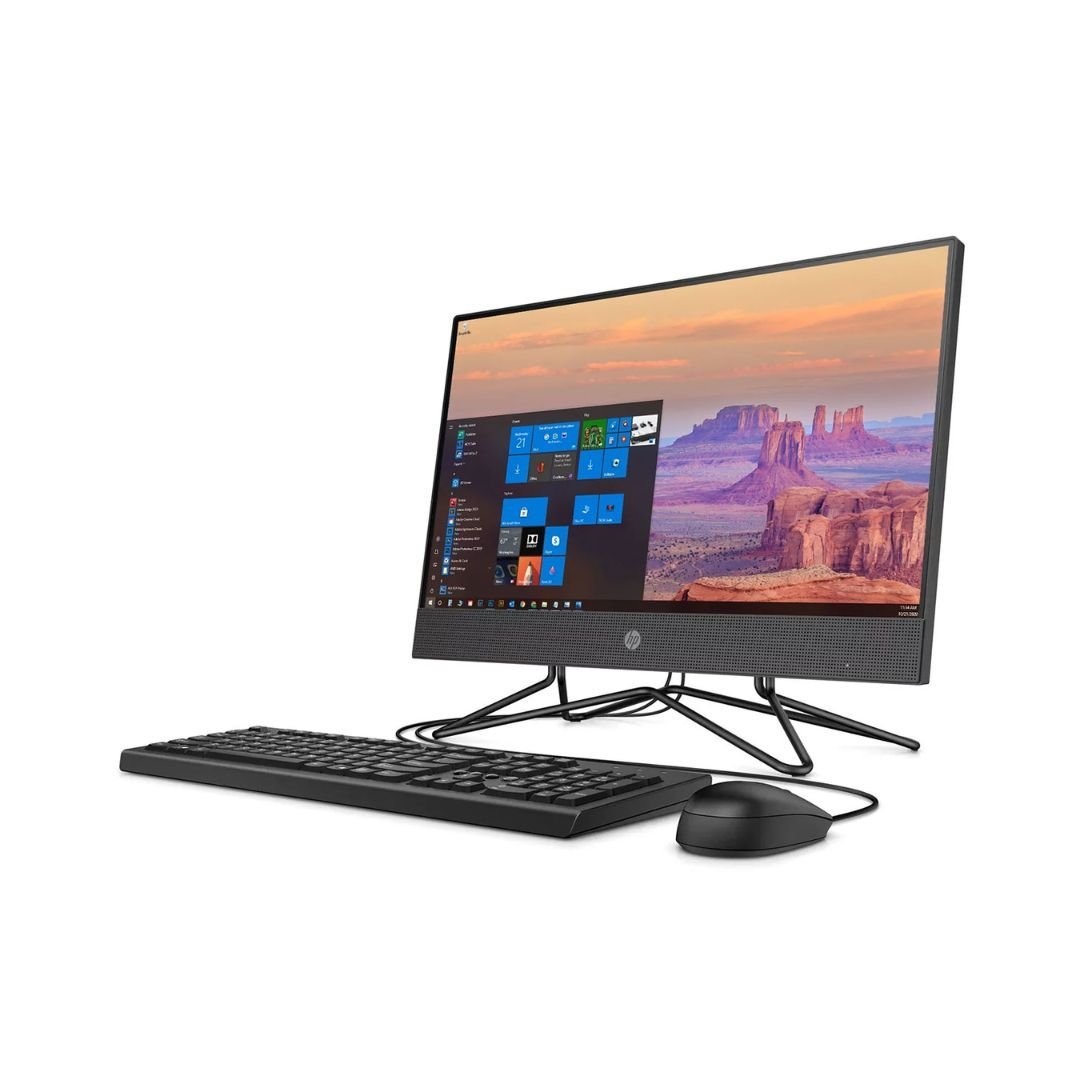
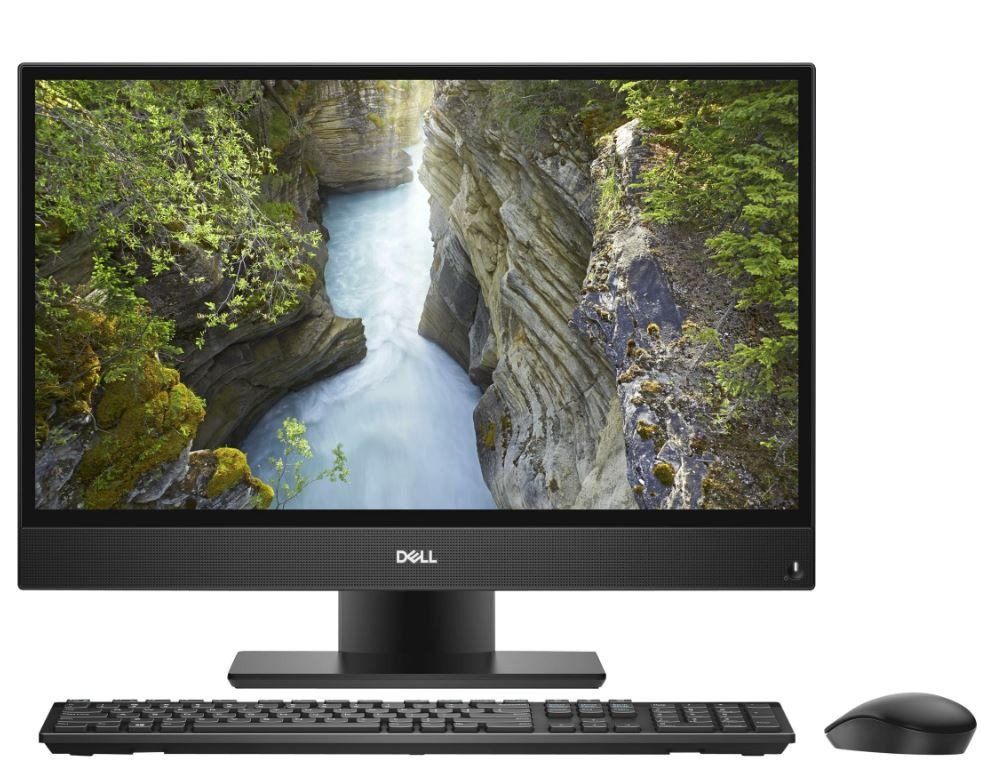
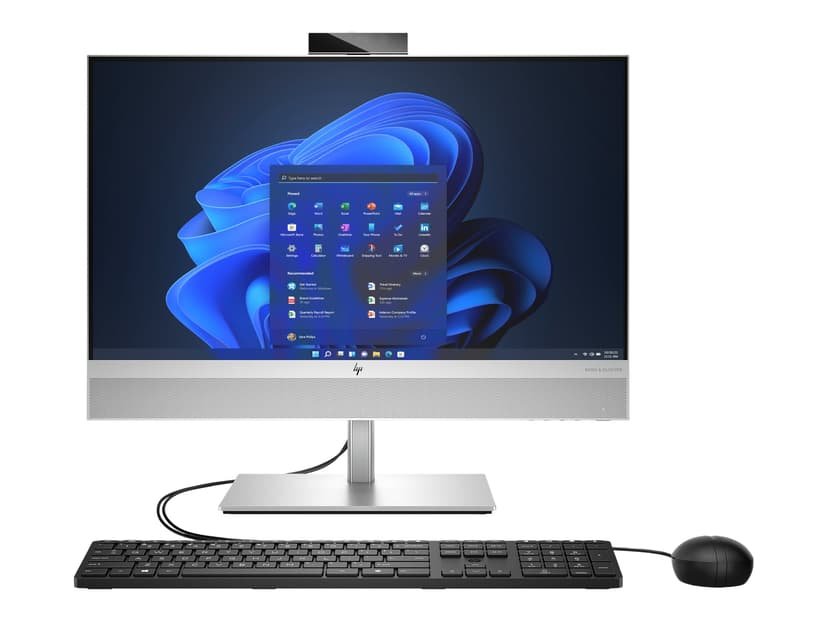
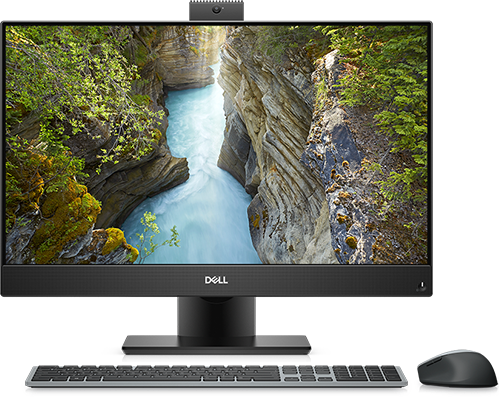
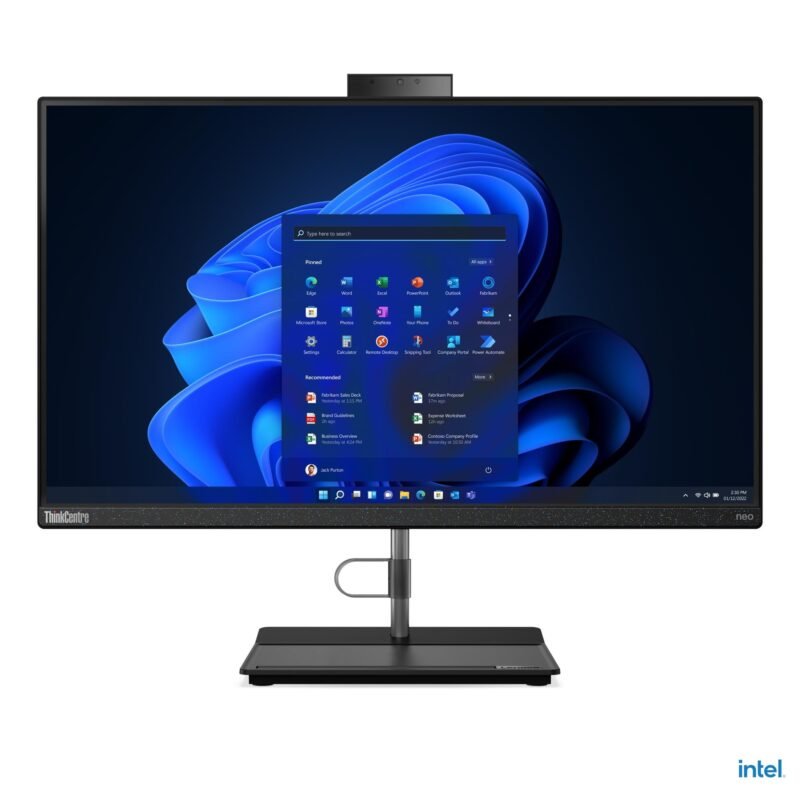
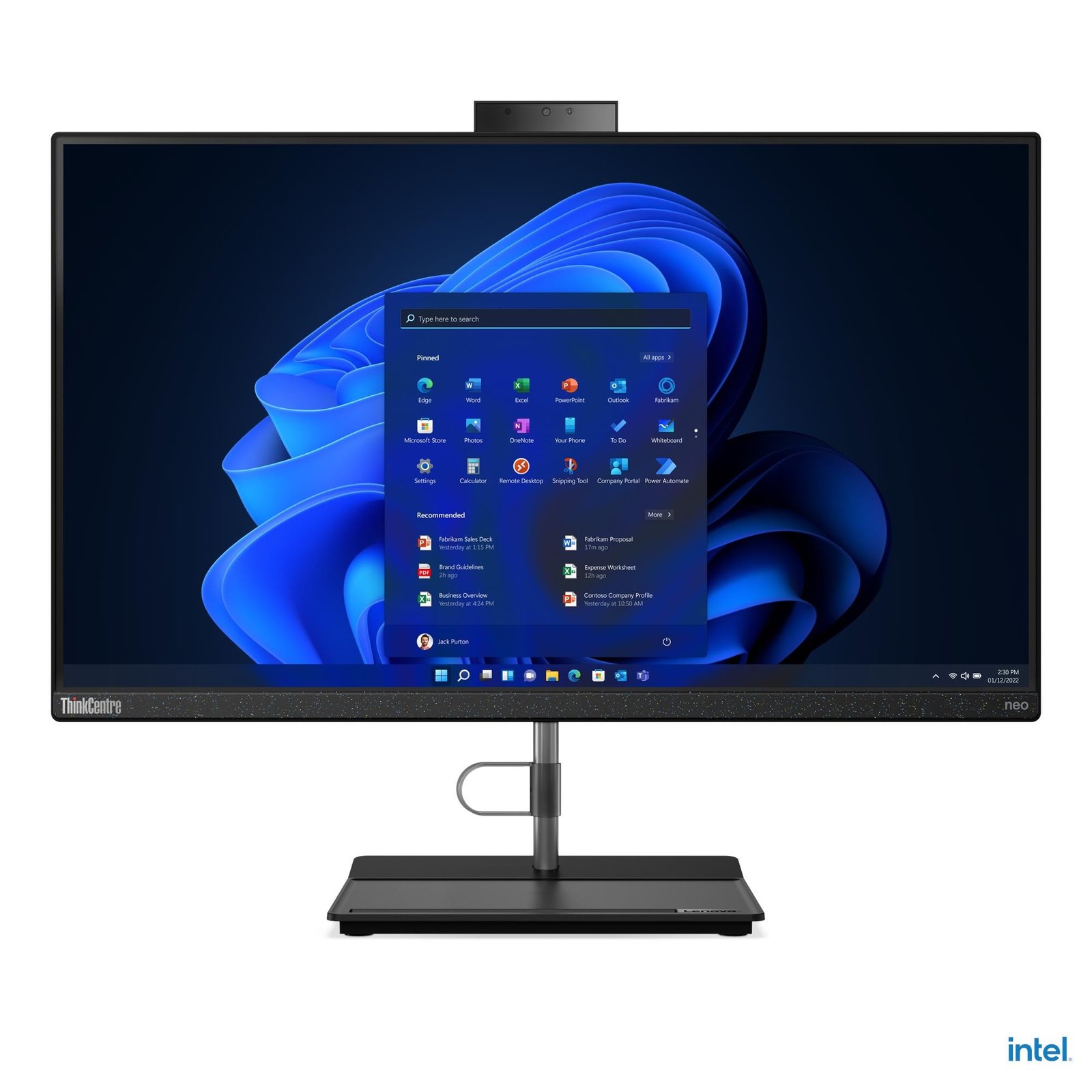
For document editing and learning management systems, 8GB may suffice depending on software load. The Lenovo Neo 30a’s listed 16GB/512GB configuration offers breathing room for multiple tabs and educational apps, while the lower-priced HP and Dell models may be acceptable for lighter sessions. Procure a sample first and test with the actual curriculum.
Relevant Infinite Tech all-in-one prices and product links
| Infinite Tech model | Price (28 October 2026) |
|---|---|
| HP 200 G4 Core i3 (10th Gen), 8GB/256GB, 22-inch | KSh 47,500 |
| Lenovo ThinkCentre Neo 30a Gen 3 Core i3 (12th Gen), 16GB/512GB, 24-inch | KSh 57,500 |
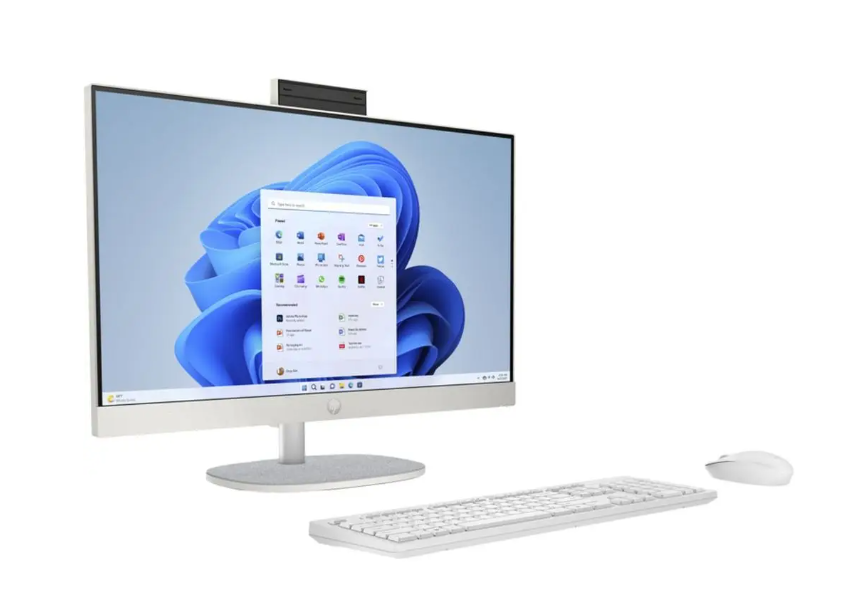
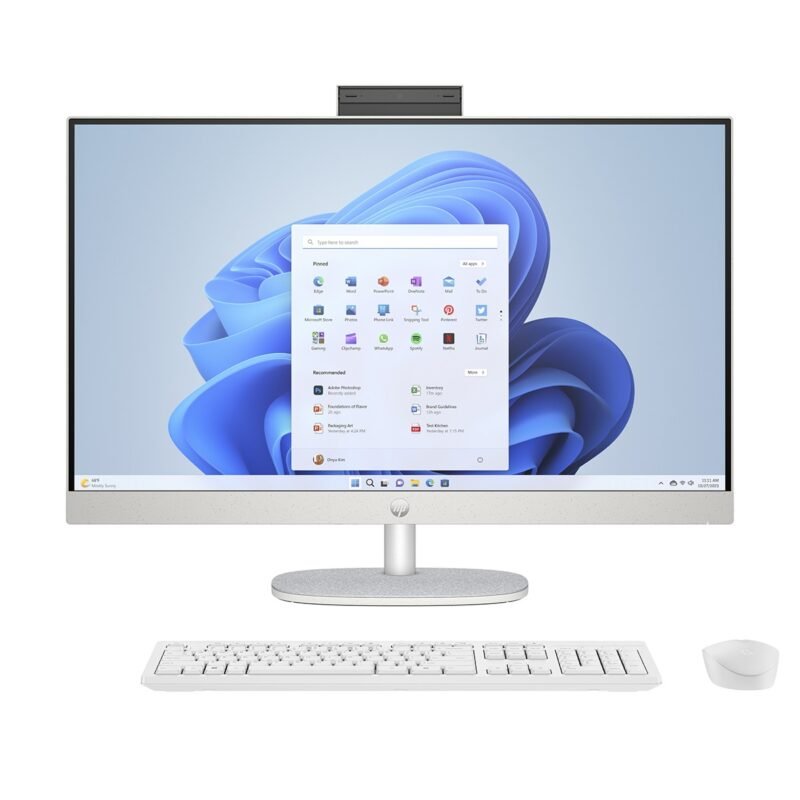
| HP 24 All-in-One Ryzen 3, 8GB/512GB, 24-inch | KSh 57,500 |
| Dell OptiPlex 5270 Core i5 (9th Gen), 8GB/256GB, 22-inch | KSh 52,500 |
Follow each linked product page for the listed memory and storage configuration. For a more complete comparison, visit our main all-in-one buying guide. The current catalogue also includes the all-in-one desktop category.
Five checks to make before ordering
- Verify the complete manufacturer model or serial number and the installed CPU.
- Confirm whether the unit is new or refurbished and obtain its written warranty.
- Check screen condition, resolution, touch functionality and the stand.
- Confirm licensed operating system, storage capacity, included peripherals and network ports.
- Ask about delivery, availability, power supply and after-sales support.
For technical compatibility and configuration ranges, consult Lenovo’s official ThinkCentre neo 30a 24 specification reference.
Frequently asked questions
Are all-in-ones good for school labs?
They save space, but modular repair costs and replacement policies should be evaluated.
Do schools need touchscreens?
Only if classroom software or accessibility use cases justify the cost.
Can I order from Infinite Tech in Nairobi?
Yes. Visit Rehema House, Standard Street off Kimathi Street, first floor Shop 2, behind Sarova Stanley Hotel, Nairobi CBD. Call or WhatsApp 0720450148 to confirm availability and exact specifications.
Editorial transparency: This is a specification-based buying guide prepared from Infinite Tech’s catalogue and manufacturer documentation where noted. No physical benchmark or hands-on test has been conducted for these exact supplier units. Prices are snapshots from 28 October 2026; condition, exact CPU models, panel type, operating system, warranty and stock should be reconfirmed before checkout.
Next step: Review HP 200 G4 Core i3 (10th Gen), Lenovo ThinkCentre Neo 30a Gen 3 Core i3 (12th Gen), HP 24 All-in-One Ryzen 3 and contact Infinite Tech with the model you prefer.