
DJI Osmo Pocket Memory Card Buying Guide: Recording and Backup

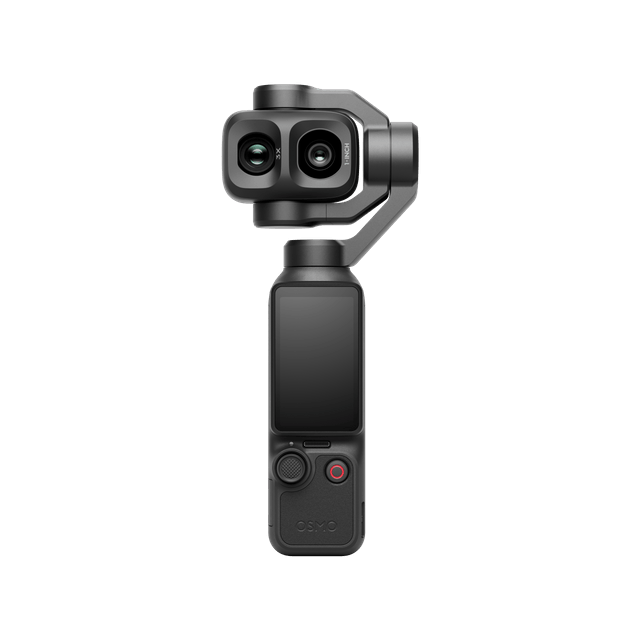
Choose recording media using DJI’s supported-card list and your recording settings, not capacity alone.
Match the exact camera
Pocket 3 has no built-in storage according to DJI specifications. DJI’s Pocket 4P beginner guide lists 103 GB of available internal storage and expandable microSD storage. Refer to the official recommended card list for each exact model and firmware.
Speed is not capacity
V30 denotes a minimum sustained sequential write rating of 30 MB/s under the video speed class specification. Check DJI’s exact card recommendations instead of relying on a large advertised read speed. Buy traceable media: counterfeit cards may falsely report capacity.
Estimate storage by bitrate
| Illustrative bitrate | Approximate space per hour |
|---|---|
| 100 Mbps | 45 GB |
| 200 Mbps | 90 GB |
These examples exclude overhead and do not claim that each camera records at these rates. Reserve additional capacity for test clips and other files.
Recording checklist
- Back up before formatting.
- Format supported media according to the camera instructions.
- Record and play back a test clip at the intended setting.
- Do not remove cards while writing.
- Maintain two independent backups before reusing storage.
FAQs
Does every microSD work for high-resolution video?
No. Follow the model-specific supported list.
Does a bigger card record faster?
Not necessarily. Capacity and sustained write performance differ.
Should I rely on a single card for a paid shoot?
Carry compatible backup storage and maintain separate copies.
Compare Pocket 3, Pocket 4 and Pocket 4P. Related: Pocket 4P bundle guide.
Visit Infinite Tech at Rehema House, Standard Street, Nairobi CBD, or call 0720450148 for model and availability checks.

One thought on “DJI Osmo Pocket Memory Card Buying Guide: Recording and Backup”
Comments are closed.