
MacBook Air M5 Music Production: Audio Interfaces, Plugins and 16GB Memory

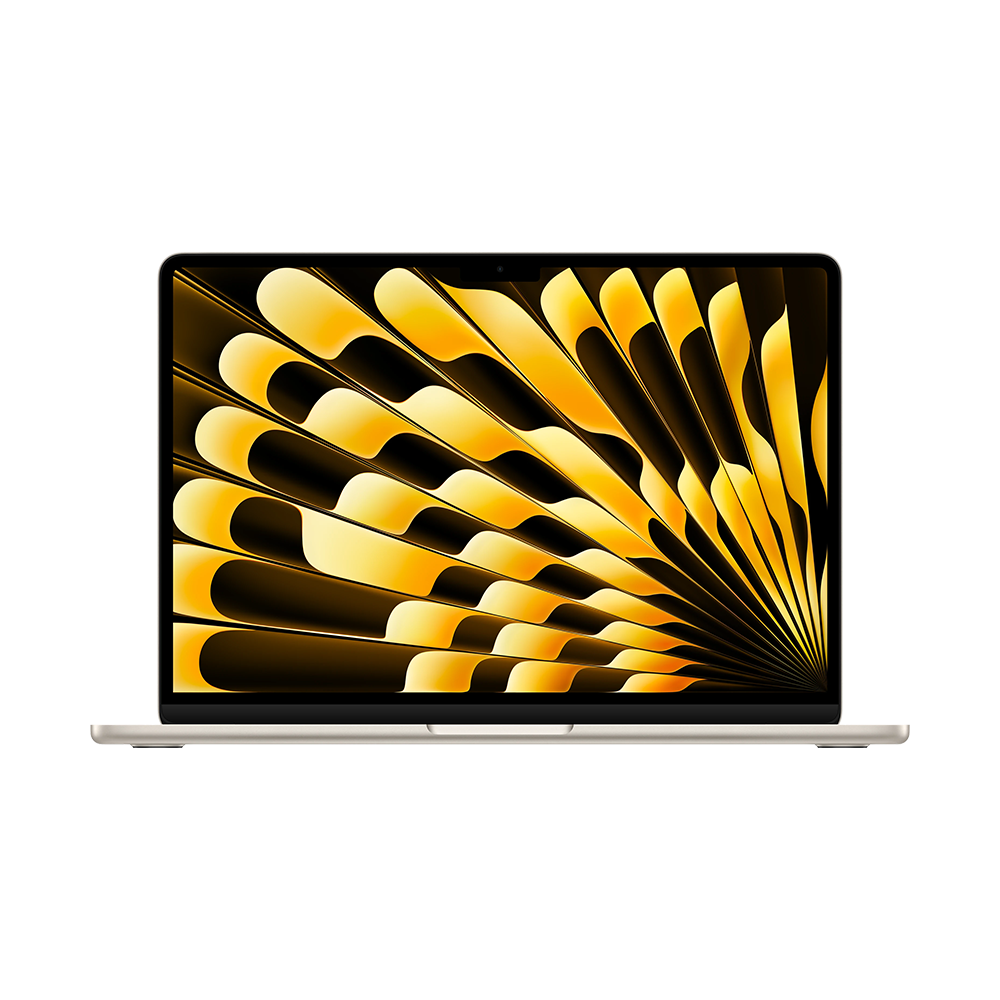
Assess a MacBook Air for music production by testing your digital audio workstation, interface and project size.
Check the software and drivers
Confirm your DAW, plugins, authorization tools and audio interface support the installed macOS version and Apple silicon. Older hardware or plugins may require updated drivers or a different workflow. Test before committing to a full studio migration.
Measure project demands
Open a representative project with your normal instruments and effects. Observe playback stability and memory pressure at the buffer settings you use. Heavy virtual instruments or long multitrack sessions may justify additional memory or a different computer.
Plan ports and storage
Choose a compatible hub or direct interface connection, keep recording drives reliable and back up projects separately. Test microphone input, monitoring and export before a paid session. A fanless chassis can be quiet, but workload suitability still requires testing.
Frequently asked question
Will every legacy audio plugin work on M5?
No. Check the exact plugin, license system and software compatibility.
Compare MacBook Air 13-inch M5, MacBook Air 15-inch M5. Consult manufacturer guidance and contact Infinite Tech Nairobi for current stock and warranty.
