
MacBook Air M5 Video Editing for YouTube: Proxy Files, SSDs and Export Workflow

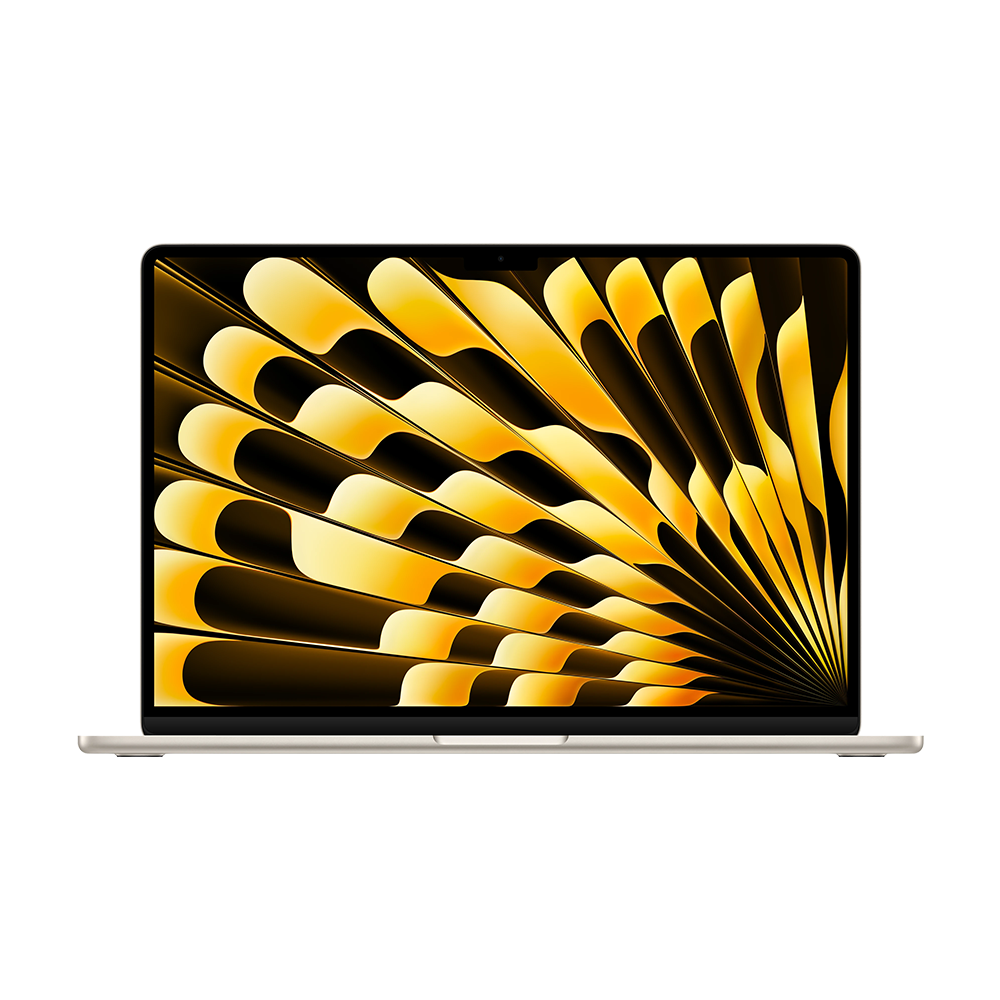
Evaluate a 16GB/512GB MacBook Air for video editing by testing realistic timelines and export requirements.
Build a representative project
Use clips from your actual camera, add titles and audio, and test the supported editing software. Video codecs, effects and resolution influence performance; a generic benchmark cannot predict every timeline.
Manage proxies and storage
Proxy media can reduce editing demands when supported by the application. Keep original and proxy files organized and use a compatible external SSD if projects exceed internal storage. Allow room for renders and exports.
Validate the output
Export a short sample and inspect motion, sound, captions and aspect ratio. For repeated long renders or complex effects, compare sustained performance and memory needs with a suitable MacBook Pro. Back up project files independently.
Frequently asked question
Does proxy editing reduce final quality?
Not if the editor correctly reconnects the original media for the final export.
Compare MacBook Air 15-inch M5, MacBook Air 13-inch M5, DJI Osmo Mobile 8P Creator Combo. Consult manufacturer guidance and contact Infinite Tech Nairobi for current stock and warranty.
