
DJI Osmo Mobile 8P for Livestreaming: Tracking, Power and App Checks

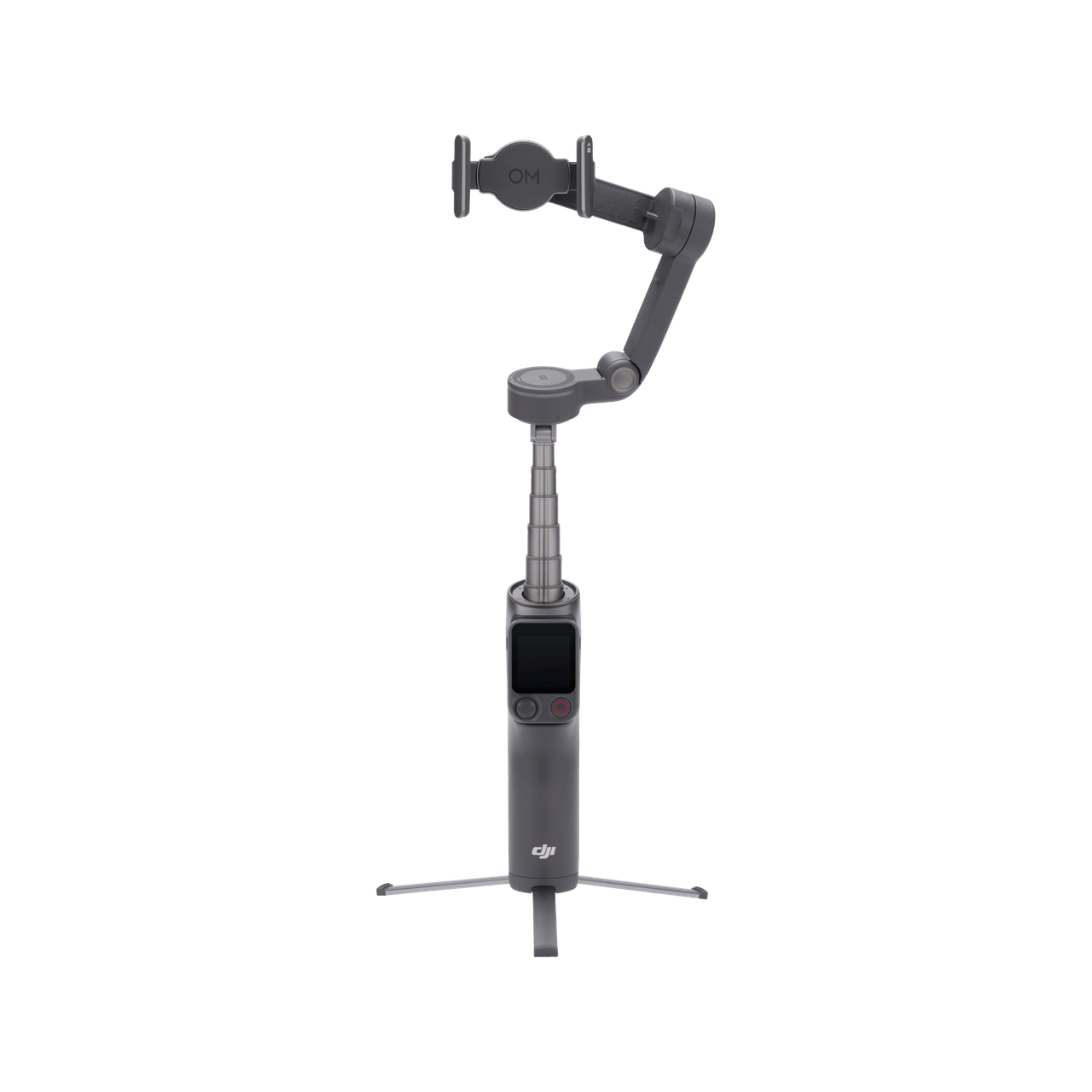
Prepare a stable smartphone livestream by testing app compatibility, tracking, audio and network capacity.
Check the livestream application
Use the actual app and account for a private test stream where possible. Determine which framing or tracking controls are supported by the phone and accessory configuration. Do not assume camera-app features carry over to every streaming app.
Plan power and placement
Set the gimbal on a secure level base with clearance for its motors. Charge the phone, gimbal and any remote or microphone. If compatible phone charging is used, follow DJI instructions and keep cables away from moving joints.
Test the connection and audio
Check upload reliability and microphone input in the real room. Review the test from another device. Keep a fallback fixed frame and an alternative way to reconnect if the stream stops.
Frequently asked question
Does a gimbal improve internet upload speed?
No. Network reliability is a separate requirement.
Compare DJI Osmo Mobile 8P Standard Combo, DJI Osmo Mobile 8P Creator Combo. Consult manufacturer guidance and contact Infinite Tech Nairobi for current stock and warranty.
